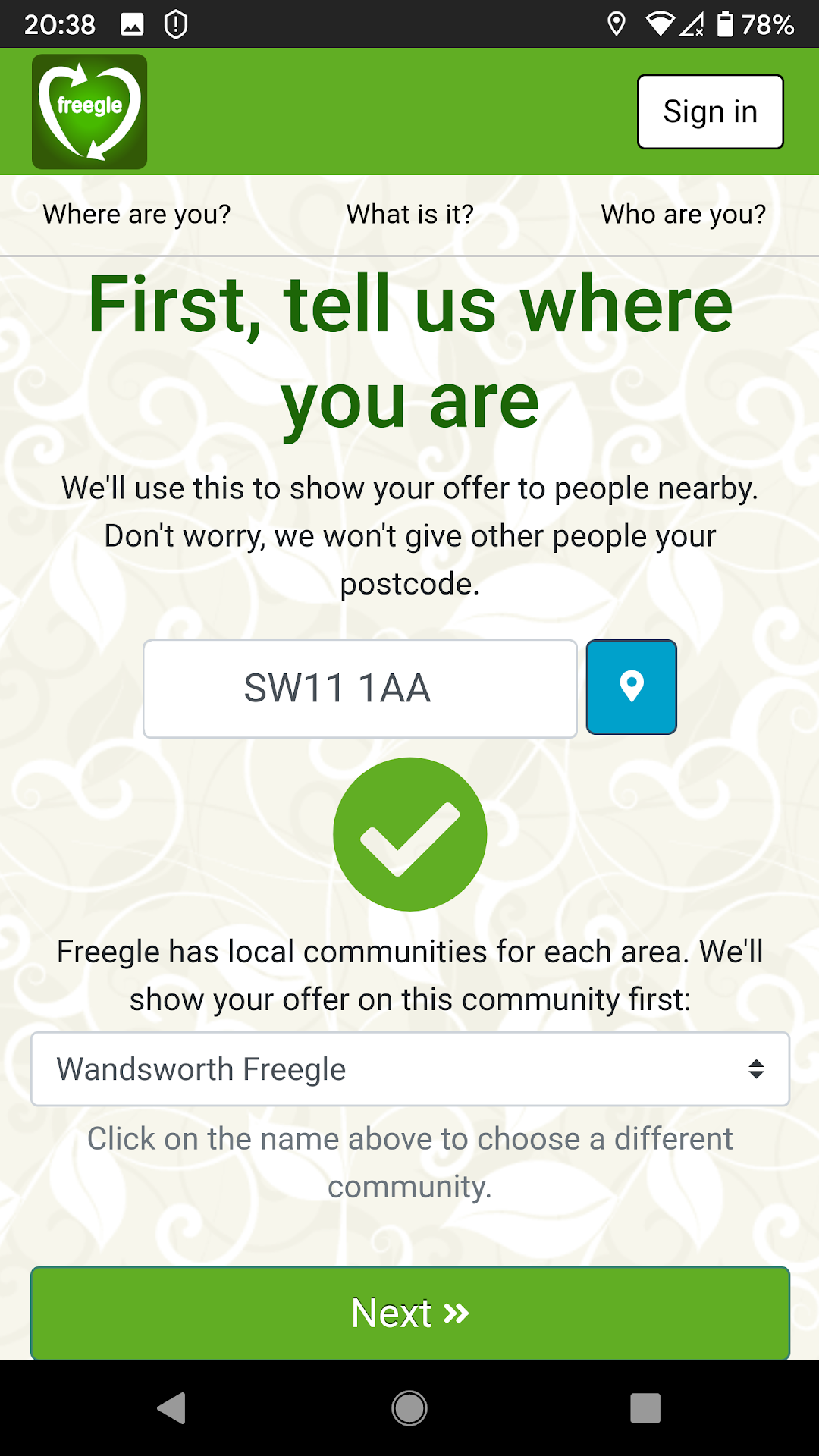
Freegle is a House&Home application developed by Freegle UK, but with the best Android emulator-LDPlayer, you can download and play Freegle on your computer.
Running Freegle on your computer allows you to browse clearly on a large screen, and controlling the application with a mouse and keyboard is much faster than using touchscreen, all while never having to worry about device battery issues.
With multi-instance and synchronization features, you can even run multiple applications and accounts on your PC.
And file sharing makes sharing images, videos, and files incredibly easy.
Download Freegle and run it on your PC. Enjoy the large screen and high-definition quality on your PC!
Don’t throw it away – give it away on Freegle!Offer and request free items on your local Freegle UK reuse community.
Use the app to join your local Freegle reuse community for free. Then use it to look at the items offered or requested by others - you can reply to ask for the item or offer something you have spare.
It's easy to offer an unwanted item that you want to get rid of along with a photo. Anyone interested will get back in touch by email - or you can respond in the app. Similarly, you can request something that you want and people will hopefully offer you it.
Everything must be free and legal. Some local communities have extra rules such as no pets.
Be safe and nice when making arrangements to meet - if you can't make it, say so immediately. Never pay courier fees for delivery - it is a scam.
Reusing items saves you money, clears your clutter, helps your neighbours, saves the world's resources and reduces the amount going to waste.