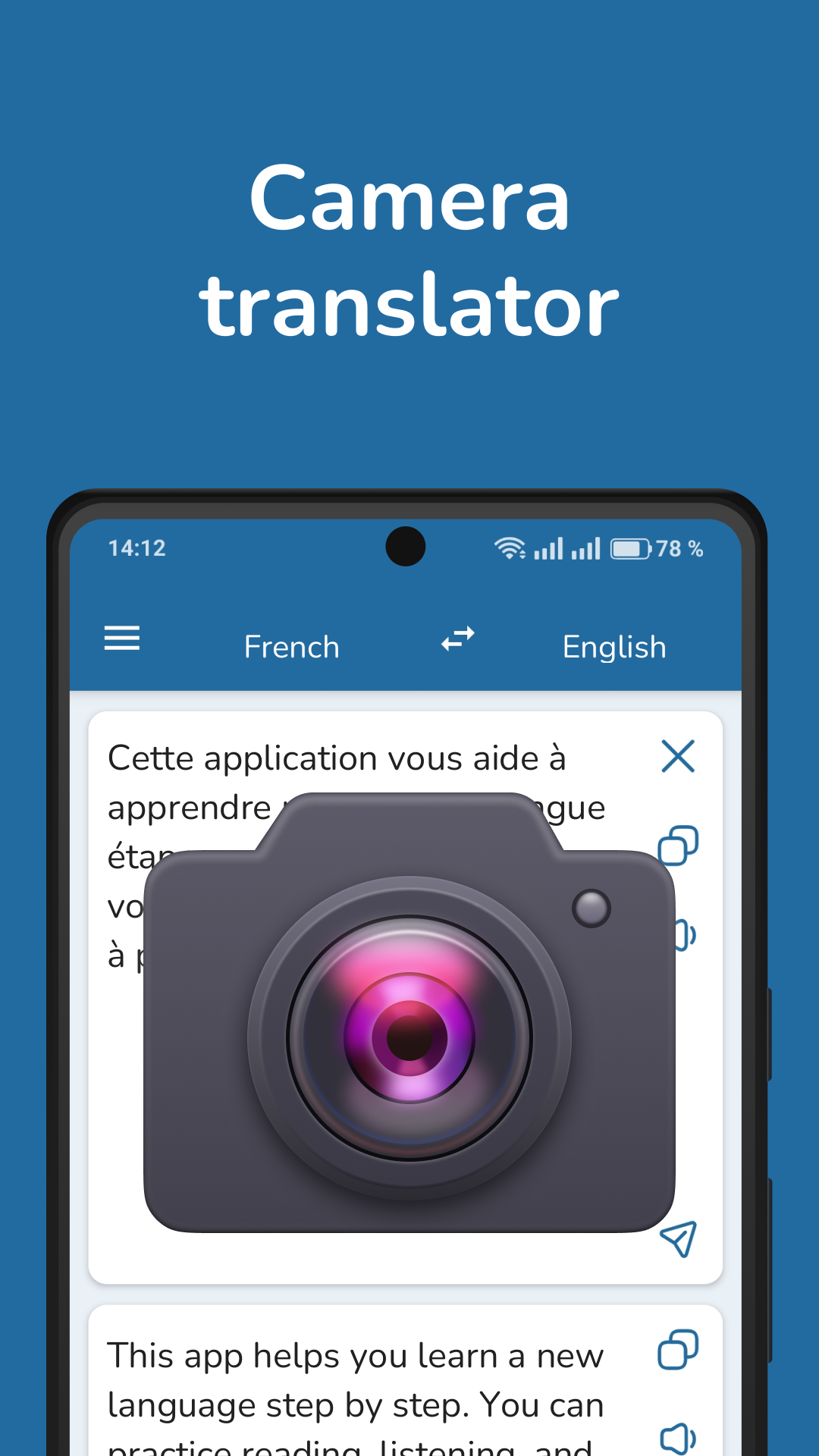
French English Translator is a Education application developed by Pro Languages, but with the best Android emulator-LDPlayer, you can download and play French English Translator on your computer.
Running French English Translator on your computer allows you to browse clearly on a large screen, and controlling the application with a mouse and keyboard is much faster than using touchscreen, all while never having to worry about device battery issues.
With multi-instance and synchronization features, you can even run multiple applications and accounts on your PC.
And file sharing makes sharing images, videos, and files incredibly easy.
Download French English Translator and run it on your PC. Enjoy the large screen and high-definition quality on your PC!
French-English Translator – Fast, Private, Offline. Now with Dark Mode!Translate between French and English instantly with a fast, accurate, and secure translator app. Ideal for students, travelers, language learners, and professionals. Now with support for dark mode for comfortable use in low light.
Key features:
- Fast and accurate translations between French and English
- Offline translation mode – no internet required
- Translate text from photos and images (OCR)
- Speech recognition
- Voice input and pronunciation for natural conversations
- Dark mode for reduced eye strain at night
- Clean and simple interface for easy use
- Private and secure – no translation history is saved
- English-French dictionary
This app uses advanced AI to understand the context and nuances of both French and English, helping you translate full sentences, documents, or casual speech with ease.
Whether you're learning English or French, traveling abroad, or working internationally, this translator app is your essential language tool.
Download now and communicate freely with one of the fastest and reliable French-English translators on Android.