PartyHero-Funny videos & Memes is a Entertainment application developed by UJOY TECHNOLOGY PTE.LTD., but with the best Android emulator-LDPlayer, you can download and play PartyHero-Funny videos & Memes on your computer.
Running PartyHero-Funny videos & Memes on your computer allows you to browse clearly on a large screen, and controlling the application with a mouse and keyboard is much faster than using touchscreen, all while never having to worry about device battery issues.
With multi-instance and synchronization features, you can even run multiple applications and accounts on your PC.
And file sharing makes sharing images, videos, and files incredibly easy.
Download PartyHero-Funny videos & Memes and run it on your PC. Enjoy the large screen and high-definition quality on your PC!
PartyHero is a social platform where you can meet new like-minded friends and express yourself freely. You can share your life‘s moments, discover new friends around the world, and see what’s new in a fast and easy way!Why PartyHero?
-Immersive experience and interesting content
Content includes humorous jokes, beauty dances, memes, pranks, creative performances, funny animals, music, variety shows, etc. - literally anything that will interest you!!
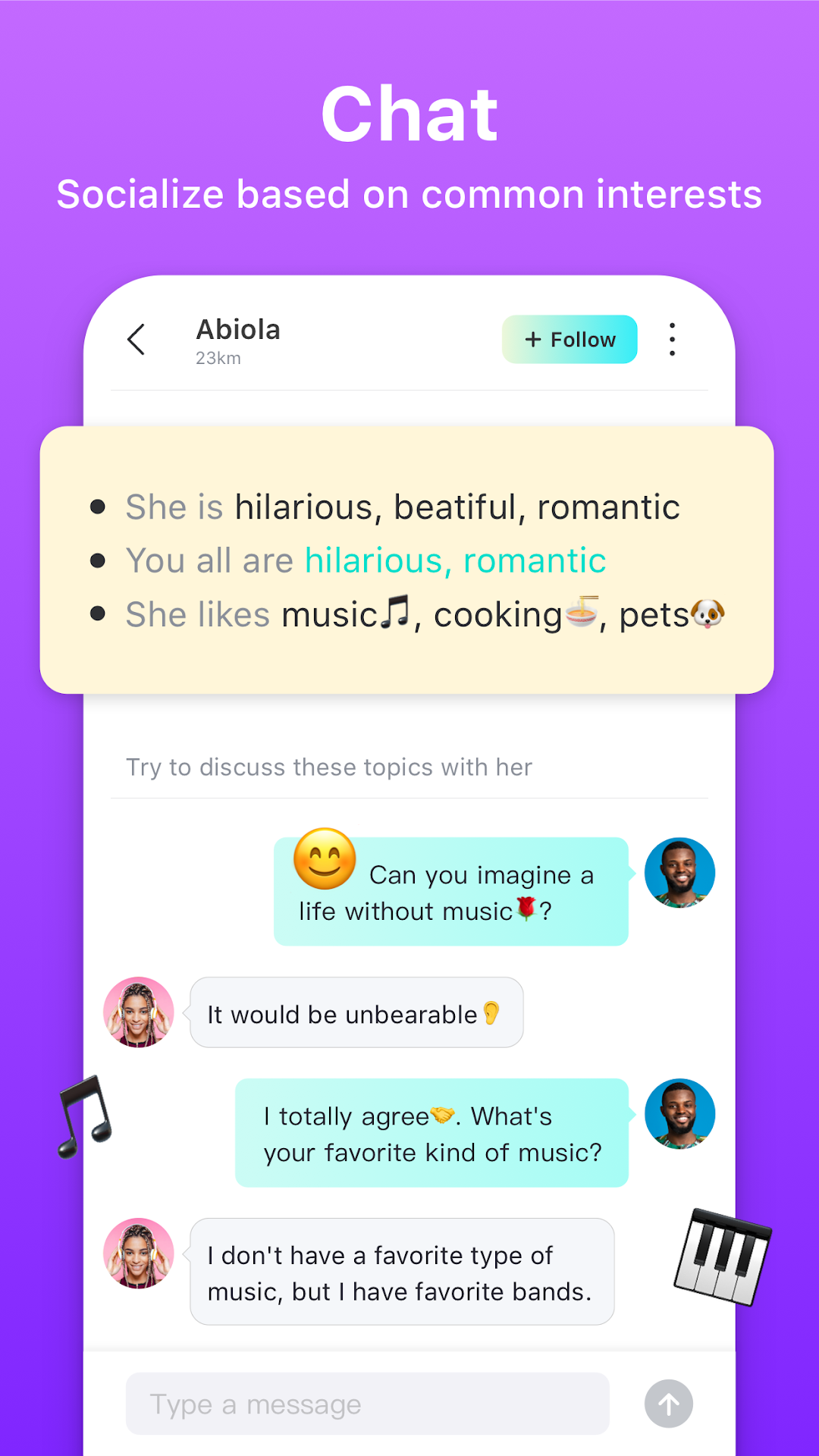
-Chat with like-minded people
PartyHero takes you to reach every corner of the globe online. Easily meet interesting people and find someone who shares your interests.
No more waiting! Download PartyHero now, enjoy the latest, richest and funniest content and chat with others!