
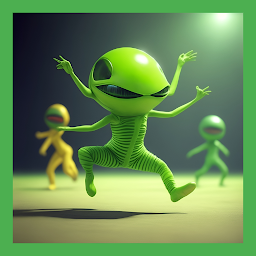


Funny Green Alien Dance is a Entertainment application developed by Burumbon, but with the best Android emulator-LDPlayer, you can download and play Funny Green Alien Dance on your computer.
Running Funny Green Alien Dance on your computer allows you to browse clearly on a large screen, and controlling the application with a mouse and keyboard is much faster than using touchscreen, all while never having to worry about device battery issues.
With multi-instance and synchronization features, you can even run multiple applications and accounts on your PC.
And file sharing makes sharing images, videos, and files incredibly easy.
Download Funny Green Alien Dance and run it on your PC. Enjoy the large screen and high-definition quality on your PC!
Have fun and spread smiles with Green Alien Dance.Hop on a spaceship, and dance with funny green aliens! Listen and move along with the beats. Be careful about asteroids though.
The green alien danced with mesmerizing grace, moving its body in fluid motions. Its limbs stretched and swayed, defying the laws of gravity. With each step, it seemed to glide effortlessly across the floor, leaving behind a trail of ethereal light. Spectators watched in awe as the alien's dance became a mesmerizing display of colors and shapes. It was a sight that transcended the boundaries of the known universe, captivating all who bore witness to its otherworldly performance.
Green alien dance dame tu cosita meme challenge.


