

FxPro: Trading & Investing is a Finance application developed by FXPRO GROUP LIMITED, but with the best Android emulator-LDPlayer, you can download and play FxPro: Trading & Investing on your computer.
Running FxPro: Trading & Investing on your computer allows you to browse clearly on a large screen, and controlling the application with a mouse and keyboard is much faster than using touchscreen, all while never having to worry about device battery issues.
With multi-instance and synchronization features, you can even run multiple applications and accounts on your PC.
And file sharing makes sharing images, videos, and files incredibly easy.
Download FxPro: Trading & Investing and run it on your PC. Enjoy the large screen and high-definition quality on your PC!
🧭 FxPro - The Reliable Brokers App for Smarter TradingStep into the markets with FxPro, a globally trusted brokers app offering advanced tools for both beginners and professionals. Build your strategy, track performance, and manage your assets on one secure, easy-to-use platform.
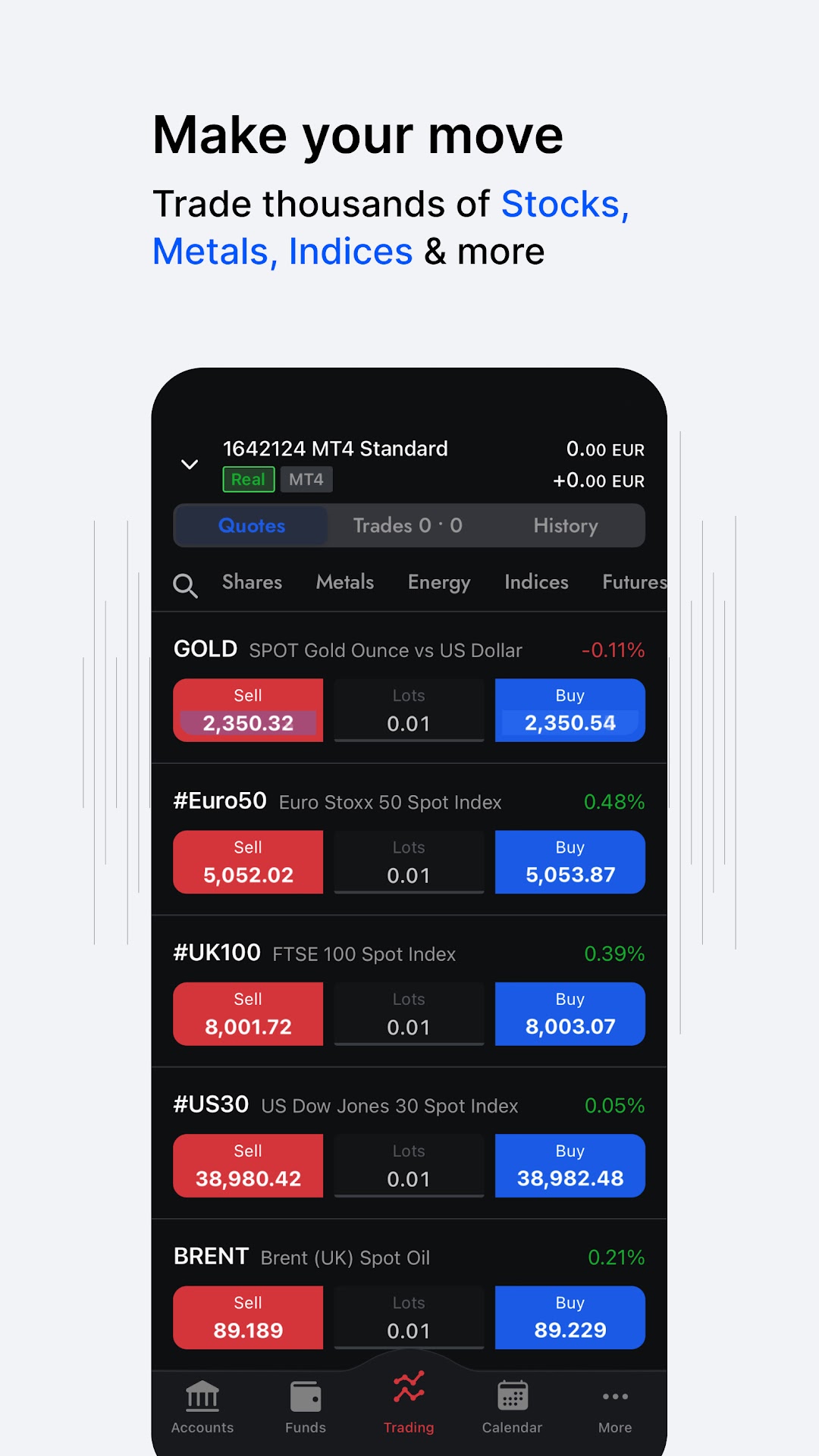
Test the market with a risk-free demo trading app, then transition seamlessly to real-time trading with access to over 2,100 instruments - from global stocks to metals, futures, and more.
💼 Key Trading Options:
✅ Trade metals, including gold via our dedicated gold trading app
✅ Follow the global economy through etf trading and major indices
✅ Access US, UK & EU equities via our intuitive shares trading app
✅ Diversify with futures, commodities, and energy markets
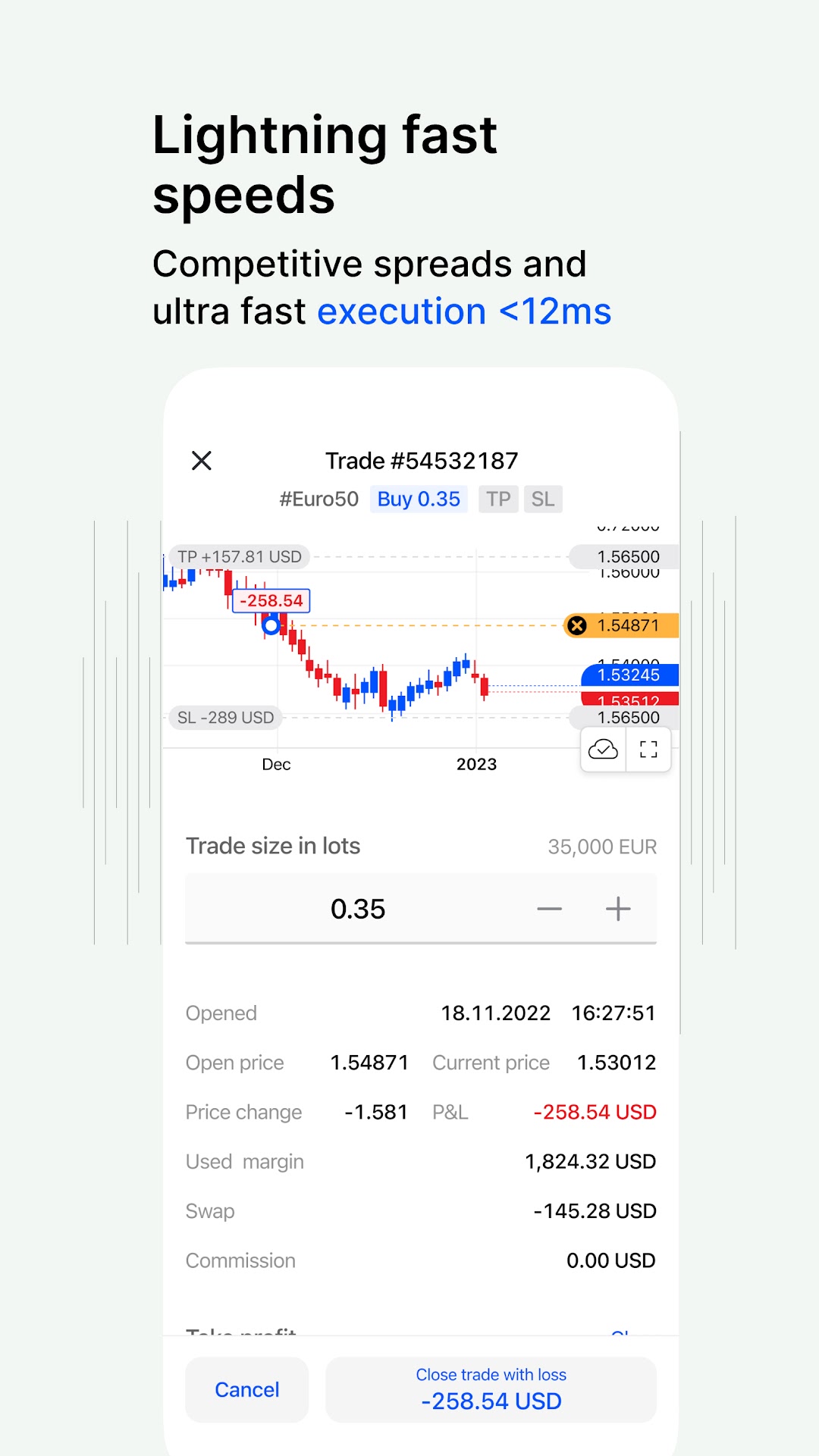
✅ Explore fast, reliable stock trading options with top execution speed
⚙️ Professional Features:
➤ Real-time market news and insights
➤ Built-in economic calendar
➤ One-tap trade execution with smart risk management tools
➤ Custom charts and full-screen TradingView integration
➤ Multi-language support & responsive 24/5 customer service
➤ Zero deposit/withdrawal fees
➤ Wallet system for safe internal transfers
Whether you're aiming to trade gold, expand your stock trading portfolio, or learn via our demo trading app, FxPro offers the flexibility and control every trader needs.
🏅 Why FxPro?
Over 25 years of experience in global markets
Winner of 120+ international awards
Voted Best Mobile Trading App Global
Trusted by traders across 170+ countries
📲 Get Started Now
Download the FxPro app and start using our award-winning brokers app today. Trade smarter, with confidence.
Got Questions?
Visit FxPro.com for more information about our offerings, where we also have 24/5 LiveChat available.
Email: mobilehelp@fxpro.com
Trade responsibly: capital is at risk
FxPro Global Markets Ltd is authorised and regulated by the SCB (license no. SIA-F184). The address is Lyford Manor, Western Road, Lyford Cay, New Providence, N7776, The Bahamas.