Gacha Life Gotcha Club is a Personalization application developed by LakerOne, but with the best Android emulator-LDPlayer, you can download and play Gacha Life Gotcha Club on your computer.
Running Gacha Life Gotcha Club on your computer allows you to browse clearly on a large screen, and controlling the application with a mouse and keyboard is much faster than using touchscreen, all while never having to worry about device battery issues.
With multi-instance and synchronization features, you can even run multiple applications and accounts on your PC.
And file sharing makes sharing images, videos, and files incredibly easy.
Download Gacha Life Gotcha Club and run it on your PC. Enjoy the large screen and high-definition quality on your PC!
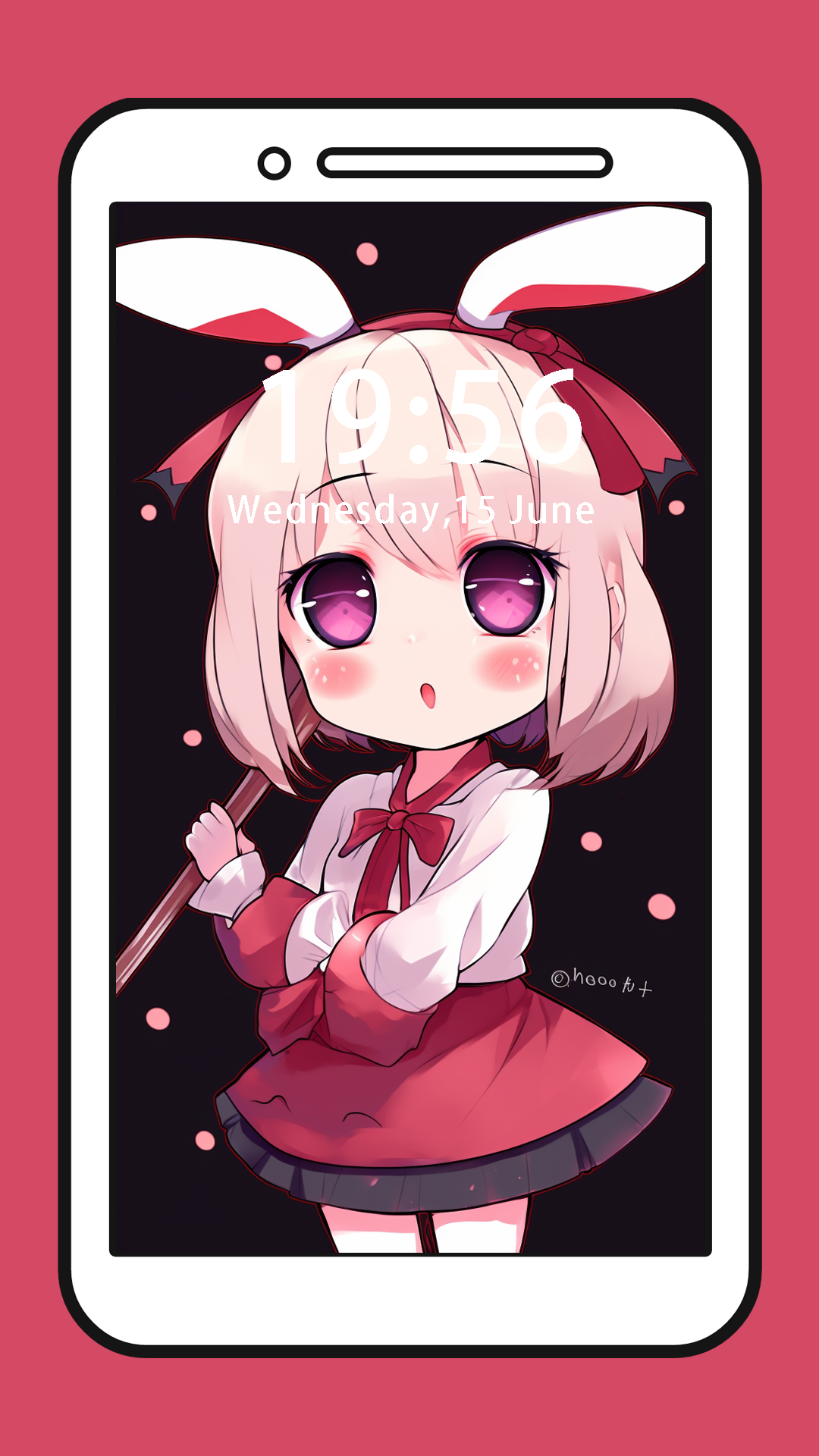
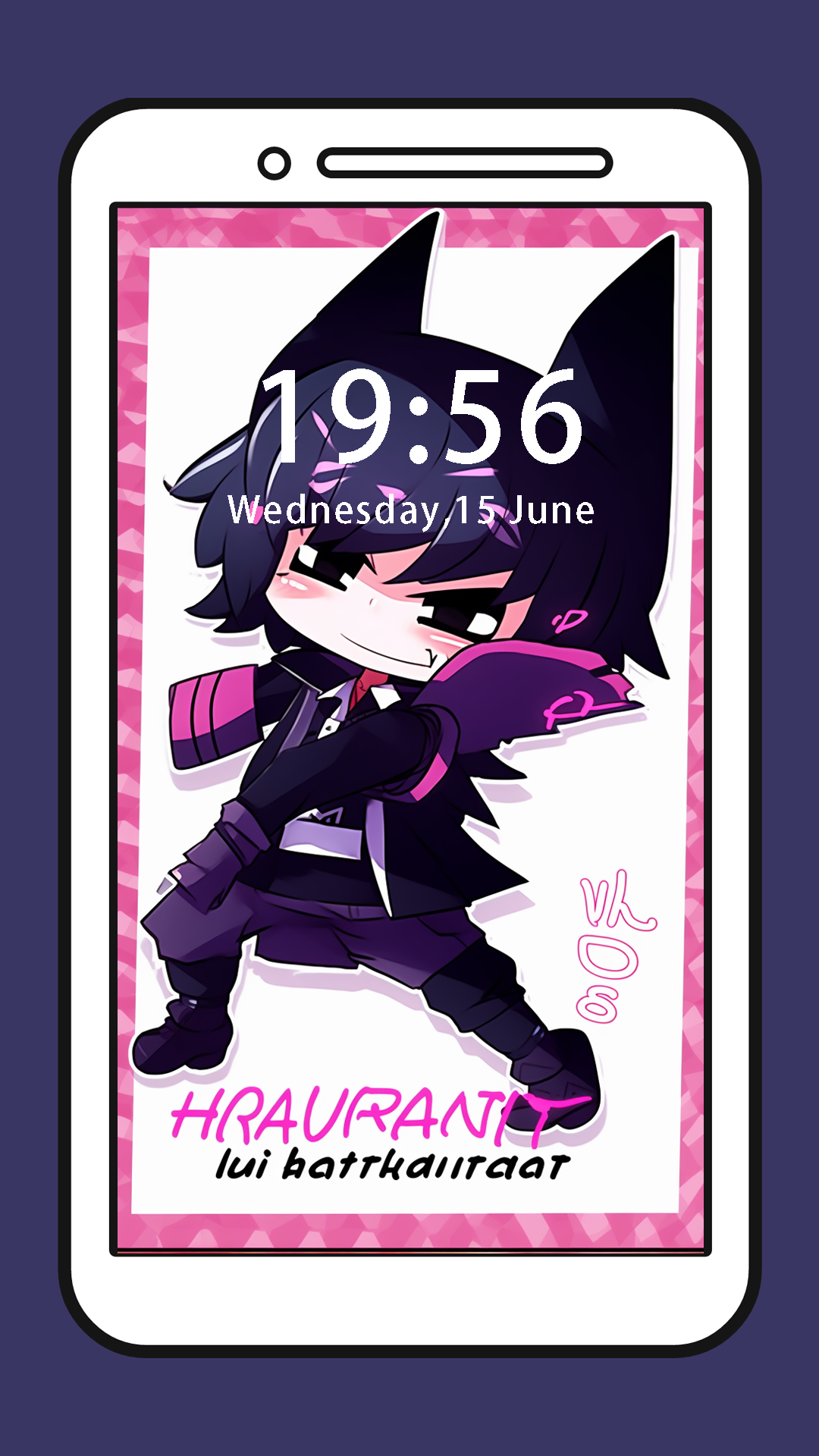
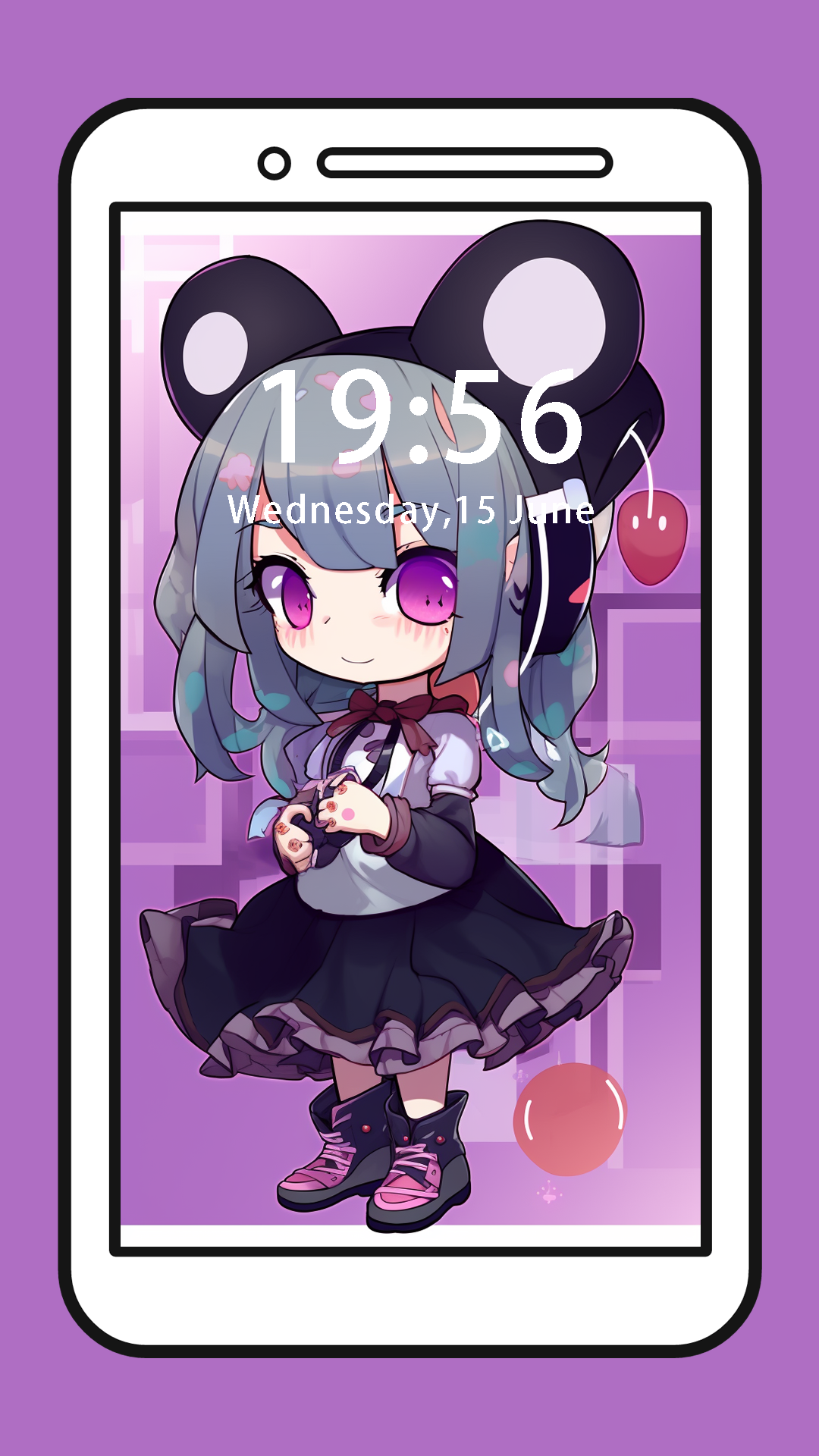
This is a 4K HD wallpaper application with the theme of gacha club. It has created nearly a thousand pictures of game characters and uses a ratio of 9:16 to adapt to most mobile phone wallpapers.By now, you may be familiar with its prequel, Gacha Life. However, Gacha Club also includes a battle mode where you can fight your enemies with more than 180 possible units.
In Gach Club you have absolute control over the creation of your characters using the incredible editor that gives you enormous freedom. You can customize lunime your character's skin tone, face shape, hair, eyes, facial expression, etc. The level of detail is incredible, and that's not even taking into account the different clothes and accessories you can choose from. But that's not all, there are also pets and more than 600 different poses available.
the best thing about Gotcha star is that you can introduce a Narrator that allows you to create different scenes as if you were in front of a comic book starring your heroes.
You can definitely find your favorite characters in gocha gacah wallpaper, quickly set them as wallpapers, and be with you.