Game Booster Pro is a Tools application developed by Arytan Technologies, but with the best Android emulator-LDPlayer, you can download and play Game Booster Pro on your computer.
Running Game Booster Pro on your computer allows you to browse clearly on a large screen, and controlling the application with a mouse and keyboard is much faster than using touchscreen, all while never having to worry about device battery issues.
With multi-instance and synchronization features, you can even run multiple applications and accounts on your PC.
And file sharing makes sharing images, videos, and files incredibly easy.
Download Game Booster Pro and run it on your PC. Enjoy the large screen and high-definition quality on your PC!
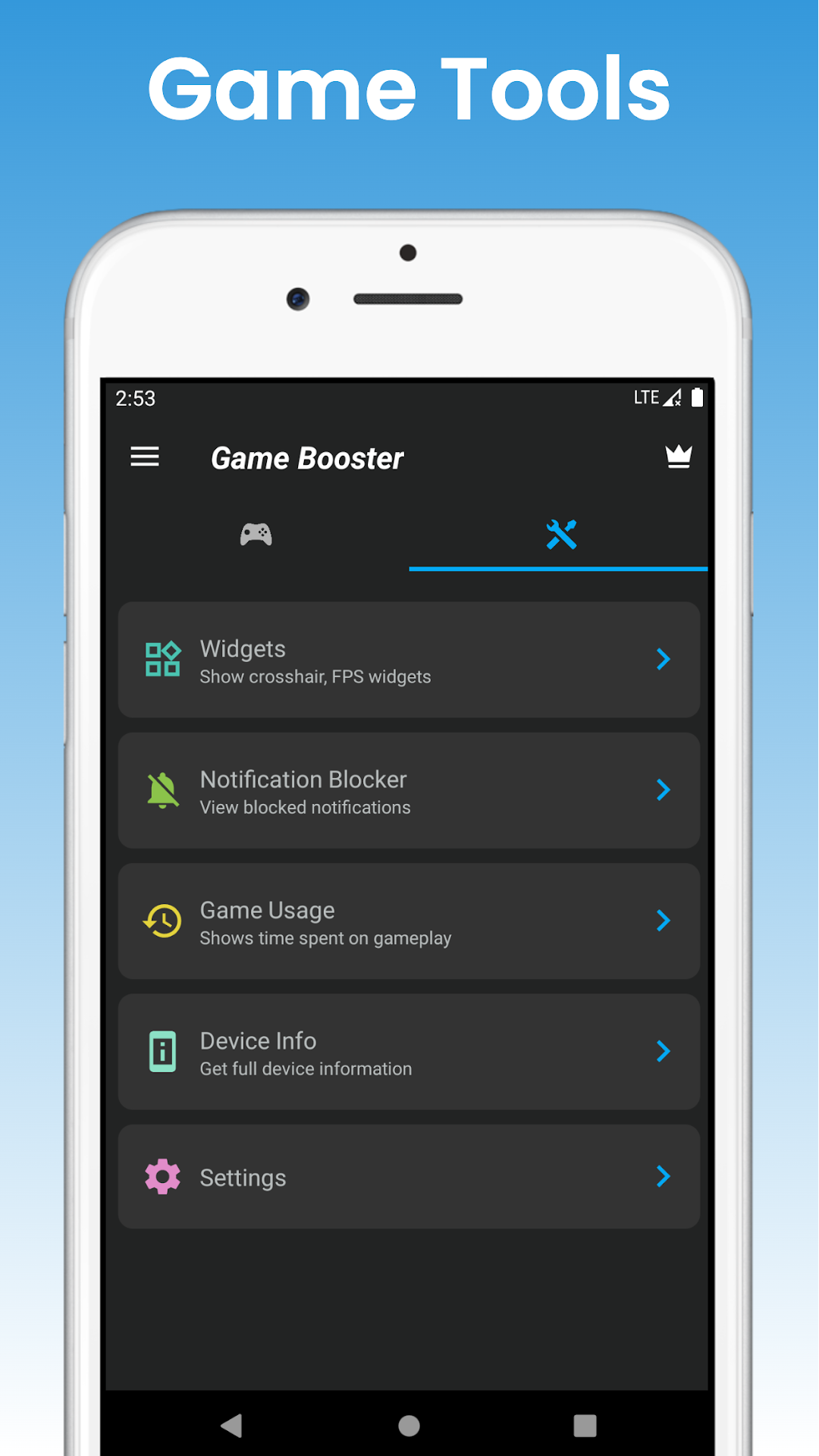
The Game Booster Pro app organizes all your favourite games in one place. It allows you to launch your favourite games from within the app. It comes with various tools that help you to play the game uninterruptedly, show time spent on gameplay and provide Crosshair and FPS widgets that improve your gaming accuracy.Features:
Game Launcher: You can add and manage all your favourite games on the home screen using the "Add Games" button.
Notification Blocker: This allows you to play games without interruption and does not show any notification popup during gameplay.
Game Usage: Provides access to game usage history and statistics.
Crosshair Widget: It draws a crosshair widget on the screen, improving your aiming accuracy.
FPS Widget: It shows real-time display frames per second (FPS) at the top right of the screen. Values may not always be correct.
Device Info: This feature provides an easy way to view all the device information.
Settings: Provides you with audio and brightness options.
Note
Using this app you can organize all your games and launch your games quickly from one place. This app is not a game accelerator and doesn't promise that.