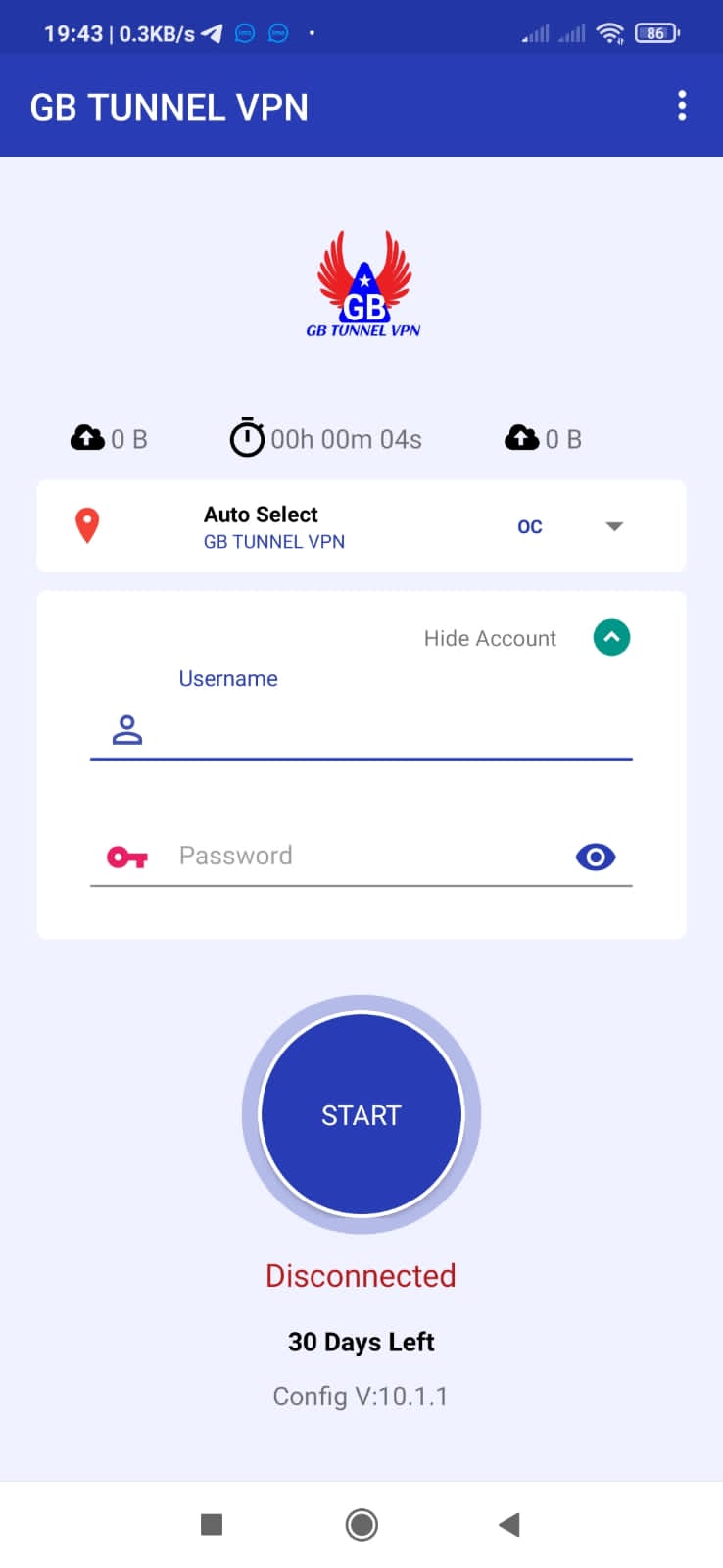
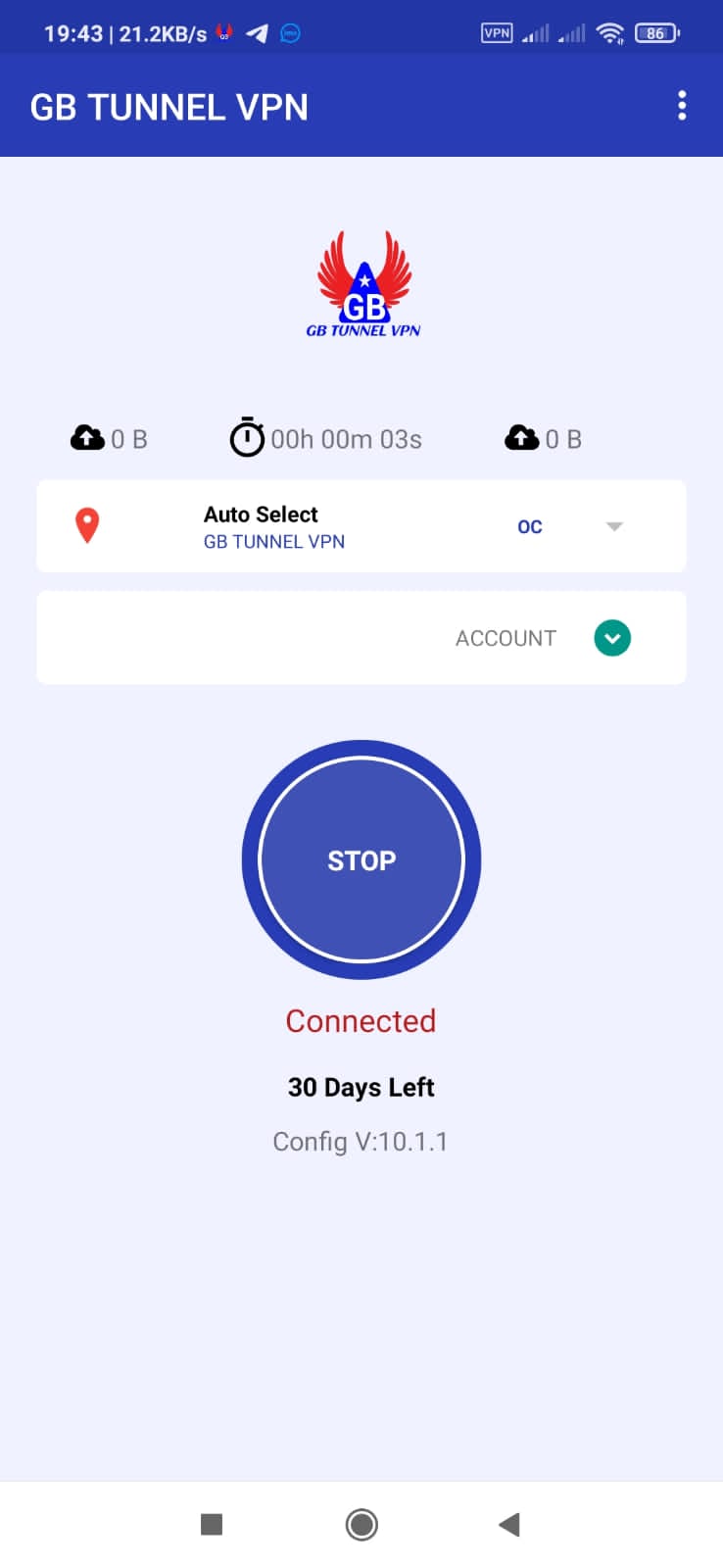
GB TUNNEL VPN - Fast & Secure is a Tools application developed by Mb Devoleper Team, but with the best Android emulator-LDPlayer, you can download and play GB TUNNEL VPN - Fast & Secure on your computer.
Running GB TUNNEL VPN - Fast & Secure on your computer allows you to browse clearly on a large screen, and controlling the application with a mouse and keyboard is much faster than using touchscreen, all while never having to worry about device battery issues.
With multi-instance and synchronization features, you can even run multiple applications and accounts on your PC.
And file sharing makes sharing images, videos, and files incredibly easy.
Download GB TUNNEL VPN - Fast & Secure and run it on your PC. Enjoy the large screen and high-definition quality on your PC!
GB Tunnel VPN is a virtual private network service that offers secure and anonymous internet browsing. It encrypts internet traffic, making it impossible for hackers, ISPs, or government agencies to intercept or monitor your online activities. GB Tunnel VPN has servers in multiple locations, providing access to geo-restricted content and allowing users to bypass censorship. It supports a wide range of devices and platforms and offers fast speeds and unlimited bandwidth. GB Tunnel VPN also has a strict no-logging policy, ensuring user privacy and security.The vpn works with Wi-Fi, 5G, LTE/4G,3G, and all mobile data carriers.
For any issue please contact support: mbnetworkbd@gmail.com