

Run GBWhatsApp on PC
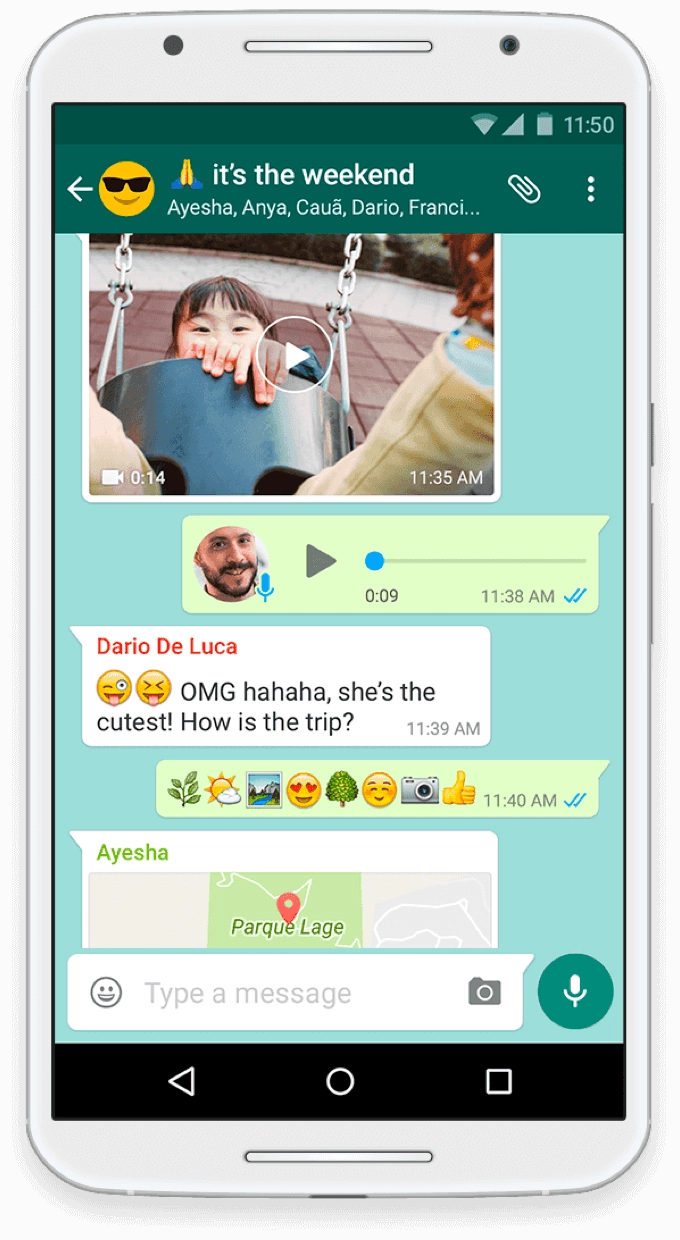
GBWhatsApp is a derived version from the original app which comes as a fully customized version, and it is known as the modified version of the same WhatsApp. This is the ideal app for those looking for a method to use two WhatsApp accounts from the same device, and it has been made with the inspiration of the WhatsApp Plus mod, which the creators now discontinue. The best emulator: LDPlayer 9 can give you ideal features for enjoying this GBWhatsApp with better settings.
Hidden Online Status. More Media Sharing and Many More Extended Features
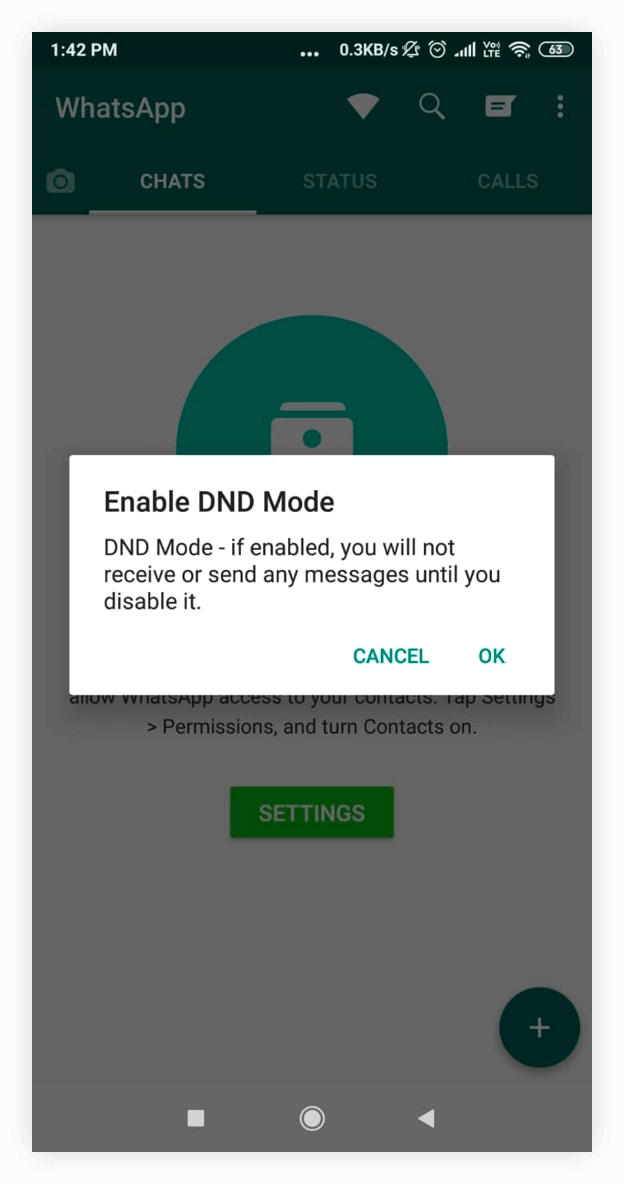
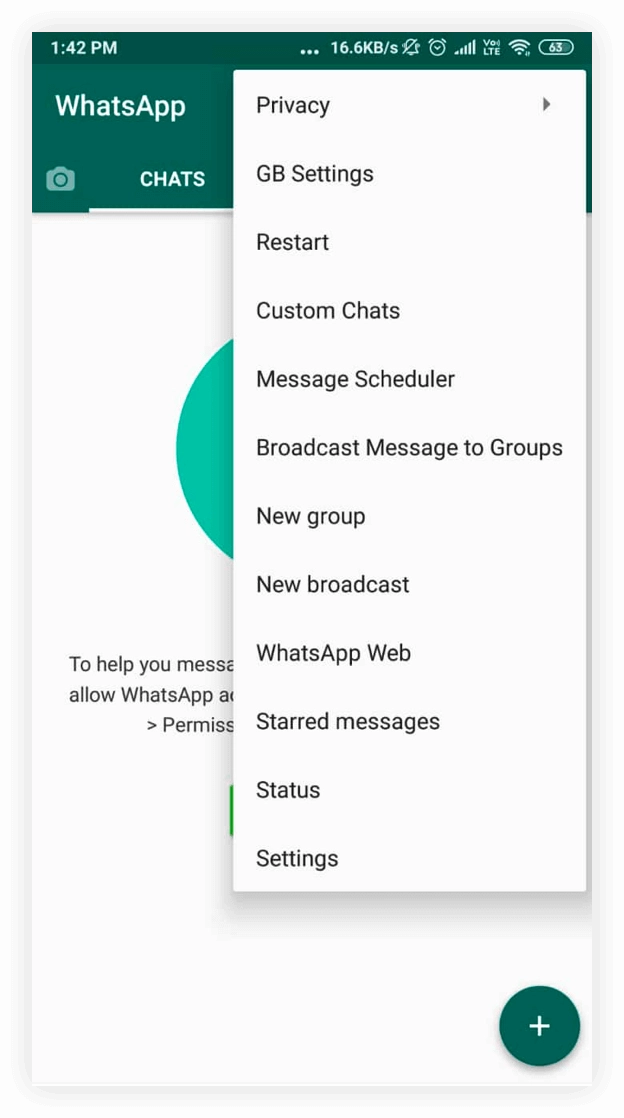
GBWhatsApp offers many more superior features you cannot take from the original WhatsApp app, which will be ideal for those who want to be invisible to others. Even if you are online, you can hide your online status here, and there is also a 200MB maximum media sharing allowed for the users. It is also customizable as per the user's needs because GBWhatsApp supports themes.
If you have more concerns over your security, GBWhatsApp provides security at a better level because this app can be used with a security lock. It makes you put an auto-reply, and even you are allowed to increase the limit for forwarding as well as for image sharing here.
Access with More Devices on a Huge Screen
If you want to use GBWhatsApp while you are working, there is no need to check your phone continuously. Now, you are allowed to use the app from your PC. LDPlayer 9 is going to give you this chance, and you no longer need to use two devices. While working, use GBWhatsApp on your PC on a bigger screen with better settings today.