GCE A Level Past Papers is a Education application developed by Momoola Media, but with the best Android emulator-LDPlayer, you can download and play GCE A Level Past Papers on your computer.
Running GCE A Level Past Papers on your computer allows you to browse clearly on a large screen, and controlling the application with a mouse and keyboard is much faster than using touchscreen, all while never having to worry about device battery issues.
With multi-instance and synchronization features, you can even run multiple applications and accounts on your PC.
And file sharing makes sharing images, videos, and files incredibly easy.
Download GCE A Level Past Papers and run it on your PC. Enjoy the large screen and high-definition quality on your PC!
The A Level Past Papers app for students is one of the most effective educational apps for Exam. Past Papers from 2000 to 2023 that a student will be tested on. It is particular helpful for managing study time and increasing your marks.Disclaimer:
This app is not affiliated with any government organization, agency, or authority. Please be advised that it is provided for informational purposes only. Source for government information can be found at https://camgceb.org/
We collected past exam papers, books, guides and teacher guides from the inter webs, allowing you to view them by Trending, Latest, Years, Topics, Subject wise or by Recommendations.
As a student, you're responsible for keeping track of test dates, quizzes, homework assignments, and final exams. On top of that, maybe you partake in after-school activities and sports. This makes it even harder for you to keep track of due dates and tests.
If you feel that you're sinking in a pile of assignments, you need to add some organization to your life. The A Level Past Papers Material study planner app can help you set times to study and remind you of upcoming exams so you're not caught off-guard.
Here are some of the amazing features you get with the GCE A Level Past Papers app features.
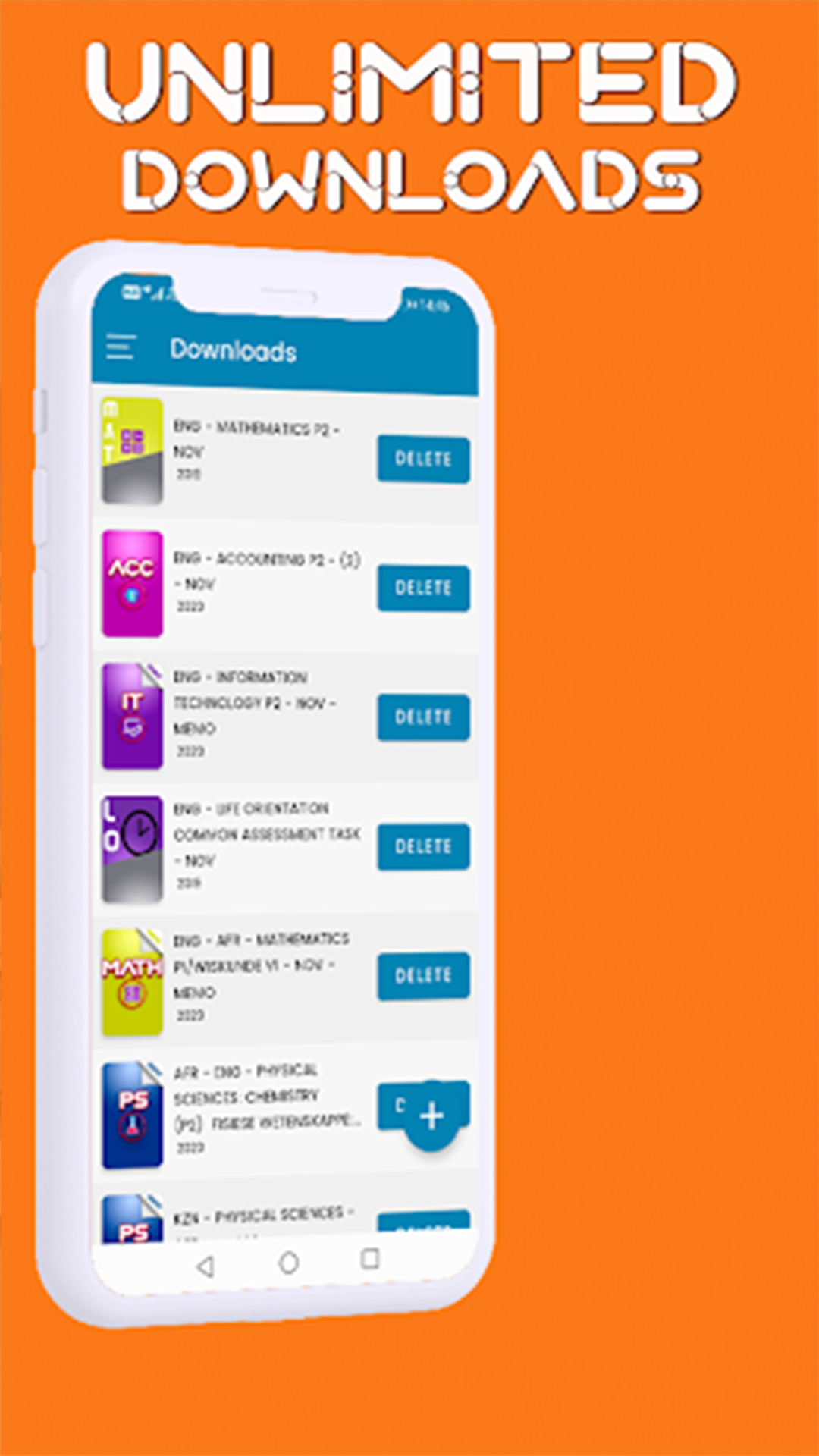
+ DOWNLOADS
Download from the largest collection of Past Papers app for A Level students . One location for all Education Examination past papers, Time Tables free and unlimited for offline viewing.
+ TIMETABLE
Class Timetable is an incredibly minimal and to-the-point timetable feature. You can add classes and can even assign colors to each subject for better visual interpretation. You can add subjects and assign teachers to each of them. These subjects can then be added to a five day weekly or seven day weekly schedule.
+ STUDY GUIDES
Topic and Subject wise study guides contain many problem-solving exercises. The reason for this is that learners can improve their understanding of concepts if given the opportunity to answer thought provoking questions and grapple with problem-solving exercises both in class, as classwork activities and outside the classroom as homework activities.
+ REMINDERS
Reminder is one of the best student planner features that allows you to manage your daily tasks. Whether you are looking for something to help you stay on top of your deadlines, share your lists with someone else, or plan your day to day activities, this feature is for you.
+ NOTES
Notes is a lightweight tool that allows you to digitally record information on your device instead of writing it on paper. Simple and easy to organize essential information for your subjects and store it for quick access.
+ SUBJECTS
1. English Literature
2.Science
3. Information and Communication Technologies
4. Business Mathematics
5 .Chemistry
6. Mathematics
7. Computer Studies
8. Citizenship Education
8. Geography
9. Physics
10.Additional Mathematics
11.Syllabus
12.Food and Nutrition
13.French
14.Commerece
15.Electrical Technology
16.Engineering Science
17.Economics
18.Human Biology
19.Philosophy
20.History
21.English
22.Human Biology
23.Applications of Mathematics
24.Accounting