Google TV is a Video Players&Editors application developed by Google LLC, but with the best Android emulator-LDPlayer, you can download and play Google TV on your computer.
Running Google TV on your computer allows you to browse clearly on a large screen, and controlling the application with a mouse and keyboard is much faster than using touchscreen, all while never having to worry about device battery issues.
With multi-instance and synchronization features, you can even run multiple applications and accounts on your PC.
And file sharing makes sharing images, videos, and files incredibly easy.
Download Google TV and run it on your PC. Enjoy the large screen and high-definition quality on your PC!
Google TV, previously Play Movies & TV, makes it easy to find and enjoy the entertainment you love in one place. With Google TV, you'll be able to:Find what to watch next
Browse 700,000+ movies and TV episodes from across your streaming apps, all in one place and organized into topics and genres. Discover new things with recommendations based on what you love and what’s trending across the services you already have access to. Search for titles to see which streaming apps offer them.
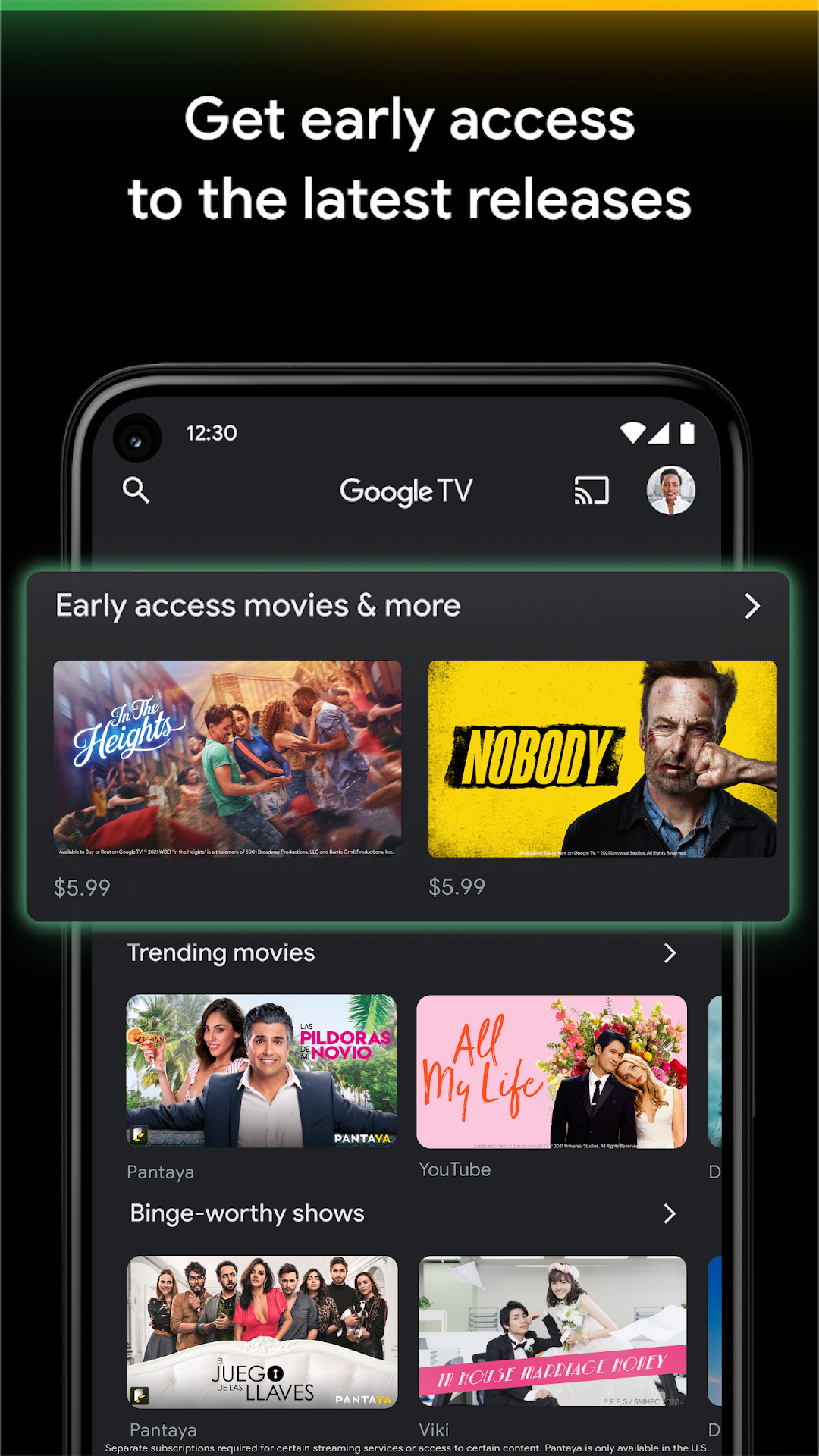
See the latest releases
Buy or rent the newest movies and shows right in the Shop tab. Purchases are stored in your Library and can be downloaded to watch when you're not connected. Watch instantly on your laptop, Android phone or tablet, or on your TV with Google TV or on Play Movies & TV where available.
One list for all your discoveries
Add interesting shows and movies to your Watchlist to keep track of your new discoveries and view them later. The Watchlist is shared between all your devices, so you can even add to your Watchlist from your TV or phone and laptop through Search on any browser.
Use your phone as your remote
With a remote built right into the app, you can find something great to watch even when the couch has eaten your remote. And you can use your phone’s keyboard to quickly type complicated passwords, movie names or search terms on your Google TV or other Android TV OS device.
Pantaya is a service only available in the US.
Separate subscriptions required for certain streaming services or access to certain content.