

GPS Fake Running is a Tools application developed by Banana Studio, but with the best Android emulator-LDPlayer, you can download and play GPS Fake Running on your computer.
Running GPS Fake Running on your computer allows you to browse clearly on a large screen, and controlling the application with a mouse and keyboard is much faster than using touchscreen, all while never having to worry about device battery issues.
With multi-instance and synchronization features, you can even run multiple applications and accounts on your PC.
And file sharing makes sharing images, videos, and files incredibly easy.
Download GPS Fake Running and run it on your PC. Enjoy the large screen and high-definition quality on your PC!
Fake GPS Running supports faking GPS of a location or real-time moving location. You can control the movement in real-time using a floating joystick view on screen.User must enable device GPS
Please set Location mode in System Settings to GPS Only before using function
Features:
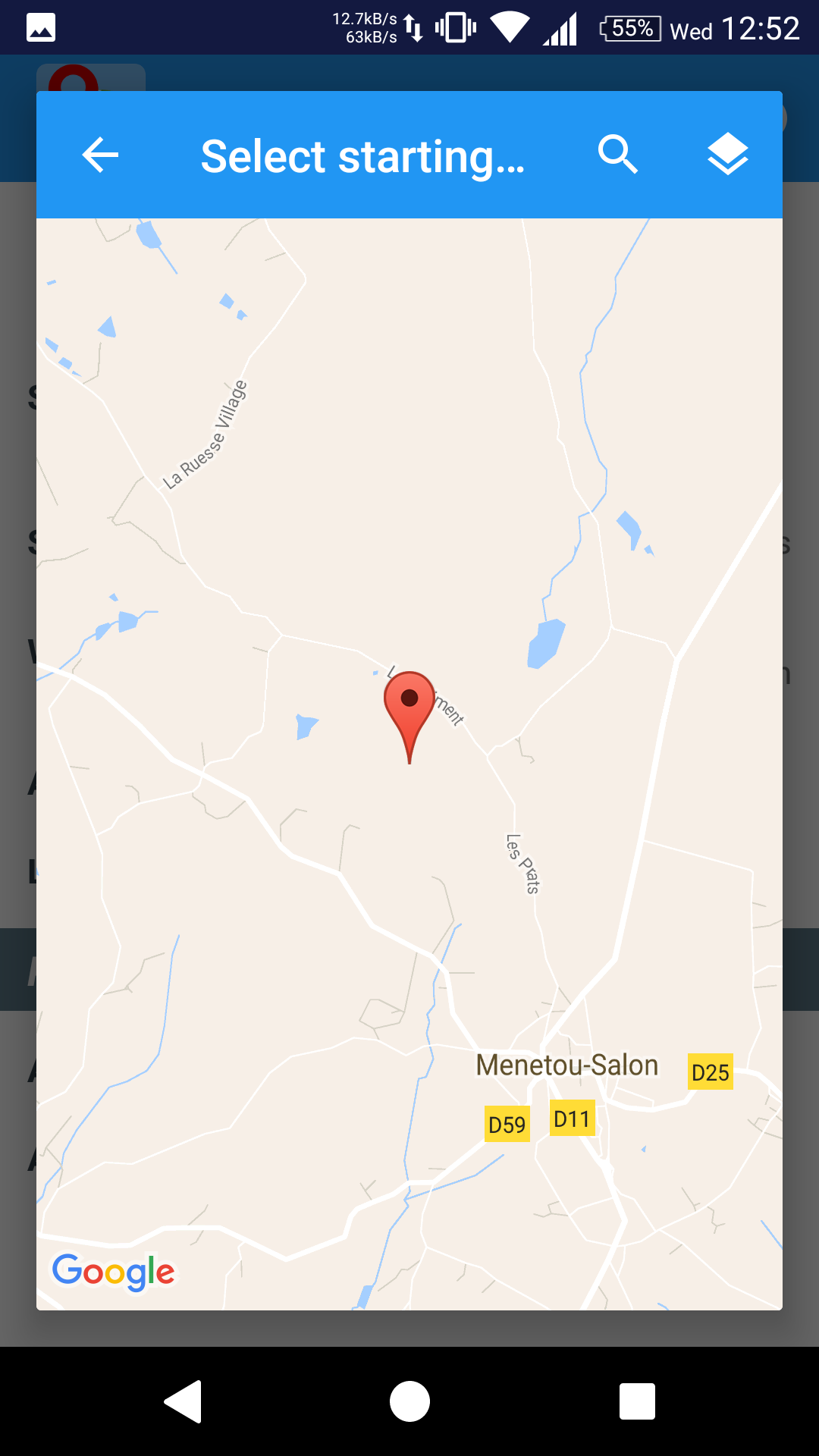
* Fake GPS of a location: You just need to set starting location then run the Joystick controller
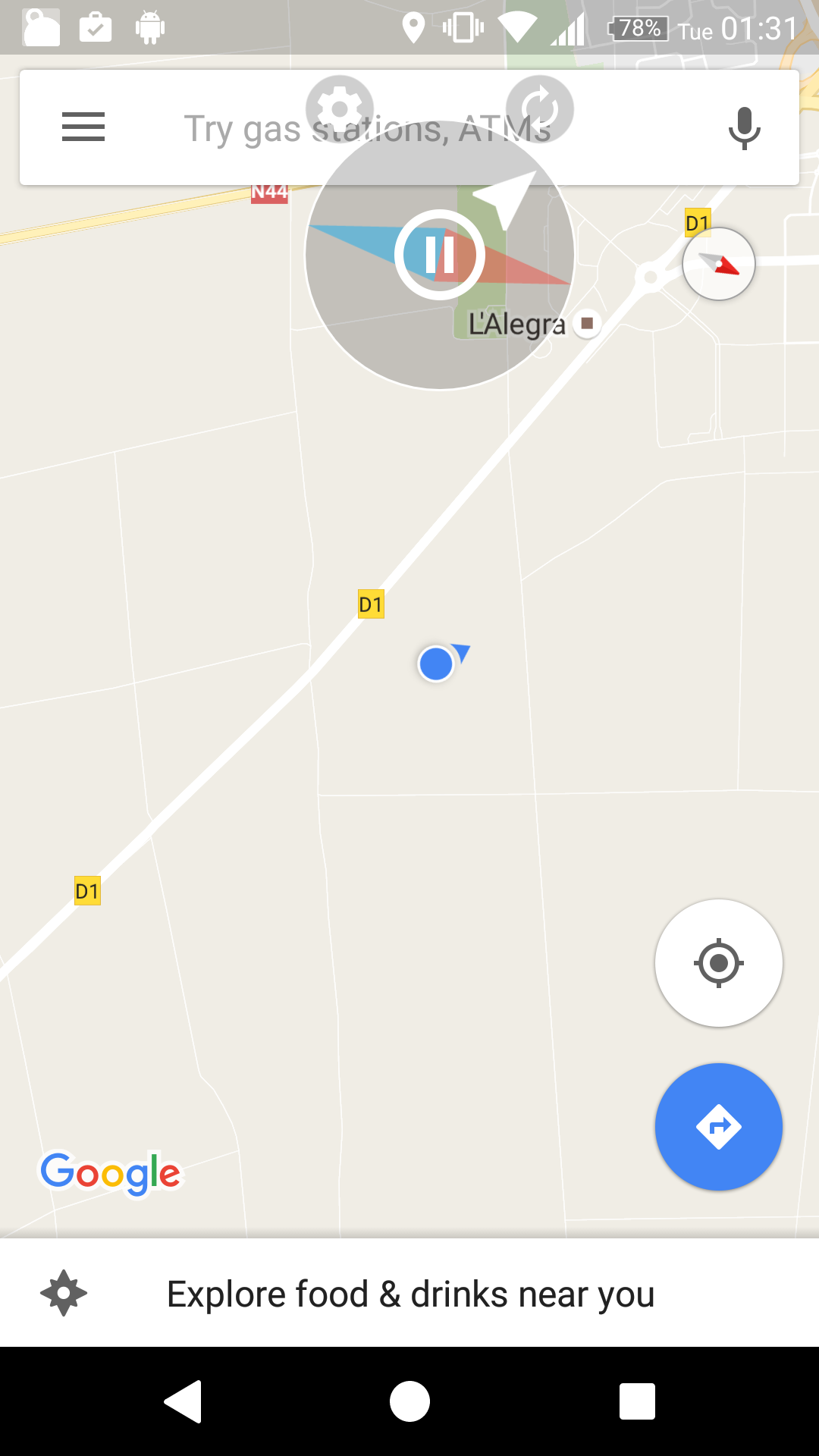
* Fake GPS of real-time moving location: On Joystick controller you can control go/stop and direction of the movement
* Control movement in real-time using a floating Joystick controller view
* Set the starting faked location
* Set the altitude of location
* Set the speed of movement
* Options for compass activation/inactivation
* Save last faked location
* Options for auto-running with Android startup: The Joystick controller> will auto-start when your phone starts
If you're facing any problem, want new feature or have feedback to improve this application, don't hesitate to send it to us via the support email: support@xnano.net