

Happy Bob is a Medical application developed by Harald AI Oy, but with the best Android emulator-LDPlayer, you can download and play Happy Bob on your computer.
Running Happy Bob on your computer allows you to browse clearly on a large screen, and controlling the application with a mouse and keyboard is much faster than using touchscreen, all while never having to worry about device battery issues.
With multi-instance and synchronization features, you can even run multiple applications and accounts on your PC.
And file sharing makes sharing images, videos, and files incredibly easy.
Download Happy Bob and run it on your PC. Enjoy the large screen and high-definition quality on your PC!
Feel better about your diabetes! Happy Bob is your personal, free digital health companion that connects with your real-time Dexcom data, supporting Dexcom G7, Dexcom G6 and Dexcom ONE+ sensors . With Happy Bob you can achieve better glycemic control while reducing the stress that comes with diabetes data overload. Follow your real-time glucose values, get fun messages, connect with diabuddies and collect stars to achieve your daily target.Designed by people with diabetes, Happy Bob helps you to feel like a person, not a patient, making your daily life with diabetes a bit less stressful.
Why Happy Bob?
• Happy Bob makes you feel better about your diabetes! Your glucose values are delivered with fun, personalized messages that reduce the stress of diabetes data overload.
• Set a goal and track your progress! Happy Bob shows your glucose values as stars you can collect to achieve your daily star target. Every morning you’ll get a message that tells how many stars you collected the previous day and if you achieved your target.
• Create a group and get support from your diabuddies! Share your glucose values, daily stars and personal updates with your own community.
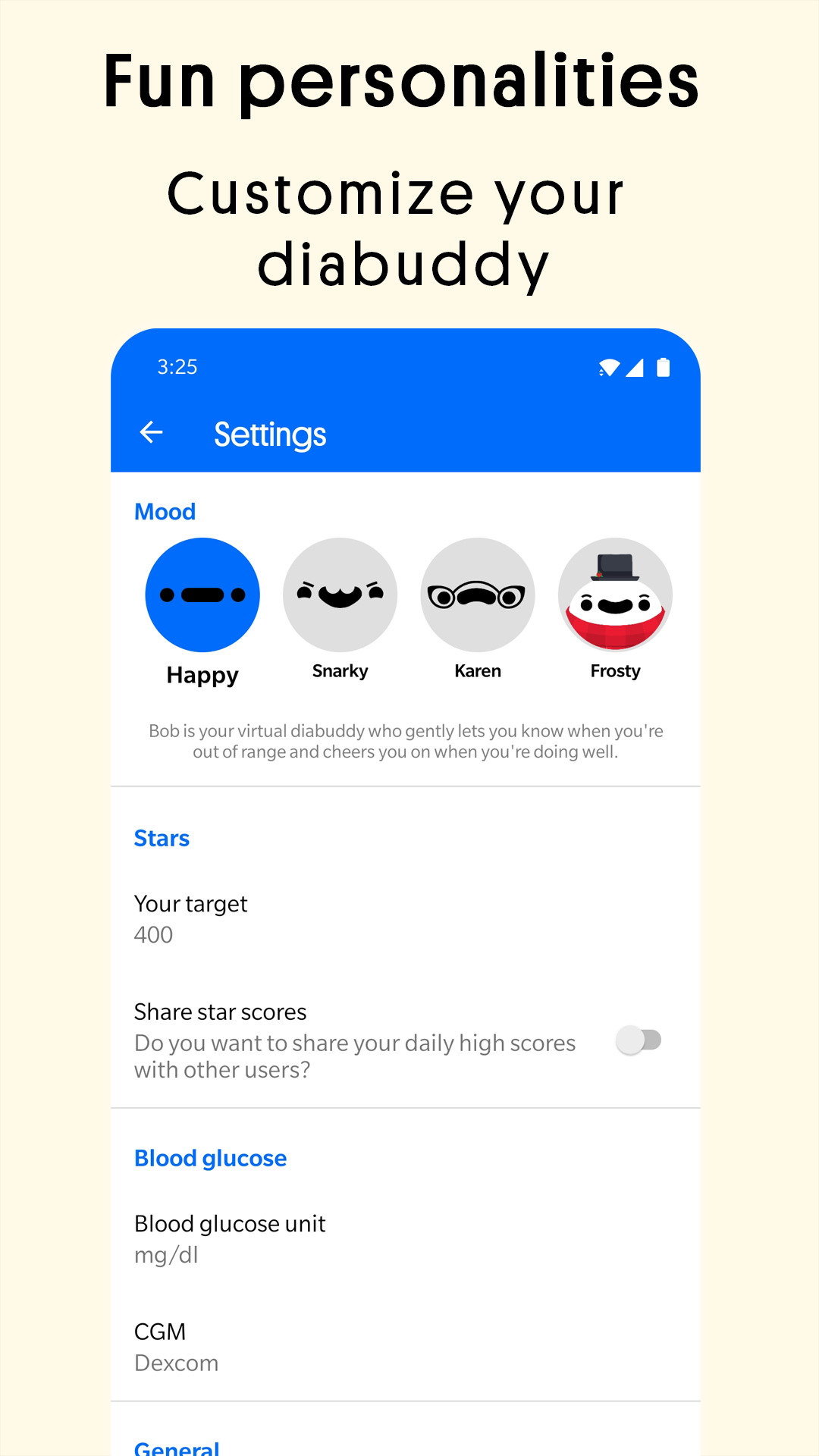
If you like Happy Bob, try Happy Bob Premium for 7 days free! Get access to multiple mood options, regular mood updates, in-app statistics and desktop Dashboard that collects your diabetes data in a simple and easy format.
Who is this for?
• People navigating Type 1, Type 2, Gestational and Pre-diabetes
• Caregivers for people with diabetes
• Healthcare providers
• Diabetes advocacy organizations
Subscription:
Free trial of 7 days with monthly and yearly subscription.
Subscribe for unlimited access to updates and improvements, including additional moods. Subscriptions are annual and monthly. Prices vary in different countries. Payment will be charged to Google Play account.
The user may manage subscription and turn off auto-renewal by going to the user’s Google Play Account Settings. Any unused portion of the free trial period will be forfeited when the user purchases a subscription.
About Happy Bob:
As members of the diabetes community, the development team is committed to delivering something that adds value instead of stress. We know our users because we are users too! Our goal is to help you feel like a person, not a patient, as you manage your diabetes.
The data displayed in this app is for informational purposes and should not be used to make medical decisions of any kind.