Heart Rate Variability Logger is a Health&Fitness application developed by A.S.M.A. B.V., but with the best Android emulator-LDPlayer, you can download and play Heart Rate Variability Logger on your computer.
Running Heart Rate Variability Logger on your computer allows you to browse clearly on a large screen, and controlling the application with a mouse and keyboard is much faster than using touchscreen, all while never having to worry about device battery issues.
With multi-instance and synchronization features, you can even run multiple applications and accounts on your PC.
And file sharing makes sharing images, videos, and files incredibly easy.
Download Heart Rate Variability Logger and run it on your PC. Enjoy the large screen and high-definition quality on your PC!
Heart Rate Variability Logger lets you record, plot and export time, frequency and non-linear HRV Features (includes experience sampling, RR-interval correction, DFA alpha 1 for training intensity analysis with respect to the aerobic threshold (0.75) in real-time, comparison between recordings, activity monitoring & step counting, location tracking).Heart Rate Variability Logger requires a Bluetooth Low Energy (also called Bluetooth Smart or BLE or 4.0) heart rate sensor (we recommend Polar H7 or H10)
Main features:
- Extracts, plots, stores and exports heart rate, rr-intervals, time and frequency domain heart rate variability features (AVNN, SDNN, rMSSD, pNN50, LF, HF, LF/HF, alpha 1 from DFA)
- Configurable time window for features computation (choose between 30 seconds, 1, 2 or 5 minutes)
- RR-intervals correction can be enabled to prevent ectopic beats or artifacts from affecting HRV features
- Filters data based on the selected threshold
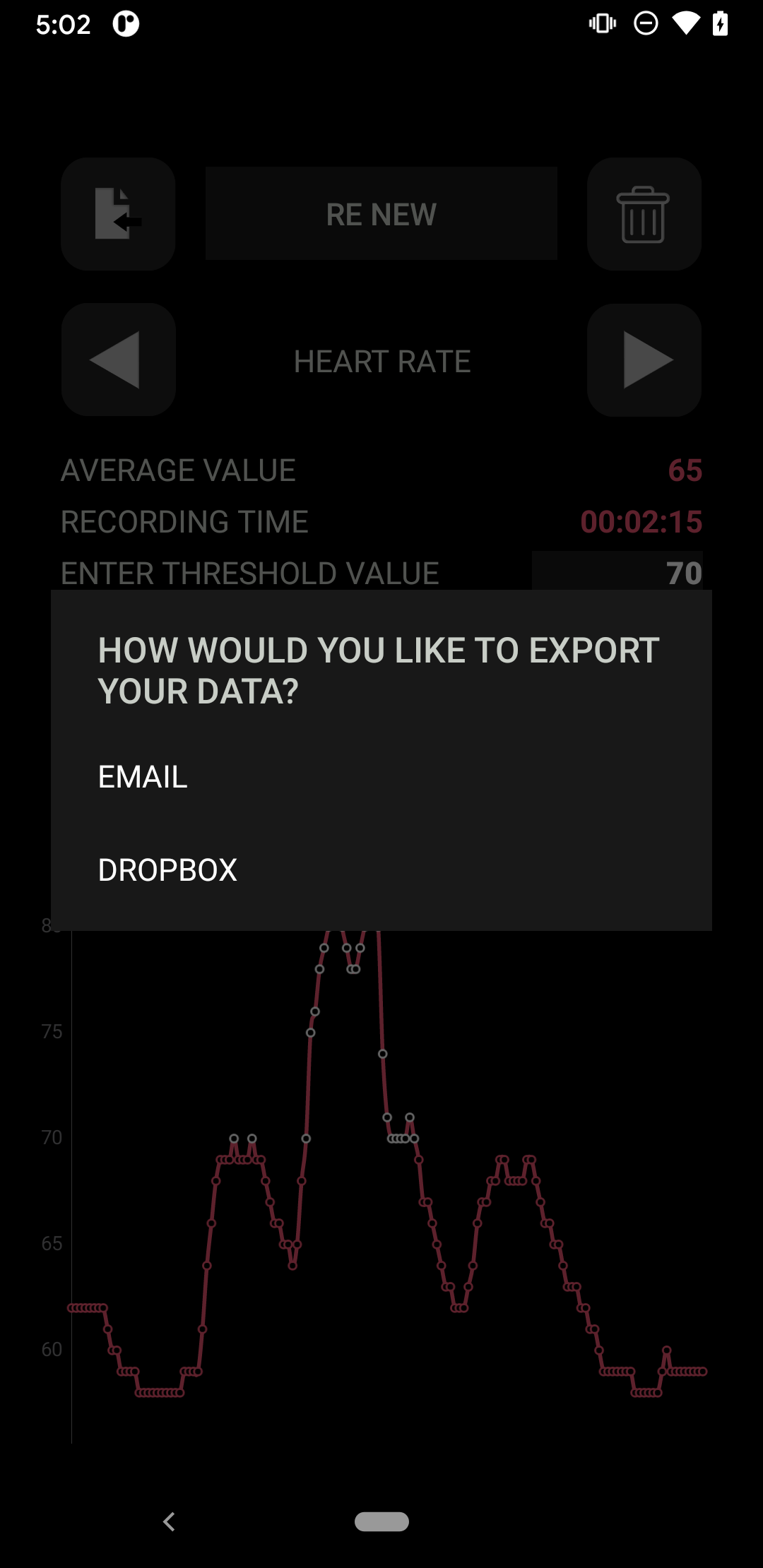
- Data export using email or Dropbox
More information, here: https://www.hrv.tools/hrv-logger-faq.html