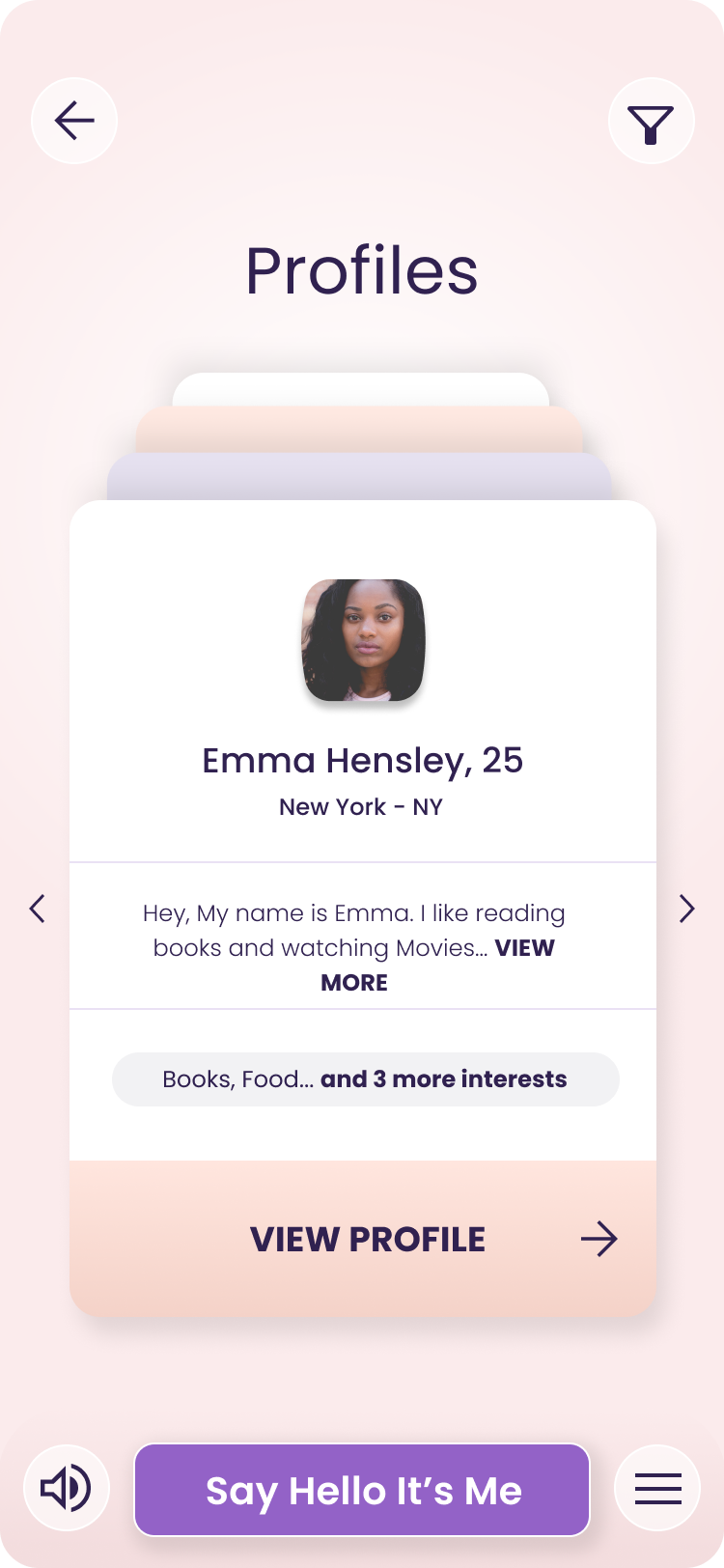
Hello, It's Me® is a Dating application developed by helloitsme, but with the best Android emulator-LDPlayer, you can download and play Hello, It's Me® on your computer.
Running Hello, It's Me® on your computer allows you to browse clearly on a large screen, and controlling the application with a mouse and keyboard is much faster than using touchscreen, all while never having to worry about device battery issues.
With multi-instance and synchronization features, you can even run multiple applications and accounts on your PC.
And file sharing makes sharing images, videos, and files incredibly easy.
Download Hello, It's Me® and run it on your PC. Enjoy the large screen and high-definition quality on your PC!
Welcome to Hello, It's Me!Hello, It's Me is made for people with Intellectual and Developmental Disabilities (IDD) to learn, connect, and have fun. We want to help you make friends and join a community that understands you.
What You Can Do:
- Stories: Read and make choices in interactive stories. These help you practice skills like talking, solving problems, and making decisions.
- Make a Friend: Connect with new friends. Join safe, moderated chat groups to engage with like-minded people who share your interests.
- Relationship Coaching: Talk with trained coaches to learn how to make and keep friends.
Subscriptions:
- Stories: Full access to all interactive stories.
- Make a Friend: Say "Hello, it's me" to new people and chat in groups with similar interests.
Links:
- [Privacy Policy](https://hello-itsme.com/privacy-policy)
With Hello, It's Me, you can practice important skills, make friends, and join communities that share your interests. Enjoy exploring and connecting with others!