Hijri Calendar & Prayer Times is a Productivity application developed by Ibrahim Alhazmi, but with the best Android emulator-LDPlayer, you can download and play Hijri Calendar & Prayer Times on your computer.
Running Hijri Calendar & Prayer Times on your computer allows you to browse clearly on a large screen, and controlling the application with a mouse and keyboard is much faster than using touchscreen, all while never having to worry about device battery issues.
With multi-instance and synchronization features, you can even run multiple applications and accounts on your PC.
And file sharing makes sharing images, videos, and files incredibly easy.
Download Hijri Calendar & Prayer Times and run it on your PC. Enjoy the large screen and high-definition quality on your PC!
Hijri calendar:• Display of the Hijri and Gregorian calendar
• Compatible with the Umm Al-Qura calendar
• The ability to customize and modify the application's theme and widgets
• The possibility of adjusting the Hijri date by increasing or decreasing one or two days
• Conversion from Gregorian to Hijri or vice versa
• Add, edit and delete calendar events
• The ability to specify calendar events to be displayed
• Move between months by swiping from right to left or vice versa
• Calculating the difference between two dates in Hijri or Gregorian calendar
Prayer Times:
• Display prayer times
• Calculate the remaining time for the next prayer
• A number of the voices of the muezzins available for download
• Travel Mode: Automatically update your location without having to open the app
• Reminder before prayer time
• Iqama reminder
• Qiyam reminder
• Silent mode option: switch to silent mode during prayer
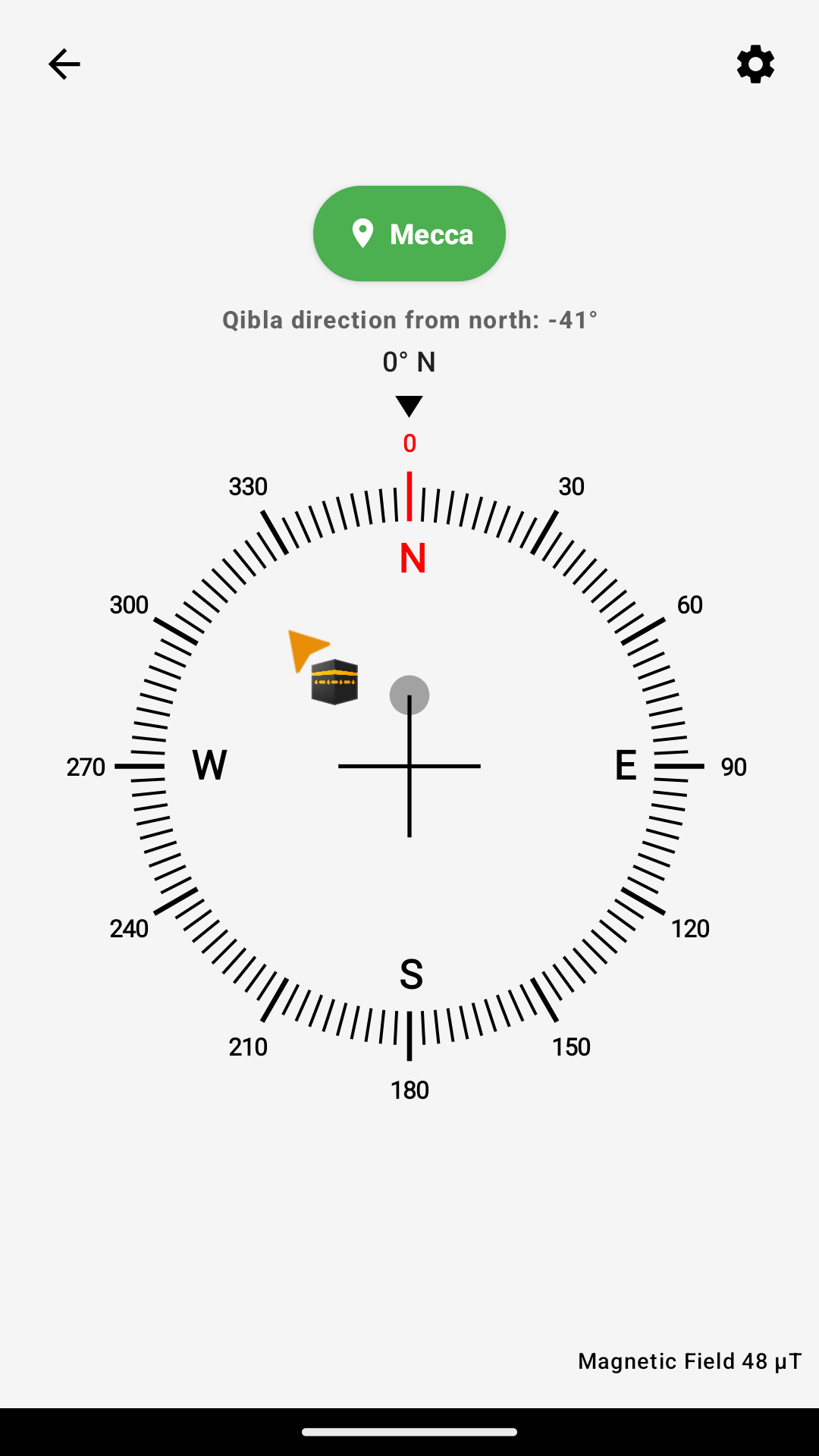
• Compass and Qibla direction
Reminder:
• The possibility of repeating the reminder daily, weekly, monthly, yearly, based on the Hijri or Gregorian calendar
• The ability to backup all reminders and restore them (requires logging in to the application in order to be able to use this feature)
Widget:
• today's date
• month
• digital clock
• countdown
• List of the day to view upcoming events
• prayer time
• Prayer Times (Horizontal)
Permissions:
Google Calendar: Read calendar events and add or edit events
Location: to calculate prayer times according to your current location and determine the direction of the qiblah
Media: to select the azan file from the device's memory