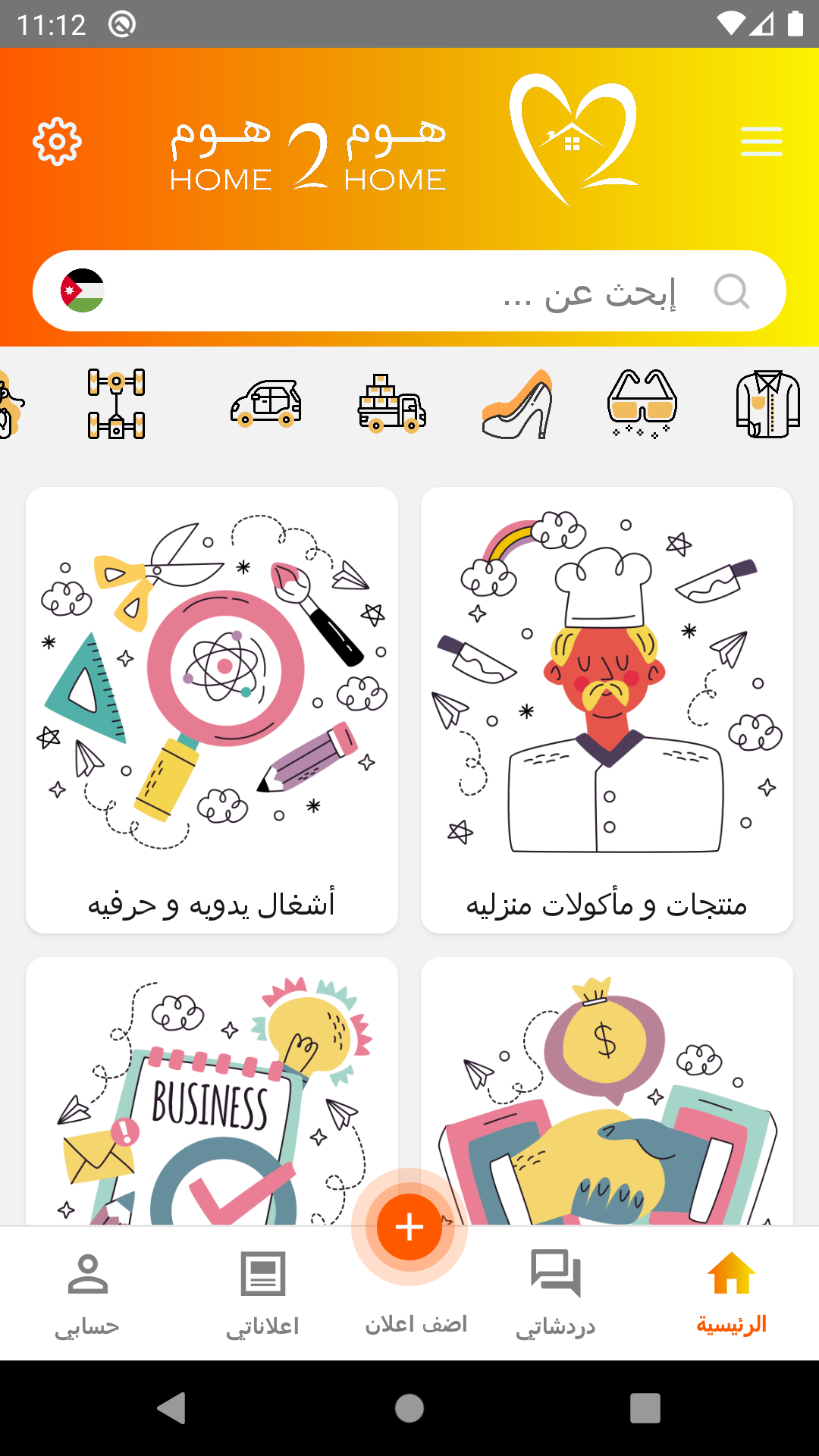
Home 2 Home is a Shopping application developed by Home2Home Dev, but with the best Android emulator-LDPlayer, you can download and play Home 2 Home on your computer.
Running Home 2 Home on your computer allows you to browse clearly on a large screen, and controlling the application with a mouse and keyboard is much faster than using touchscreen, all while never having to worry about device battery issues.
With multi-instance and synchronization features, you can even run multiple applications and accounts on your PC.
And file sharing makes sharing images, videos, and files incredibly easy.
Download Home 2 Home and run it on your PC. Enjoy the large screen and high-definition quality on your PC!
The Home2Home application is the largest and only application in the Middle East region, which supports and serves the business category and pioneering and development projects based from home, through a huge portal of classified and detailed ads, as it allows application users to search and communicate between the seller and the buyer Where the application displays and markets their products and services, to reach the largest possible number of service beneficiaries, with ease.