House Chores Cleaning Schedule is a House&Home application developed by HOME TASKER - CLEANING SCHEDULE ORGANIZER LTD, but with the best Android emulator-LDPlayer, you can download and play House Chores Cleaning Schedule on your computer.
Running House Chores Cleaning Schedule on your computer allows you to browse clearly on a large screen, and controlling the application with a mouse and keyboard is much faster than using touchscreen, all while never having to worry about device battery issues.
With multi-instance and synchronization features, you can even run multiple applications and accounts on your PC.
And file sharing makes sharing images, videos, and files incredibly easy.
Download House Chores Cleaning Schedule and run it on your PC. Enjoy the large screen and high-definition quality on your PC!
Home Tasker is an app that helps you schedule and organize your home chores in real time.Use simple, customizable templates to turn your house cleaning routine into a fun engagement. You can also split your cleaning chores between housekeeping staff or household members and track the progress as they go.
• Quick and easy way to carry out regular chores
• A fun tool to complete bigger home tasks
• It is easily adapted to suit your unique cleaning needs.
• Go at your own pace.
• Arrange tasks based on urgency.
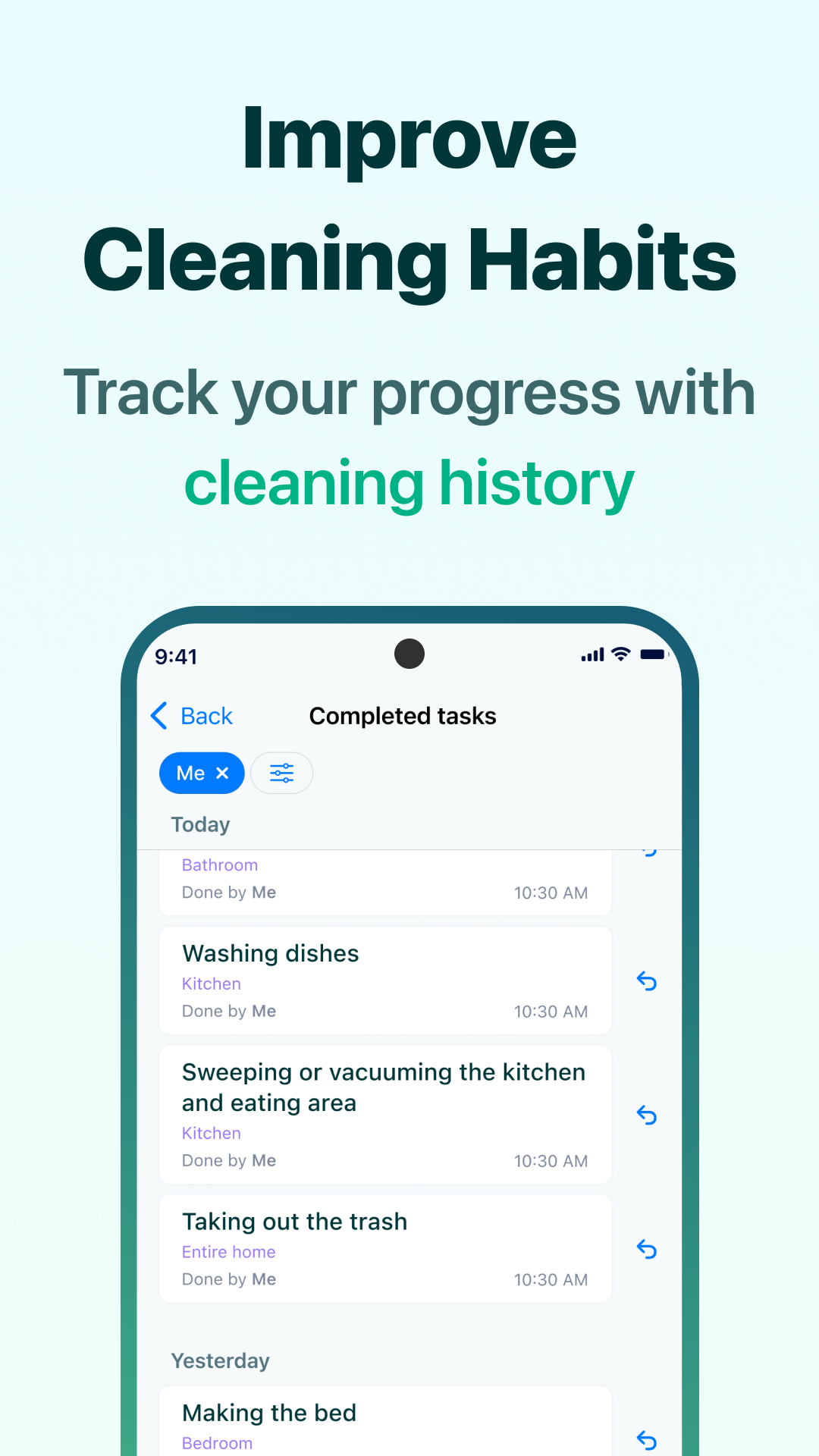
• View your progress as you clean.
• Stay motivated with progress updates.
• Scale Home Tasker to fit your needs.
• Add your cleaning tasks and get a custom cleaning schedule generated for you.
• Boost your productivity and never forget about things to be done.
• Set a reminder for daily tasks.
• Use advanced templates and notifications to get home chores done faster.
• Synchronize your account on various devices so you can pick up where you left off.
Home Tasker is designed to ensure you enjoy:
• Better productivity
• Reduced stress
• Efficient time management.
• Have fun as you clean.
• Stay motivated
Install the app now to enjoy a smarter and better cleaning experience!