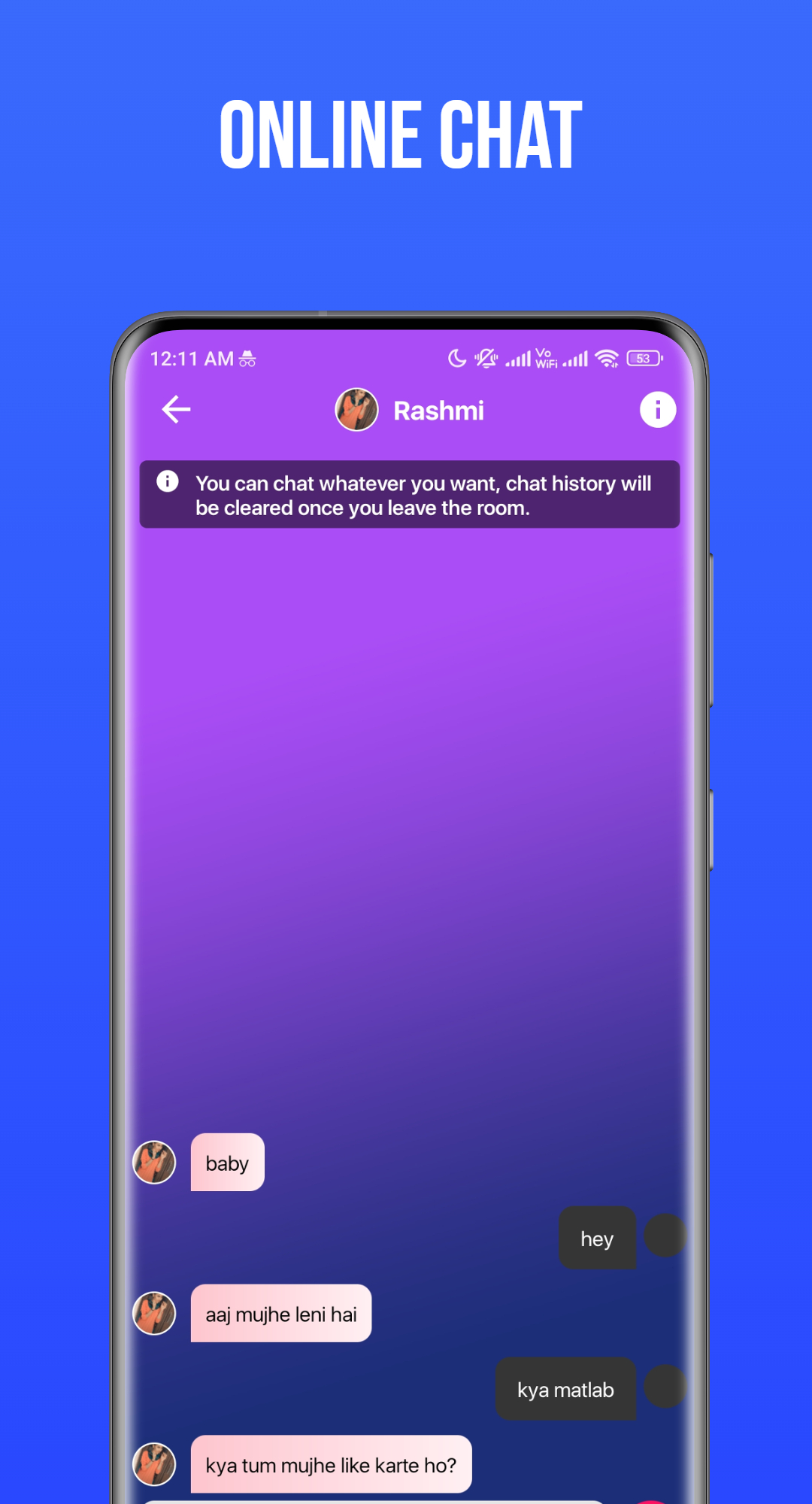
Hook up - The Dating App is a Dating application developed by Pheonix Games, but with the best Android emulator-LDPlayer, you can download and play Hook up - The Dating App on your computer.
Running Hook up - The Dating App on your computer allows you to browse clearly on a large screen, and controlling the application with a mouse and keyboard is much faster than using touchscreen, all while never having to worry about device battery issues.
With multi-instance and synchronization features, you can even run multiple applications and accounts on your PC.
And file sharing makes sharing images, videos, and files incredibly easy.
Download Hook up - The Dating App and run it on your PC. Enjoy the large screen and high-definition quality on your PC!
Discover meaningful connections with Hookup, the ultimate dating app for Android. Swipe through profiles of local singles who share your interests and values.Our intelligent matching algorithm ensures you're connected with potential partners who truly align with you. Engage in authentic conversations through our seamless chat interface, fostering genuine connections. Whether you're searching for romance, friendship, or something in between, Hookup empowers you to take control of your love life.
Enjoy a secure and user-friendly experience, with privacy features that put you in charge of your data. Elevate your dating journey with Hookup and find relationships that matter.