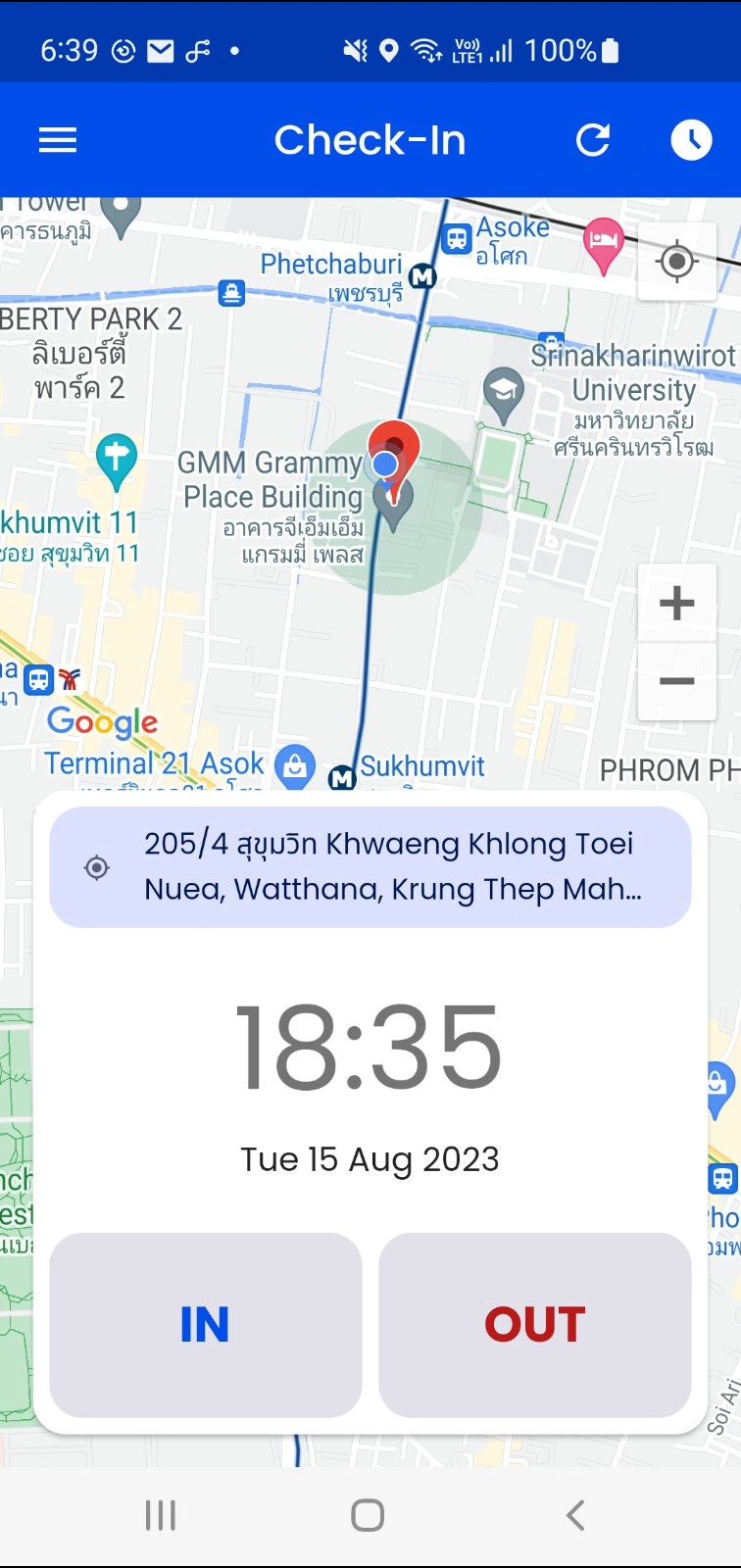
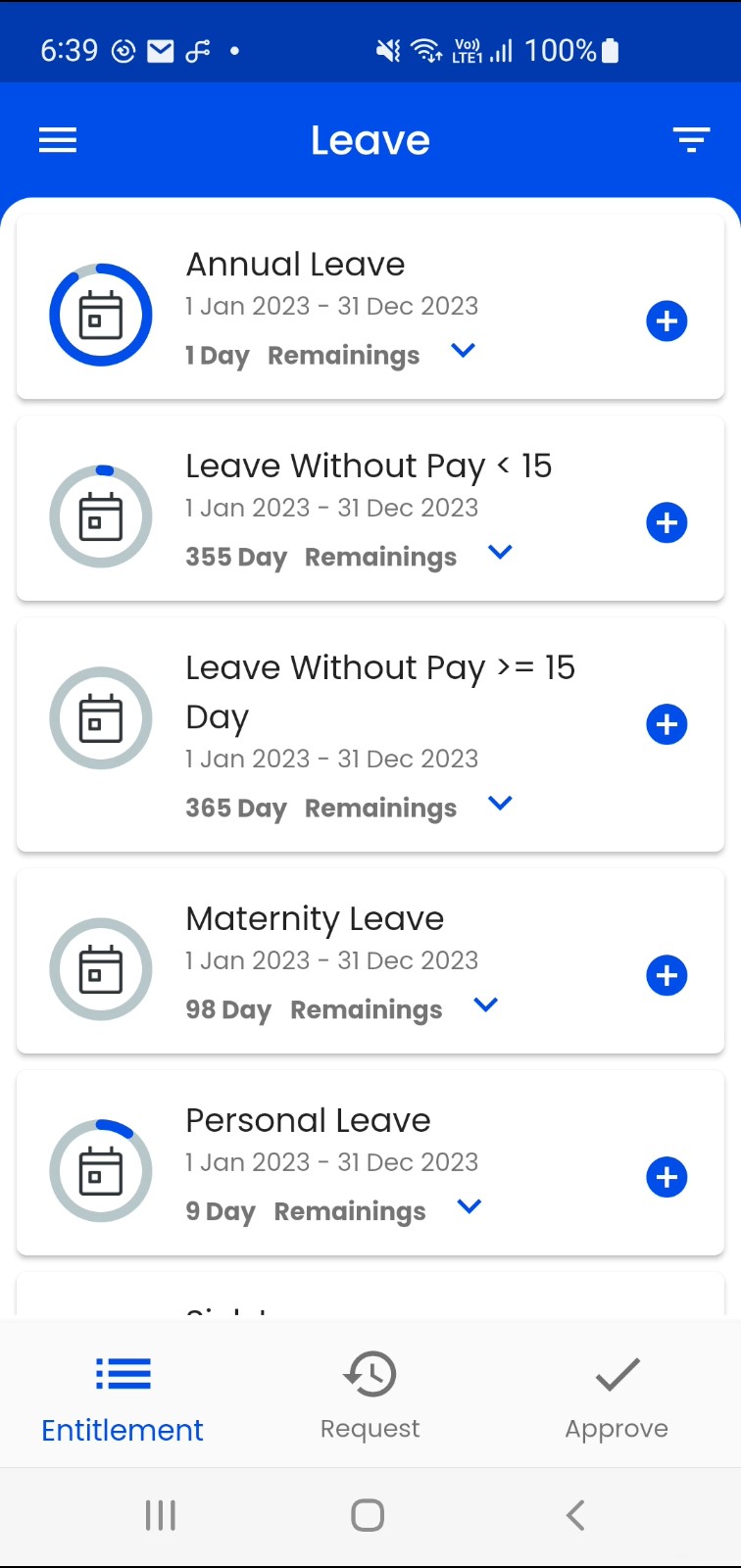
HR Watsons is a Business application developed by PUUMSOFT CO., LTD., but with the best Android emulator-LDPlayer, you can download and play HR Watsons on your computer.
Running HR Watsons on your computer allows you to browse clearly on a large screen, and controlling the application with a mouse and keyboard is much faster than using touchscreen, all while never having to worry about device battery issues.
With multi-instance and synchronization features, you can even run multiple applications and accounts on your PC.
And file sharing makes sharing images, videos, and files incredibly easy.
Download HR Watsons and run it on your PC. Enjoy the large screen and high-definition quality on your PC!
GETTING STARTEDTo use this Watsons HR app, your company must use COACH as their HR Solution and must have COACH Mobile Center server software installed.
After installing and launching the application, you will be prompted to enter your Company Code. Then, simply sign-in with your normal user name and password.
Like the look of our Watsons HR app but your company hasn’t got COACH with Mobile Center installed? Ask your IT or HR department to get in touch with and we’ll take care of the rest.