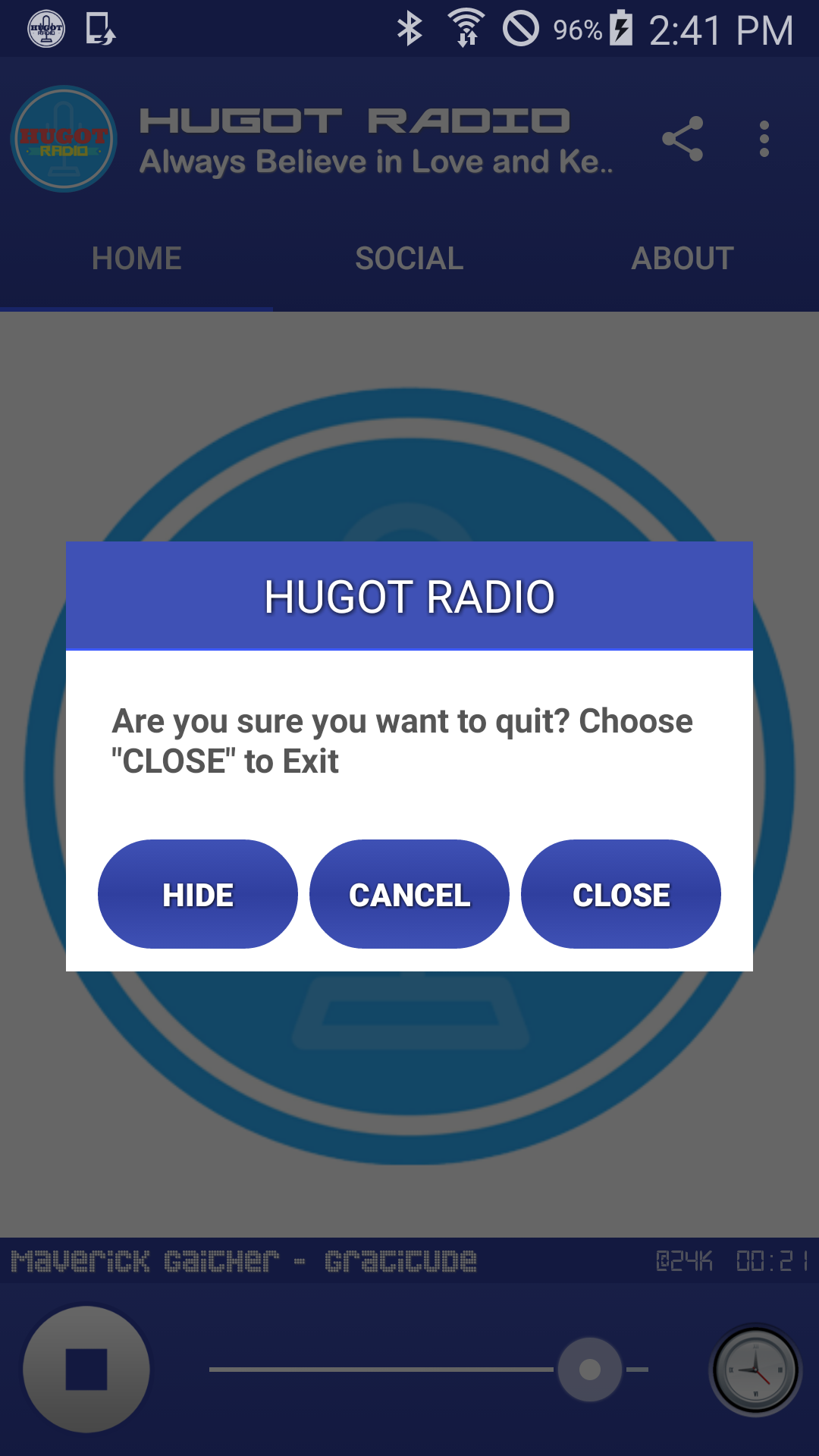
HUGOT RADIO is a Entertainment application developed by AMFM Philippines, but with the best Android emulator-LDPlayer, you can download and play HUGOT RADIO on your computer.
Running HUGOT RADIO on your computer allows you to browse clearly on a large screen, and controlling the application with a mouse and keyboard is much faster than using touchscreen, all while never having to worry about device battery issues.
With multi-instance and synchronization features, you can even run multiple applications and accounts on your PC.
And file sharing makes sharing images, videos, and files incredibly easy.
Download HUGOT RADIO and run it on your PC. Enjoy the large screen and high-definition quality on your PC!
We play the best Hugot Music 24/7. The only Hugot station in the Philippines!Please note that this application requires Internet Connection.
Features:
*Autoplay (Can be turn off in settings)
*Autoreconnect.
*Supports 2G,3G,4G,WIFI and Ethernet Connection.
*Supports Up to 5 different server sources.
*You can share this app easily to your family and friends.
*Now playing information via notification and lock screen.
*Supports playing in background.
*With social media integration.
*With built-in song requests and contact station features.
*With built-in suggestions form to send directly to developer(s).
*With Station information page.
*With notification media controller. You can stop,play & pause the live stream even if your phone is lock.
*With sleep timer up to 6 hours minimum of .5 hour.
*With real time now playing.
*With Smart Audio Resume. For example if your app is running on background, it will automatically pause if you watch videos or listen to any music in your phone. The live streaming will resume once you're done without missing your favorite DJ's program.
*With Smart Phone Call, the live streaming will automatically pause if you have incoming or outgoing call. The live streaming will resume once you're done calling.
*Very small APK size compare to old version.
*Supports Landscape and Portrait mode.
*With realtime database, easy to update content, theme, servers, social media and more much.
*With realtime album cover functions and option.
*With notification controller, you may stop, play and pause even if your phone is in lock mode.
This application is the exclusive, official application for HUGOT RADIO under an agreement between HUGOT RADIO and AMFM Philippines.
For more info please visit https://www.amfmph.net