IELTS Vocabulary Builder is a Education application developed by ADO300677, but with the best Android emulator-LDPlayer, you can download and play IELTS Vocabulary Builder on your computer.
Running IELTS Vocabulary Builder on your computer allows you to browse clearly on a large screen, and controlling the application with a mouse and keyboard is much faster than using touchscreen, all while never having to worry about device battery issues.
With multi-instance and synchronization features, you can even run multiple applications and accounts on your PC.
And file sharing makes sharing images, videos, and files incredibly easy.
Download IELTS Vocabulary Builder and run it on your PC. Enjoy the large screen and high-definition quality on your PC!
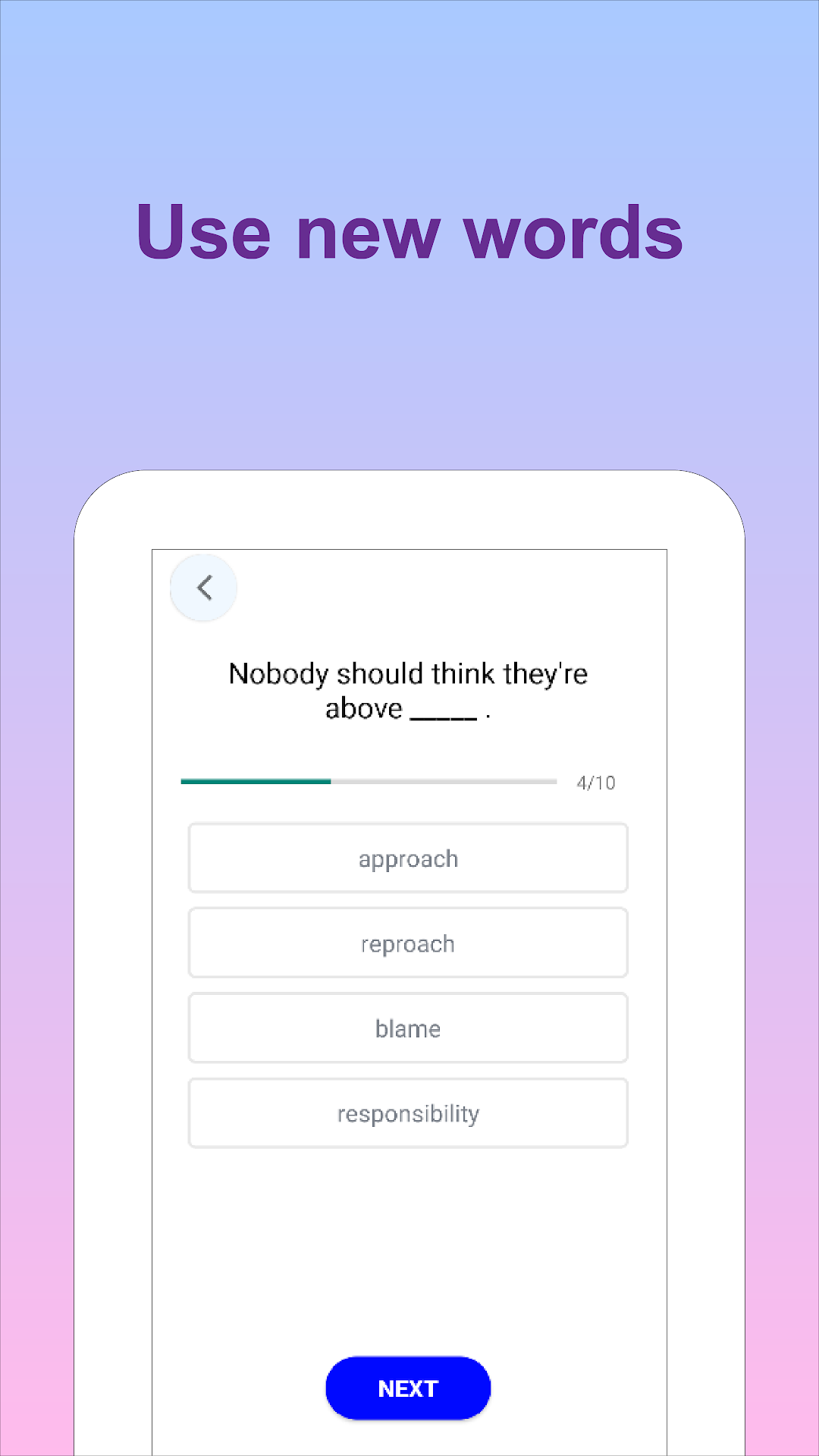
Prepare for the IELTS test and improve your vocabulary with the IELTS Vocabulary Builder app. The app includes many difficult words and is designed to help you learn efficiently by showing you words just before you would forget them. It covers the most important words used for the real IELTS exam and helps you achieve your goals. The words are categorized based on their repetition, and there is an English definition for each and every word, synonyms and use of words. You can track your progress with this app, and it works offline. It is optimized for mobile & tablets