
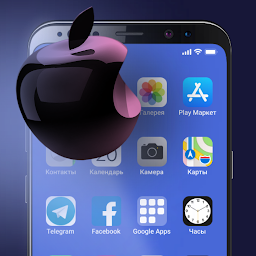


ILauncher is a Personalization application developed by Hedgehog Tech, but with the best Android emulator-LDPlayer, you can download and play ILauncher on your computer.
Running ILauncher on your computer allows you to browse clearly on a large screen, and controlling the application with a mouse and keyboard is much faster than using touchscreen, all while never having to worry about device battery issues.
With multi-instance and synchronization features, you can even run multiple applications and accounts on your PC.
And file sharing makes sharing images, videos, and files incredibly easy.
Download ILauncher and run it on your PC. Enjoy the large screen and high-definition quality on your PC!
Launcher iOS - install the iOS operating system on your Android device! Make your phone better than ever with Launcher iOS - the most powerful, personal, and intelligent device it has ever been.iOS 14 Icons:
Give your phone a true iPhone look with the iOS 14 icon pack.
iOS 14 Wallpapers:
Enjoy amazing images from the iOS gallery on your device or set your own photos.
Improved performance:
iOS 14 Launcher now loads faster, uses less memory, uses battery more economically, and provides smooth animations.


