

Run Instafinsta: Save Any Videos on PC
Do you need help saving your favorite videos coming from social media? If so, Ankit635 has already found a solution for it as Instafinsta, and here you can save any social media video you want directly into your device. It is not only about watching a video. Sometimes, you may want your downloads within the best quality, and this Android app lets you have this chance in the highest quality. No more struggling to download your favorite videos, and LDPlayer 9 is the best emulator to run Instafinsta: Save Any Videos on PC.
Instafinsta Features
-
No more watermark for your downloads
-
Any video coming from any social media can be downloaded here.
-
You are even allowed to save photos from your social media platforms so they can be later viewed from an offline view.
-
If you need help saving Instagram videos, it is also possible here, and even Instagram images can be saved through this app.
-
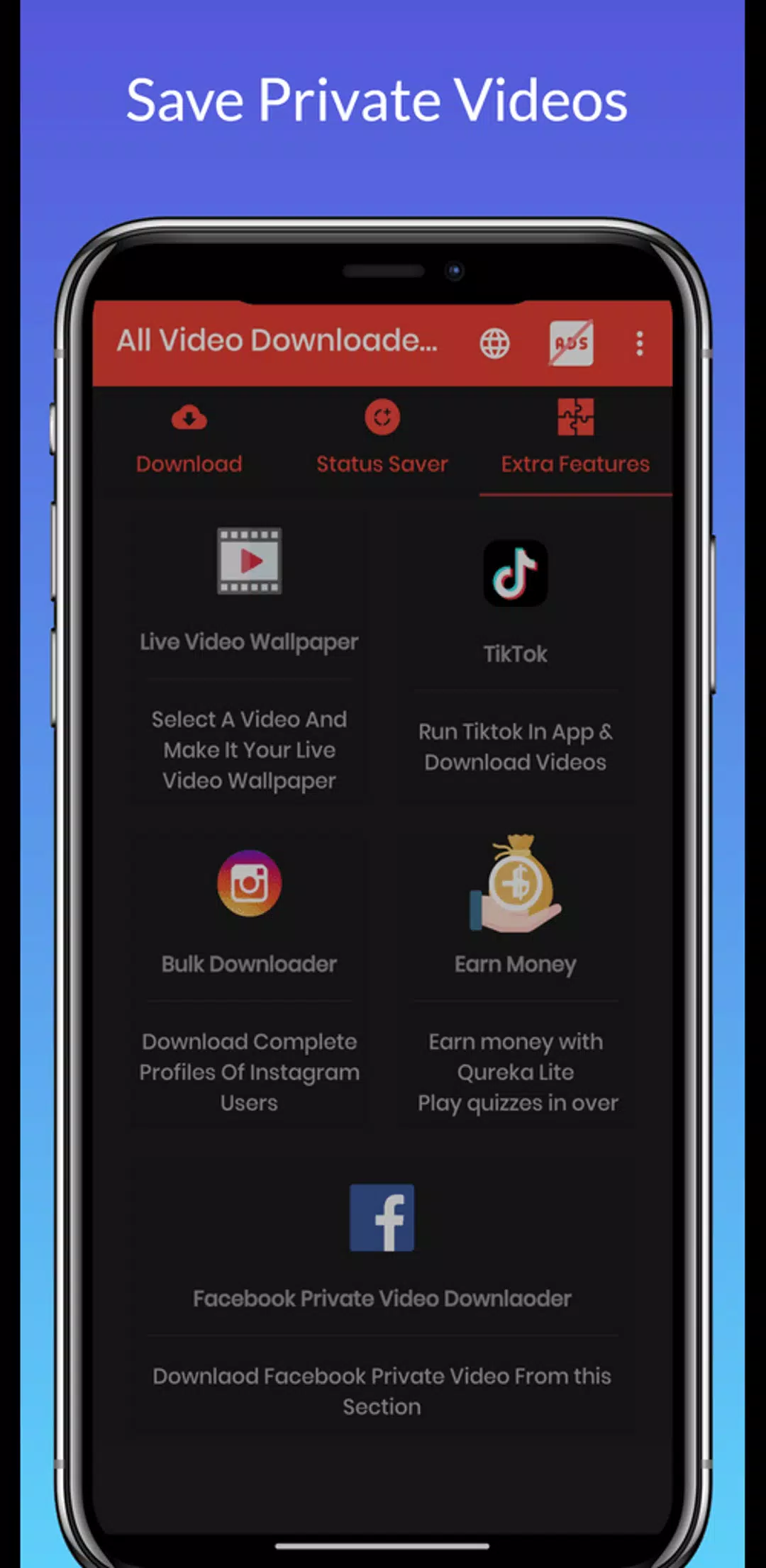
You can save reels, stories, and IGTV from Instagram through this app, and it even allows you to save Facebook stories.
-
Simple and lightweight app
-
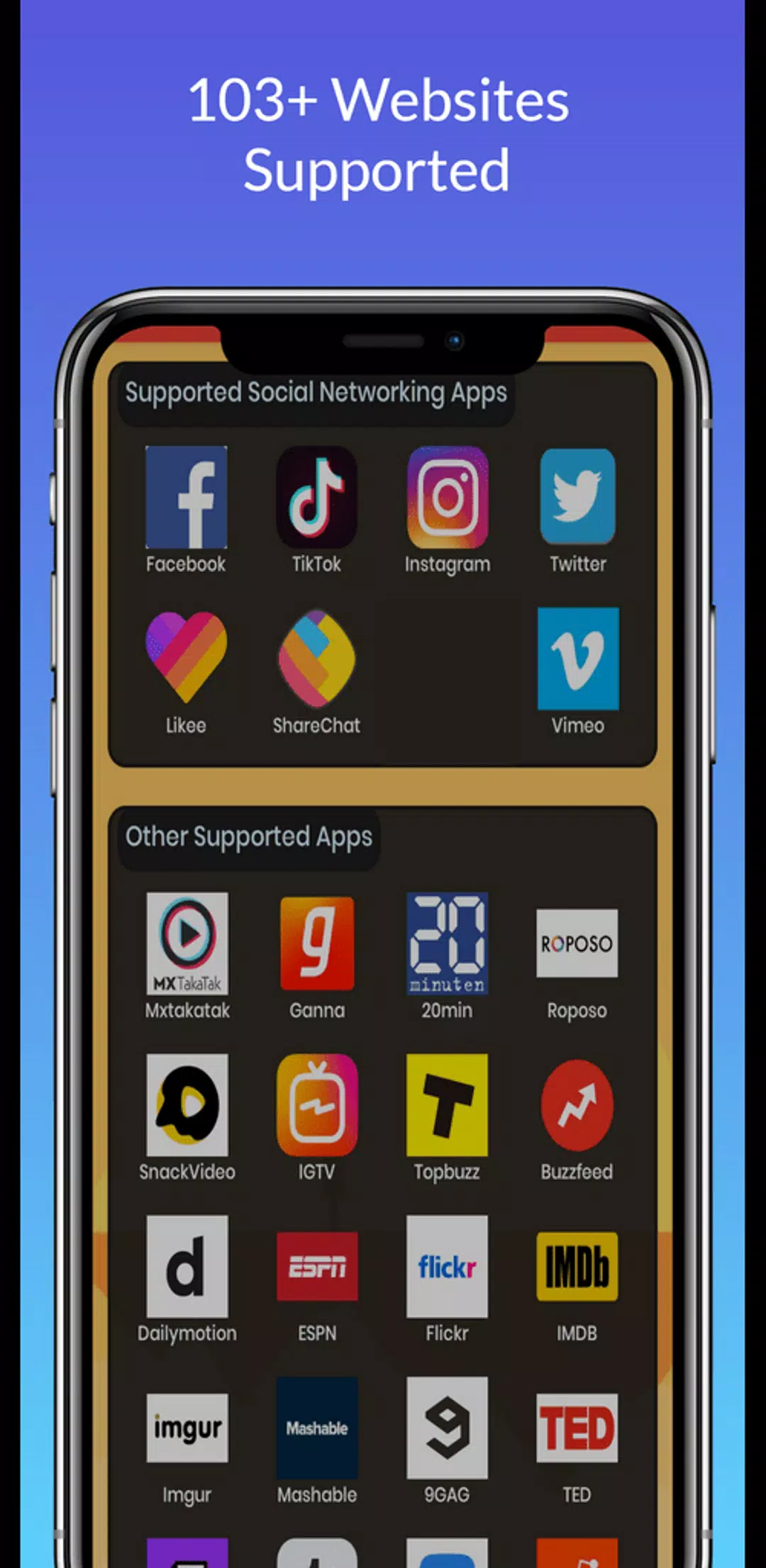
More than 103 websites are supported here.
-
You can download images and videos from Twitter as well.
-
Act as an all-in-one downloader.
Download Multiples at Once
Are there different videos to be downloaded at one time? If you have such a set of videos to download, head into the LDPlayer 9 and get the best use of its Multi-Instance Sync. You just run this app through a PC with LDPlayer 9, and there you can create clones of your app, and all those clones can be used for having your downloads done at one time.