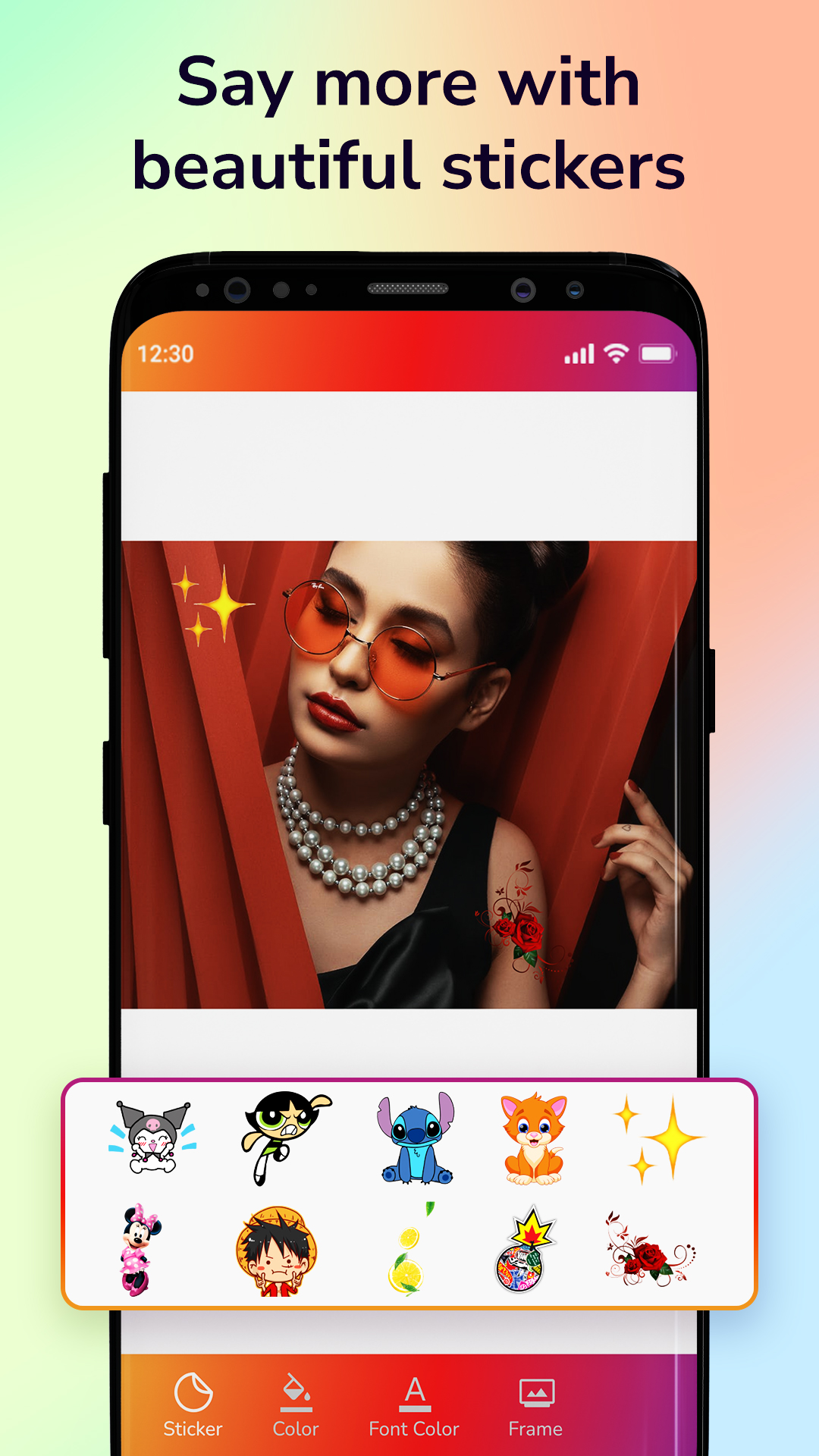
InstaSize: Photo Maker is a Tools application developed by H M Video Maker, but with the best Android emulator-LDPlayer, you can download and play InstaSize: Photo Maker on your computer.
Running InstaSize: Photo Maker on your computer allows you to browse clearly on a large screen, and controlling the application with a mouse and keyboard is much faster than using touchscreen, all while never having to worry about device battery issues.
With multi-instance and synchronization features, you can even run multiple applications and accounts on your PC.
And file sharing makes sharing images, videos, and files incredibly easy.
Download InstaSize: Photo Maker and run it on your PC. Enjoy the large screen and high-definition quality on your PC!
You must want to change your post and story picture and you have to crop the image for post. The InstaSize photo maker allows you to set a perfect post picture without cropping any part of your selected picture.You can manually adjust your picture and crop that pic to resize the space. Even you can edit your post picture in different aspect ratios with the InstaSize: Photo Maker. The InstaSize is the photo crop editing tool for Post makers.
Full size Photo With InstaSize
Want to set full-size Post without crop for all platforms. Then InstaSize maker makes square Post and the different sizes of Post image using image resizer. with the InstaSize you can set full-size Post for story and reals image without losing any image quality and high-resolution direct set as the Post picture.
What's InstaSize: Photo Maker?
- InstaSize: Photo Maker displays post pictures without cropping your image.
- Post Editor creates the different sizes of post images for every platform, you can create square Post photos, thumbnail makers & different cover pages, etc.
- Manually adjust image in square Post & blur Post image background as per your need
- Add gradient color combination in Post background for story , reals, post pic
- Change photo looks using different color effect
The created post picture by InstaSize and set or shares anyone for the post and story picture.
Disclaimer:
- InstaSize: Photo Maker is not associated with or approved by Instagram Inc. in any way.