

Internet Download Manager is a Tools application developed by , but with the best Android emulator-LDPlayer, you can download and play Internet Download Manager on your computer.
Running Internet Download Manager on your computer allows you to browse clearly on a large screen, and controlling the application with a mouse and keyboard is much faster than using touchscreen, all while never having to worry about device battery issues.
With multi-instance and synchronization features, you can even run multiple applications and accounts on your PC.
And file sharing makes sharing images, videos, and files incredibly easy.
Download Internet Download Manager and run it on your PC. Enjoy the large screen and high-definition quality on your PC!
Internet Download Manager is a handy tool that allows you to optimize the download speed of your files. Forget about spending hours waiting for a file to download.
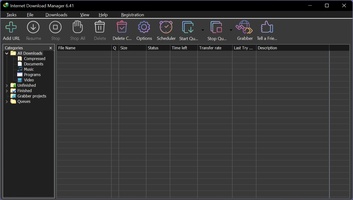
It can take more or less time to download files from a server, depending on their size. But sometimes it seems that the download is slower than usual. To solve these problems and get your time back, you need a tool like Internet Download Manager. Its simple interface will allow you to manage all your downloads quickly and easily.
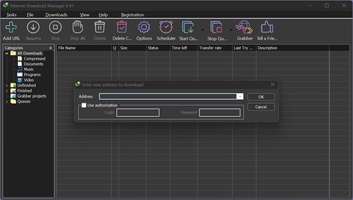
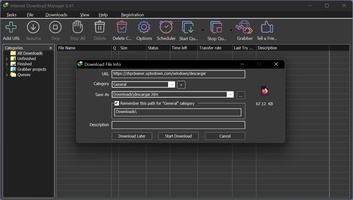
If you have never used this kind of program, don't worry: Internet Download Manager is very user-friendly and includes everything you need to download anything you want. All you have to do is enter the download URL, choose the file type from several categories and download. If you are a more knowledgeable user, you can also select Internet Download Manager as your default program to download.
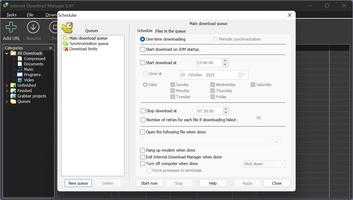
With Internet Download Manager, you can also pause the download if needed and resume it later. You won't have to leave your computer on whenever you want to download something; with Internet Download Manager you decide! For instance, you can stop a download if you are playing an online game or streaming. You can even schedule when you want the file transfer to occur.
Download Internet Download Manager here and forget about long waits.