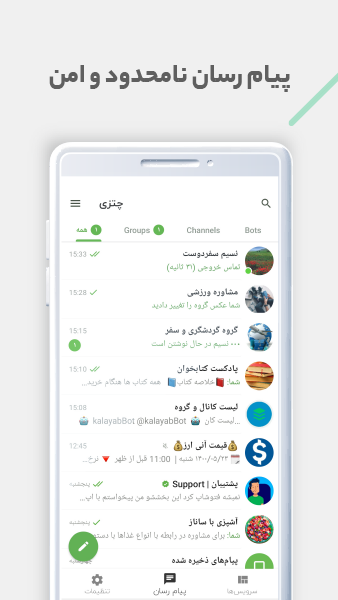
Chatzy - Iranian Messenger is a Communication application developed by Modern-Net, but with the best Android emulator-LDPlayer, you can download and play Chatzy - Iranian Messenger on your computer.
Running Chatzy - Iranian Messenger on your computer allows you to browse clearly on a large screen, and controlling the application with a mouse and keyboard is much faster than using touchscreen, all while never having to worry about device battery issues.
With multi-instance and synchronization features, you can even run multiple applications and accounts on your PC.
And file sharing makes sharing images, videos, and files incredibly easy.
Download Chatzy - Iranian Messenger and run it on your PC. Enjoy the large screen and high-definition quality on your PC!
Chatzy Social Commerce is an UNOFFICIAL messaging app that uses Telegram Client.Grow your network with business contacts, stay up to date with companies, and follow thought leaders.
Chatzy Messenger adds some extra features to the official Telegram app.
+ Support multi-devices compatibility.
+ 100% FREE & NO ADS: Chatzy is free and will always be free. We are not going to sell ads or introduce subscription fees.
+ Fast photo and video sharing
+ Hundreds of free stickers!
+ There are many channel and groups.
+ Story
+ Online Game
+ Stickers & Gifs