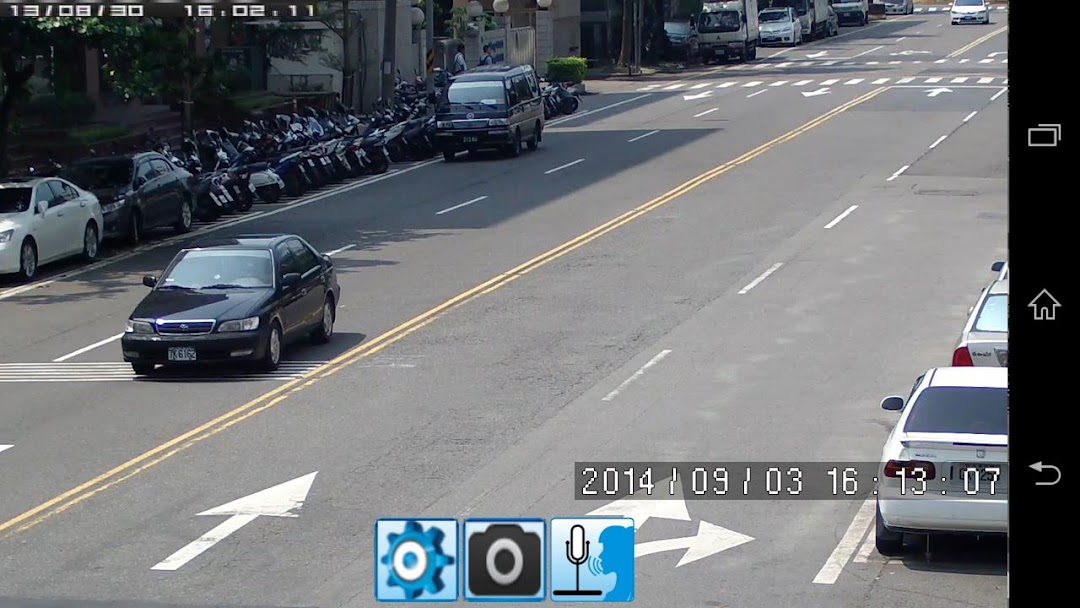
iViewer DVR is a Communication application developed by Eric Tsai, but with the best Android emulator-LDPlayer, you can download and play iViewer DVR on your computer.
Running iViewer DVR on your computer allows you to browse clearly on a large screen, and controlling the application with a mouse and keyboard is much faster than using touchscreen, all while never having to worry about device battery issues.
With multi-instance and synchronization features, you can even run multiple applications and accounts on your PC.
And file sharing makes sharing images, videos, and files incredibly easy.
Download iViewer DVR and run it on your PC. Enjoy the large screen and high-definition quality on your PC!
An H.264 specific DVR viewer.Now 1CH mode can zoom in.(android verions 2.2.x to newest version)
Support 1CH, 4CH, 9CH, 16CH display mode.
Now android version 2.2 above have new feature, push notification and message center.
Press menu button at DVR listview to add, edit or delete device.
Select and click DVR name to connect and show.
Press menu button at DVR view to switch High Quality or Low Quality mode, audio on/off, ptz controll on/off(single channel mode), and playback.
Scroll left to switch to next channel(1CH mode) or next page (4CH or 9CH or 16CH mode).
Scroll right to switch to previous channel(1CH mode) or previous page (4CH or 9CH or 16CH mode).
Double click to switch 1CH/Multi CH mode.
Press menu key to select multi ch mode(4CH, 9CH, 16CH).
Tap screen to show/hide Relay control.