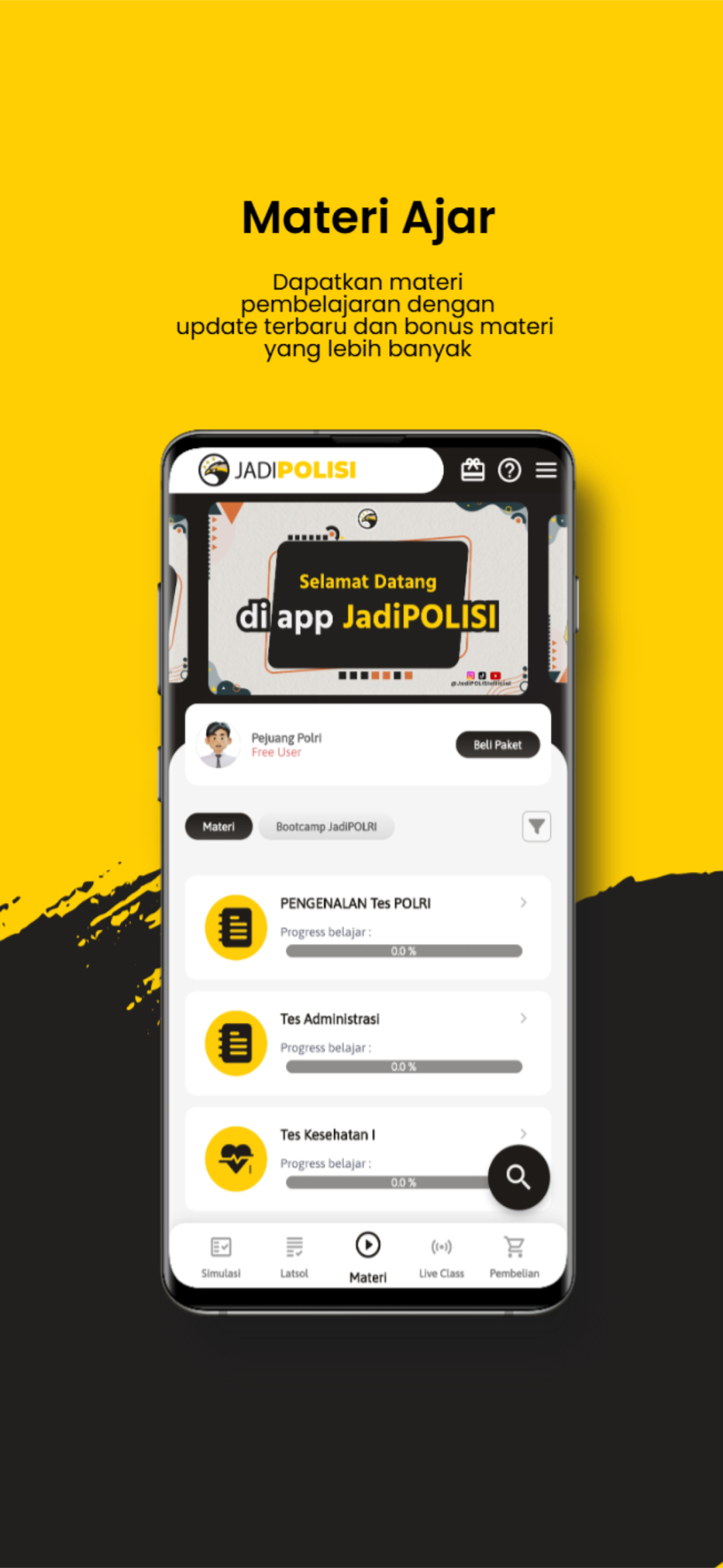
JadiPOLISI is a Education application developed by PT. Cerebrum Edukanesia Nusantara, but with the best Android emulator-LDPlayer, you can download and play JadiPOLISI on your computer.
Running JadiPOLISI on your computer allows you to browse clearly on a large screen, and controlling the application with a mouse and keyboard is much faster than using touchscreen, all while never having to worry about device battery issues.
With multi-instance and synchronization features, you can even run multiple applications and accounts on your PC.
And file sharing makes sharing images, videos, and files incredibly easy.
Download JadiPOLISI and run it on your PC. Enjoy the large screen and high-definition quality on your PC!
Disclaimer:JadiPOLISI is a tutoring application that contains learning and tryouts for preparation for the POLRI entrance exam which was independently developed by PT. Cerebrum Edukanesia Nusantara, and does not represent the National Police of the Republic of Indonesia or is affiliated with other government institutions.
Data source:
The data or information available in the JadiPOLISI application is purely the result of our team's research from various sources such as news, books and information from related institutional websites that are generally available. We strive to provide accurate and up-to-date information. However, we cannot guarantee the completeness or accuracy of the data, users are advised to verify any information obtained through this application with official sources.
The general information we present comes from the official website to get information related to news or police registration information, namely from the following link:
https://penerimaan.polri.go.id/