JetBlue - Book & manage trips is a Travel&Local application developed by JetBlue Airways Corporation, but with the best Android emulator-LDPlayer, you can download and play JetBlue - Book & manage trips on your computer.
Running JetBlue - Book & manage trips on your computer allows you to browse clearly on a large screen, and controlling the application with a mouse and keyboard is much faster than using touchscreen, all while never having to worry about device battery issues.
With multi-instance and synchronization features, you can even run multiple applications and accounts on your PC.
And file sharing makes sharing images, videos, and files incredibly easy.
Download JetBlue - Book & manage trips and run it on your PC. Enjoy the large screen and high-definition quality on your PC!
Take JetBlue everywhere you go! Download our award-winning app to book, manage and check in for your trips, access boarding passes and more.Day of travel – Your day of travel is a breeze with key info, including your boarding pass, right on the home screen.
Manage trips – Update your seat selection, add extras or make changes to your itinerary with just a few taps.
Boarding pass – Check in and get to your gate quickly without the hassle of printing a boarding pass – one less thing to carry on!
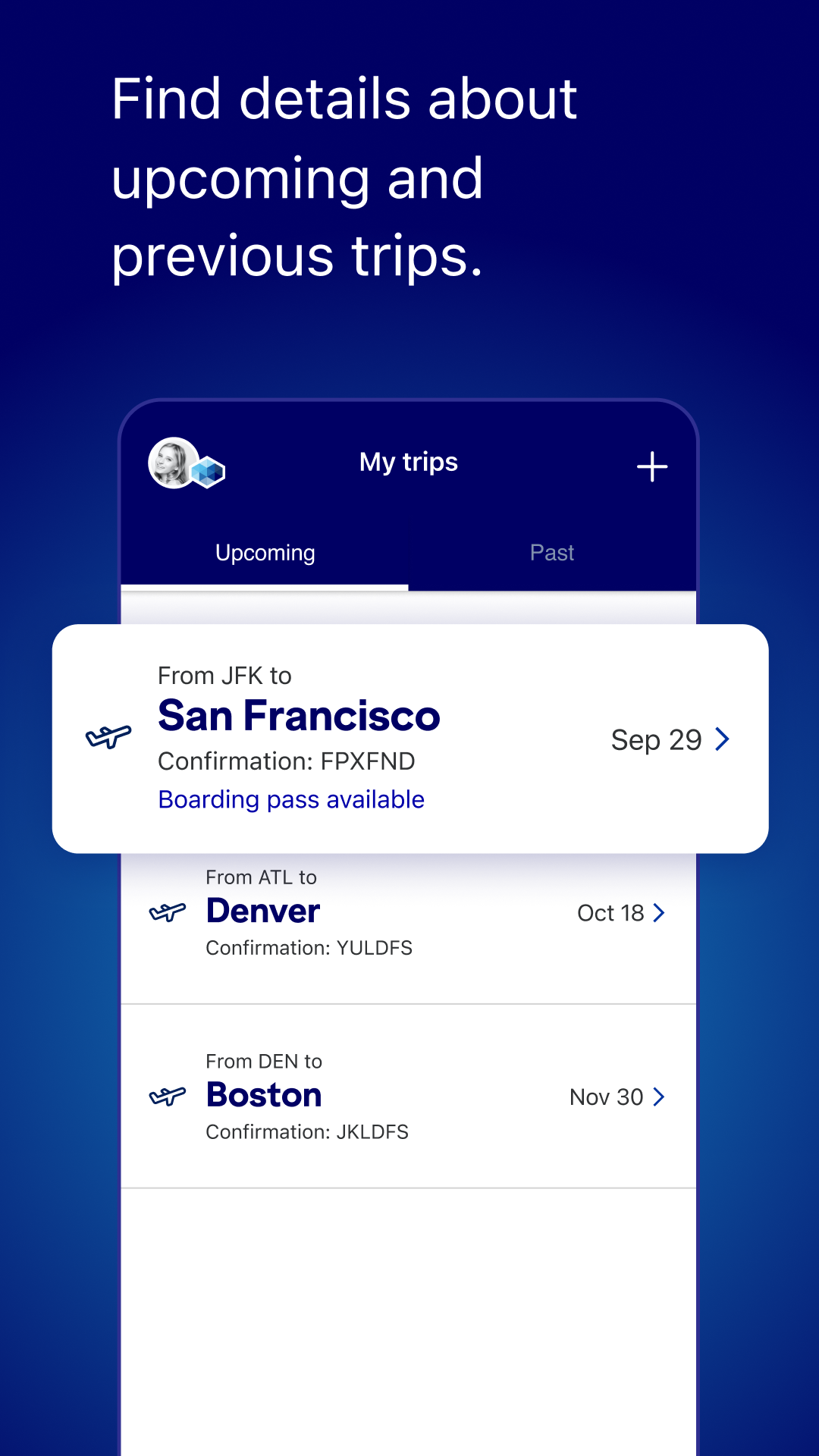
My trips – Add your upcoming and past itineraries to access everything you need to know.
Book flights – Search and book your next trip with ease.
Chat with us – Get your questions answered quickly and connect with a JetBlue crewmember through live chat.
Travel Tools – Add hotels, vacation rentals, car rentals and extras with Paisly or schedule a shuttle to the airport.
Inflight experience – View all of our snacks, drinks and entertainment options.
My TrueBlue – Enroll or sign in to TrueBlue to keep track of your TrueBlue points, view your Travel Bank balance (if you have one), request points for past trips and enjoy a more personalized experience.
& More – Access our flight tracker, airport maps and other content.