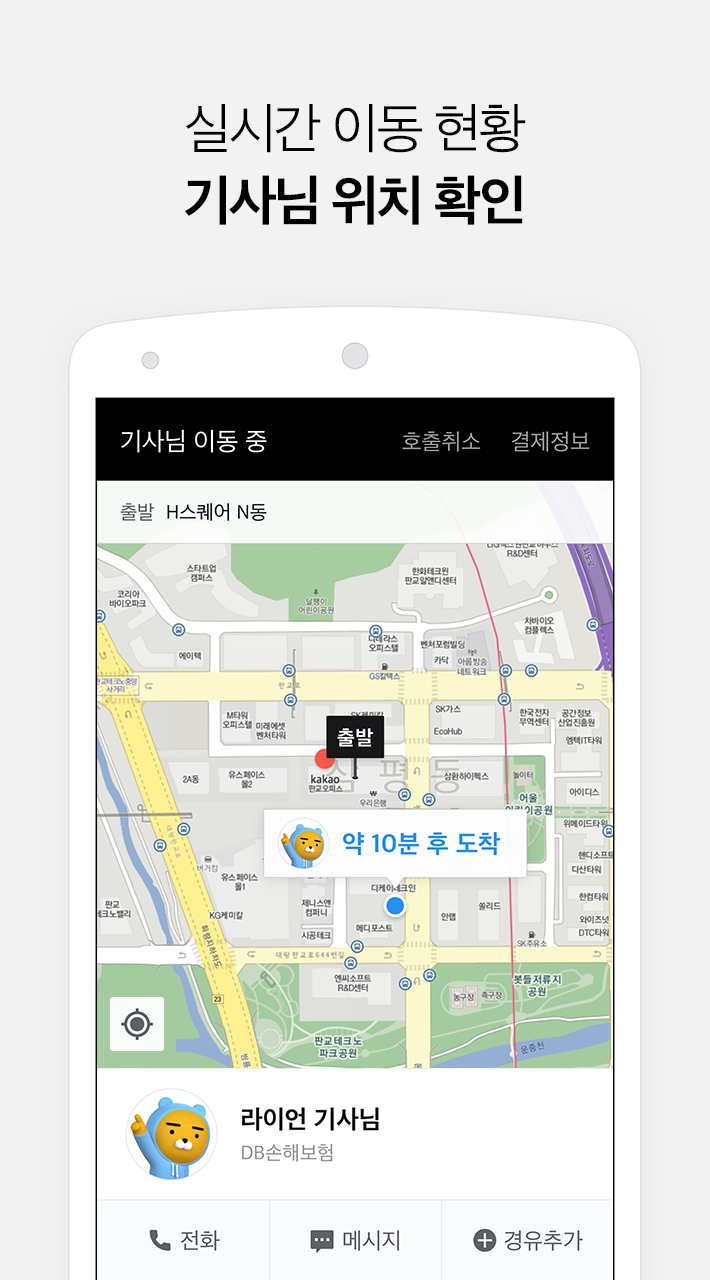
Kakao Driver is a Maps&Navigation application developed by Kakao Mobility Corp., but with the best Android emulator-LDPlayer, you can download and play Kakao Driver on your computer.
Running Kakao Driver on your computer allows you to browse clearly on a large screen, and controlling the application with a mouse and keyboard is much faster than using touchscreen, all while never having to worry about device battery issues.
With multi-instance and synchronization features, you can even run multiple applications and accounts on your PC.
And file sharing makes sharing images, videos, and files incredibly easy.
Download Kakao Driver and run it on your PC. Enjoy the large screen and high-definition quality on your PC!
Kakao is creating a new world of convenience to customers and improved working experience to our driving partners.[Kakao Driver Description]
⦿ App Based Designated Driver Service
Request a driver hassle-free with a single tap
without having to explain where you are
⦿ Reasonable Fares, Convenient Payment
Fares are decided real-time based on distance and duration of the trip
and billed to pre-selected method of payment at the time of drop-off.
⦿ Return Home Safely
Dedicated insurance plan specially designed by Kakao and insurance
partners relieve stress from unlikely accidents.