Kieslect is a Health&Fitness application developed by Kieslect, but with the best Android emulator-LDPlayer, you can download and play Kieslect on your computer.
Running Kieslect on your computer allows you to browse clearly on a large screen, and controlling the application with a mouse and keyboard is much faster than using touchscreen, all while never having to worry about device battery issues.
With multi-instance and synchronization features, you can even run multiple applications and accounts on your PC.
And file sharing makes sharing images, videos, and files incredibly easy.
Download Kieslect and run it on your PC. Enjoy the large screen and high-definition quality on your PC!
Kieslect APP is the supporting application of "Kieslect ks" smartwatch, with the following functions:1.One of the main functions of the APP is to push the incoming calls and SMS/MMS messages received by the mobile phone to the associated smart watch, so that you can answer and view the SMS/MMS on the watch side; when the watch side rejects the call, you can quickly reply, and the APP will send a pre-configured SMS to the caller at this time. It should be noted that the APP will request "SMS and Call Log Permissions" to implement these functions, without these permissions the application will not be able to use.
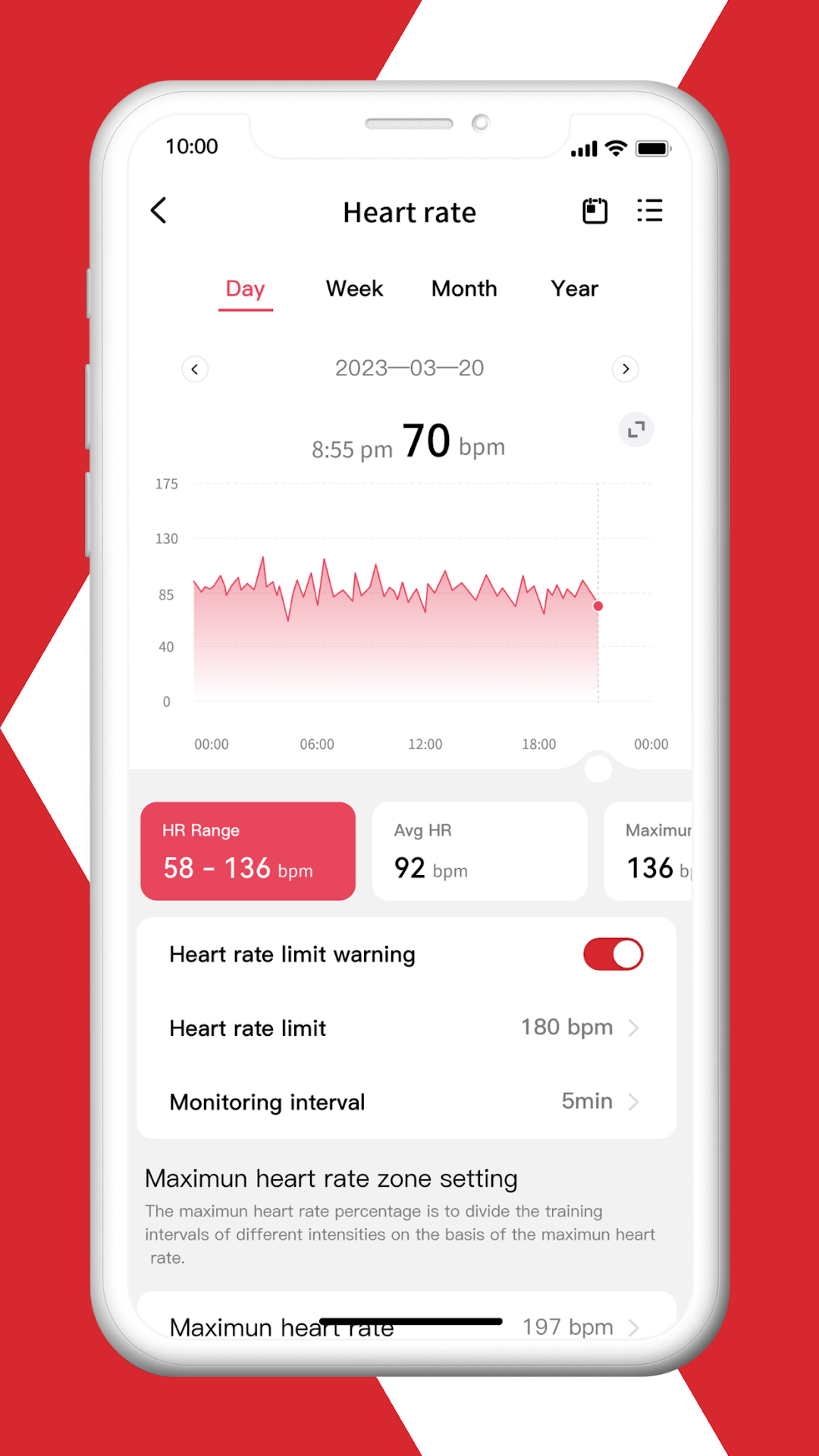
2.Record the heart rate data collected by the smart watch, and display it in the form of a line graph and a histogram according to the heart rate data;
3.Record the exercise data collected by the smart watch, including the number of steps, stride frequency and distance, and display them in the form of line graphs and histograms;
4.Record the sleep data collected by the smart watch, and display them in the form of line graphs and histograms;
5.Start a workout or fitness exercise with the watch;
5.Set reminders and alarms for your smart watch.
The data on the APP is not for medical use and is only applicable for general health/fitness purposes.