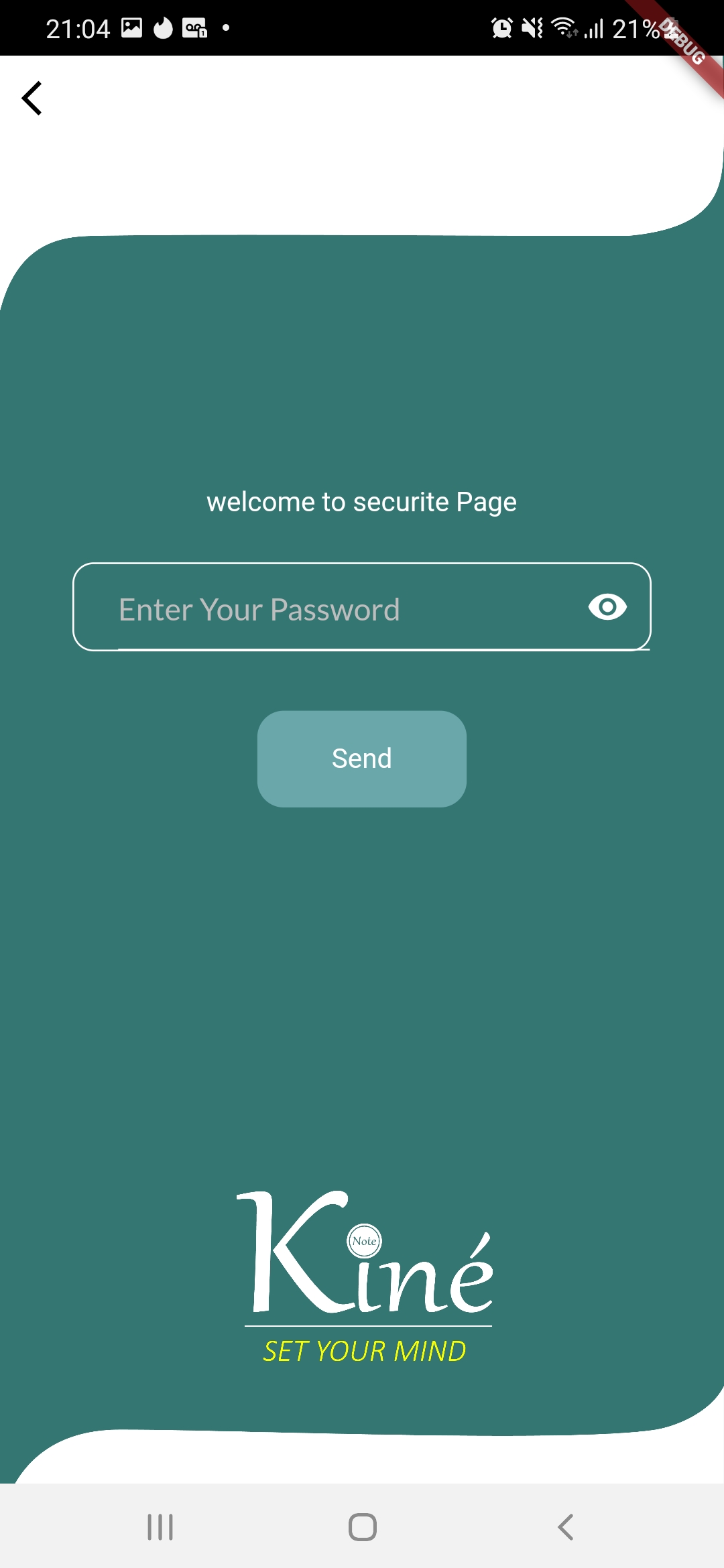
kine App is a Health&Fitness application developed by Zeid hwij, but with the best Android emulator-LDPlayer, you can download and play kine App on your computer.
Running kine App on your computer allows you to browse clearly on a large screen, and controlling the application with a mouse and keyboard is much faster than using touchscreen, all while never having to worry about device battery issues.
With multi-instance and synchronization features, you can even run multiple applications and accounts on your PC.
And file sharing makes sharing images, videos, and files incredibly easy.
Download kine App and run it on your PC. Enjoy the large screen and high-definition quality on your PC!
تطبيق Kine هو أداة قوية تم تصميمها لمساعدة أخصائيي العلاج الطبيعي الذين يعملون مع الأندية الرياضة في تحسين سير عملهم وتوفير رعاية أفضل للاعبيهم. مع تطبيق Kine ، يمكنك بسهولة إنشاء بيانات لكل لاعب ، بما في ذلك إصاباتهم وخطط العلاج وتقدمهم في الاستشفاء. تسمح واجهة المستخدم البديهية لدينا بإدخال والوصول إلى المعلومات بسرعة ، مما يضمن أن لديك دائمًا أحدث الإجراءات الجديدة حول حالة كل لاعب.توفر تطبيق Kine أيضًا أدوات تحليلية وتقارير متقدمة ، مما يتيح لك تحليل بيانات اللاعبين وتحديد الاتجاهات والأنماط التي يمكن أن تؤثر على قرارات العلاج الخاصة بك. مع تطبيق Kine ، يمكنك اتخاذ نهج يستند إلى البيانات في العلاج الطبيعي ، وتحسين استراتيجياتك وتحسين أداء لاعبيك وأوقات الاستشفاء الخاصة بهم.
سواء كنت أخصائي علاج طبيعي ذو خبرة أو ممارسًا جديدًا ، فإن تطبيق Kine هو الحل المثالي لتبسيط سير عملك وتوفير أفضل رعاية ممكنة للاعبيك. جرب تطبيق Kine اليوم وشاهد الفرق الذي يمكن أن يحدثه في ممارستك!
اخص بجزيل الشكر و التقدير لكلا من
عضو مجلس الإدارة و المشرف العام على الفئات السنية الأستاذ ابراهيم الشهيل
نائب المشرف العام على الفئات السنية الأستاذ رياض الماص
المدير الفني للفئات السنية الأستاذ محمد الخليفة
أتمنى أن تصل هذا الرسالة إليكم أردت أن أخذ فرصة للتعبير عن شكري الحقيقي لمساعدتكم وتعاونكم في إنجاح هذا التطيق،أنا ممتن على دعمكم والتعاون الذي أعطيتموه لي خلال هذه الخطوة،