KNY Shimeji for Kimetsu is a Personalization application developed by Anbu Studio, but with the best Android emulator-LDPlayer, you can download and play KNY Shimeji for Kimetsu on your computer.
Running KNY Shimeji for Kimetsu on your computer allows you to browse clearly on a large screen, and controlling the application with a mouse and keyboard is much faster than using touchscreen, all while never having to worry about device battery issues.
With multi-instance and synchronization features, you can even run multiple applications and accounts on your PC.
And file sharing makes sharing images, videos, and files incredibly easy.
Download KNY Shimeji for Kimetsu and run it on your PC. Enjoy the large screen and high-definition quality on your PC!
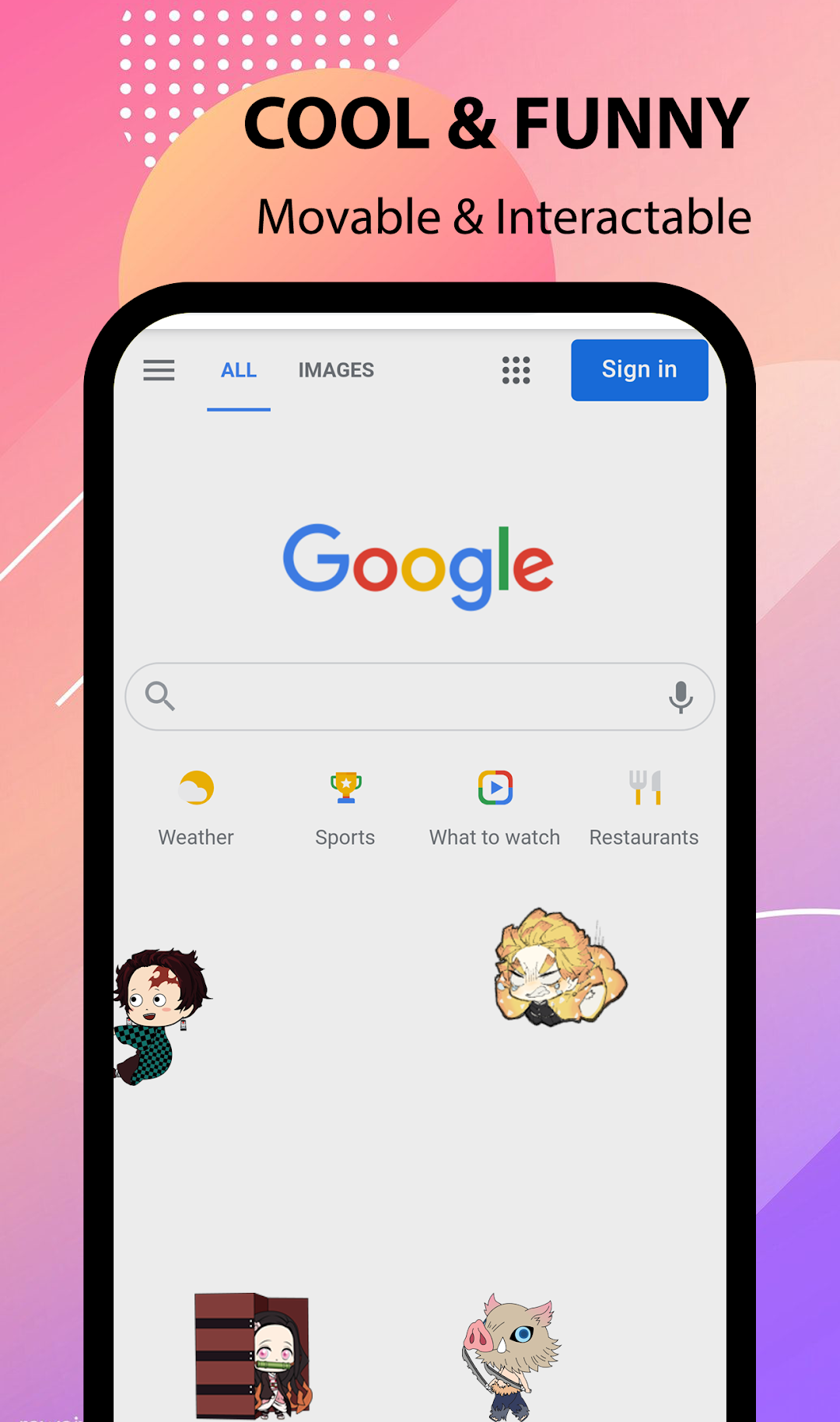
KNY Shimeji for Demon Slayer is a so cool app, it has a lot of Kimetsu no Yaiba (Demon Slayer) character stickers that are waiting for you to find!Install the Kimetsu no Yaiba Shimeji app, you can make many Kimetsu no Yaiba (Demon Slayer) characters that move on your mobile screen (over other apps).
The app supports many of the Kimetsu no Yaiba (Demon Slayer) characters shimeji, such as Nezuko Kamado, Tanjiro Kamado, Inosuke Hashibira, Zenitsu Agatsuma, etc.
You can choose your favorite mascot on your screen, each character has its own special animation. Not only that, but you can also set many Shimejis at the same time.
How to use Kimetsu no Yaiba Shimeji?
✔️ Install & open the app
✔️ Click "Enable shimeji" and grant the needed permission
✔️ Click add button to show a list of characters
✔️ Click your favorite character to preview the shimeji
✔️ Click the "Add" button to show sticker on top of the screen
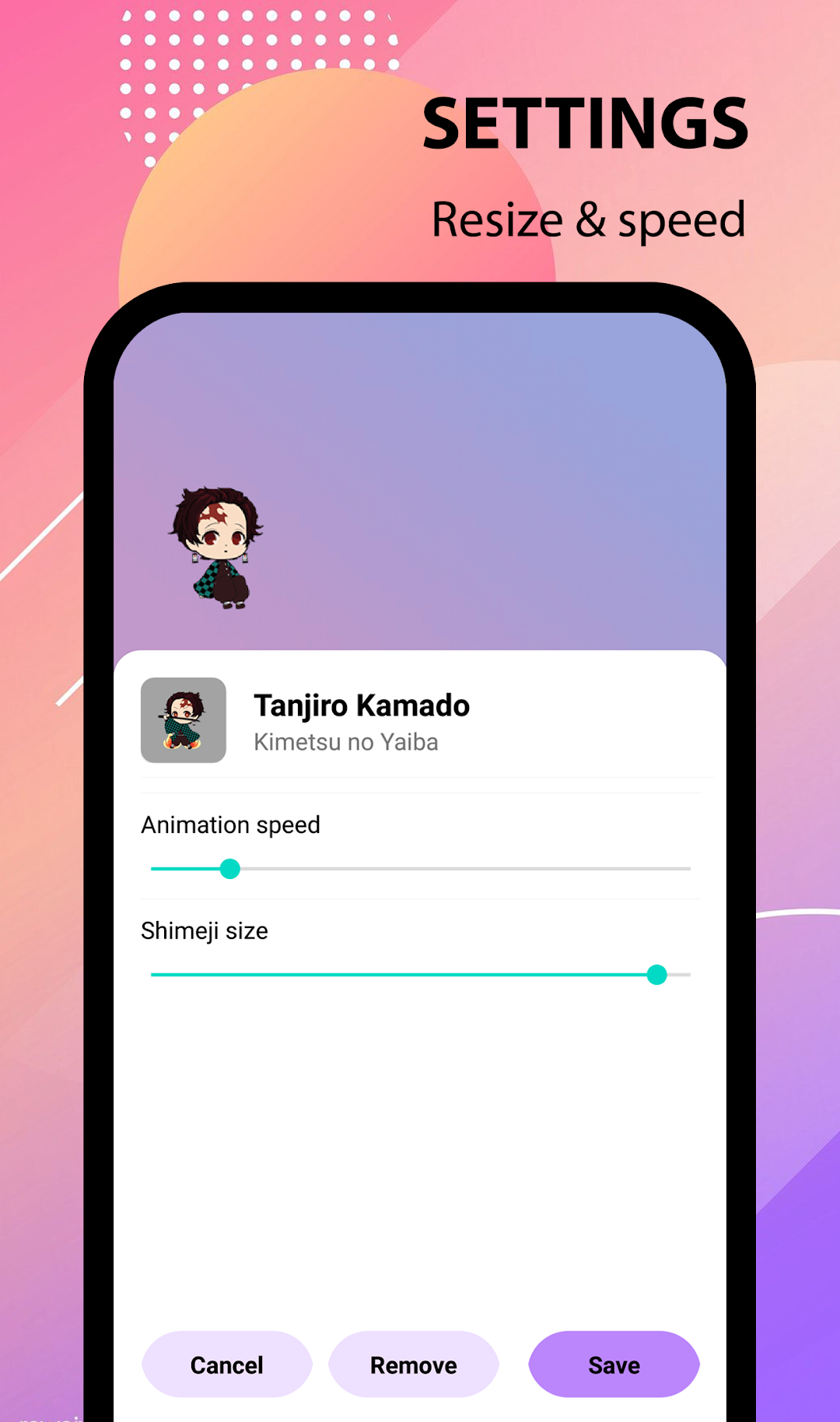
✔️ You can double-click on the sticker to open setting
✔️ You can change the size, and speed in setting
👉 Now, download KNY Shimeji for Demon Slayer and enjoy it!