Kommunicate Support Desk is a Communication application developed by Kommunicate, but with the best Android emulator-LDPlayer, you can download and play Kommunicate Support Desk on your computer.
Running Kommunicate Support Desk on your computer allows you to browse clearly on a large screen, and controlling the application with a mouse and keyboard is much faster than using touchscreen, all while never having to worry about device battery issues.
With multi-instance and synchronization features, you can even run multiple applications and accounts on your PC.
And file sharing makes sharing images, videos, and files incredibly easy.
Download Kommunicate Support Desk and run it on your PC. Enjoy the large screen and high-definition quality on your PC!
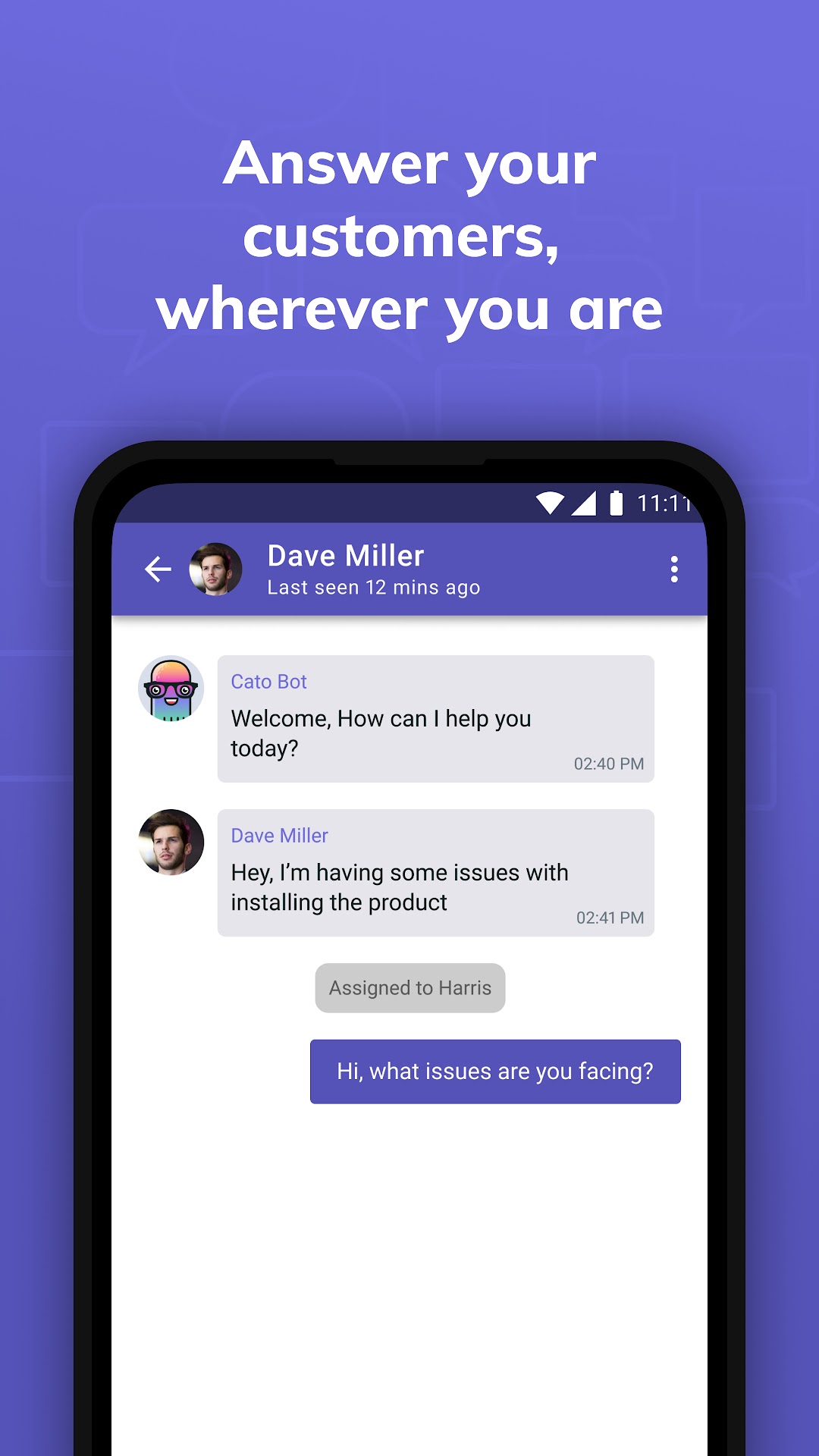
Find all your Kommunicate customer conversations from your android phone on the go using Kommunicate Chat, a customer support agent app. Get notified about customer messages, chat with customer and website visitor from anywhere, anytime.Kommunicate is a modern customer communication software for real-time, proactive and personalized support for growing businesses. Kommunicate is a one-stop solution for all your customer support problems. Kommunicate aims to empower your business to build long-lasting customer relationships that drive growth
With Kommunicate app, you can:
Manage customer conversation from anywhere:
Get notified about leads, customer messages and internal team conversations. Ensure a faster response time by communicating with them on the go.
Manage group chats:
Access all your group conversation from your agent app. Collaborate with team and customers effectively from anywhere.
Search and initiate conversations:
Access previous conversations easily in the agent app. Start a new conversation easily with customers or chat internally with the team.