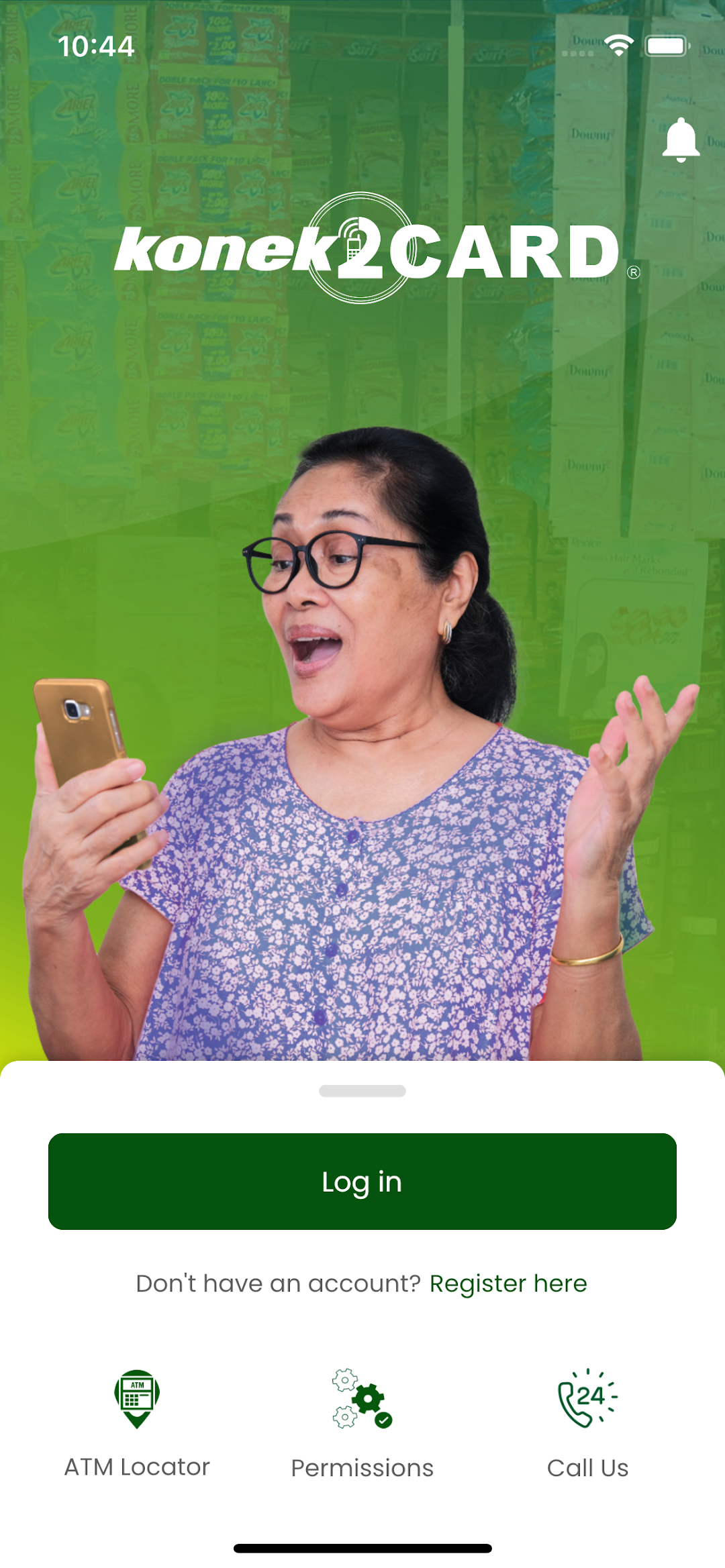
konek2CARD PLUS is a Finance application developed by FDSAP, but with the best Android emulator-LDPlayer, you can download and play konek2CARD PLUS on your computer.
Running konek2CARD PLUS on your computer allows you to browse clearly on a large screen, and controlling the application with a mouse and keyboard is much faster than using touchscreen, all while never having to worry about device battery issues.
With multi-instance and synchronization features, you can even run multiple applications and accounts on your PC.
And file sharing makes sharing images, videos, and files incredibly easy.
Download konek2CARD PLUS and run it on your PC. Enjoy the large screen and high-definition quality on your PC!
CARD MRI launched the konek2CARD PLUS, a mobile application that allows the clients of CARD MRI to enjoy a hassle-free banking transaction anytime, anywhere using their smartphones.Through this app, clients can conduct a financial and non-financial transaction with the following features
[INQUIRIES]
• Savings Balance Inquiry
• Savings Details
• Loan Details
• Fee Structure
• Transaction History
• e-Statement
• Amortization View
• Loan Payment History
[SELF-INITIATED]
• Client-Initiated Payment
• Fund Transfer
• Buy Load
• QR Generator (Cash In, Cash Out, Fund Transfer)
• Add Savings
• Unlink Savings
• Other Bank Account Linking
• Enable/Disable for Financial Transactions
[AGENT ASSISTED]
• Agent Assisted Payment
• Cash-in
• Cash-out Completion
[OTHERS]
• Reset Credentials
• Forgot Password
• Change Password
• Reset Password
• Change MPIN
• Reset MPIN
• Contact Service
• Biometrics Login and Authentication
• Scan/Import QR Code
© 2025 FDS ASYA PHILIPPINES INC. All rights reserved.
Unauthorized reproduction, modification, distribution, or any form of exploitation of the content within this application is strictly prohibited.
Got questions? We will be happy to hear from you!
Email: fdsap@fortress-asya.com