Home/

Apps/

Tools/

판다vpn-PandaVPN 한국일본미국홍콩대만태국유럽

판다vpn-PandaVPN 한국일본미국홍콩대만태국유럽
0.0100+

판다vpn-PandaVPN 한국일본미국홍콩대만태국유럽

Simple to use, fast speed, PandaVPN-PandaVPN2 with real-time consultation in Korean, Korea, USA, Hong Kong, Japan, Taiwan, Singapore, Russia, Netherlands bypass!

Play on PC with LDPlayer
recommend

판다vpn-PandaVPN 한국일본미국홍콩대만태국유럽 is developed and provided by 판다인터네셔날.

판다인터네셔날
How to Download&Play 판다vpn-PandaVPN 한국일본미국홍콩대만태국유럽 on PC?
Last Updated: 2025-01-11
kr.co.coreplanet.pandavpn2
Share:
  • Overview

  • FAQ

Run 판다vpn-PandaVPN 한국일본미국홍콩대만태국유럽 on PC with LDPlayer

판다vpn-PandaVPN 한국일본미국홍콩대만태국유럽 is a Tools application developed by 판다인터네셔날, but with the best Android emulator-LDPlayer, you can download and play 판다vpn-PandaVPN 한국일본미국홍콩대만태국유럽 on your computer.

Running 판다vpn-PandaVPN 한국일본미국홍콩대만태국유럽 on your computer allows you to browse clearly on a large screen, and controlling the application with a mouse and keyboard is much faster than using touchscreen, all while never having to worry about device battery issues.

With multi-instance and synchronization features, you can even run multiple applications and accounts on your PC.

And file sharing makes sharing images, videos, and files incredibly easy.

Download 판다vpn-PandaVPN 한국일본미국홍콩대만태국유럽 and run it on your PC. Enjoy the large screen and high-definition quality on your PC!

✅ Why you must use PandaVPN

◆ Real-time consultation is available 365 days a year, without holidays. When you have an inquiry, you can receive a quick response within 5 minutes.
◆ Real-time consultation in Korean.
◆ China Pass (split tunneling) function is provided, so you can specify which apps you want to apply VPN to and which apps you do not want to apply VPN to.
◆ A DNS change function is provided within the app.
◆ A tutorial is provided when logging in for the first time, so you can easily learn how to use it.
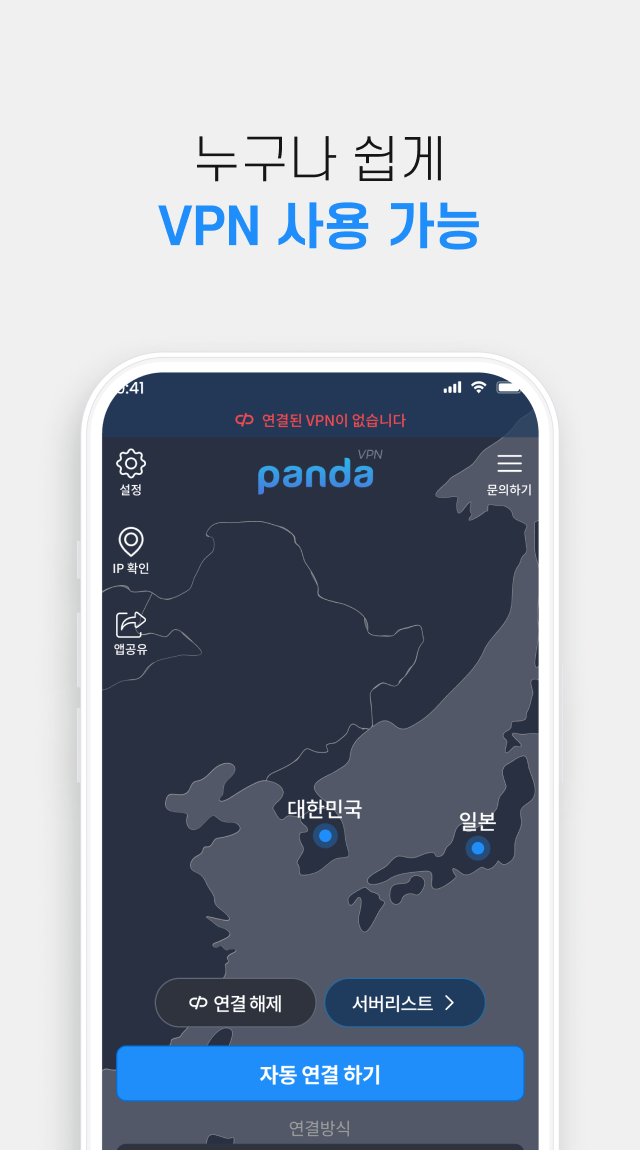
◆ If you press the auto-connect button after logging in, you will be connected directly to the fastest location, making it very convenient to use.
◆ You can use streaming services at high speeds without worry.
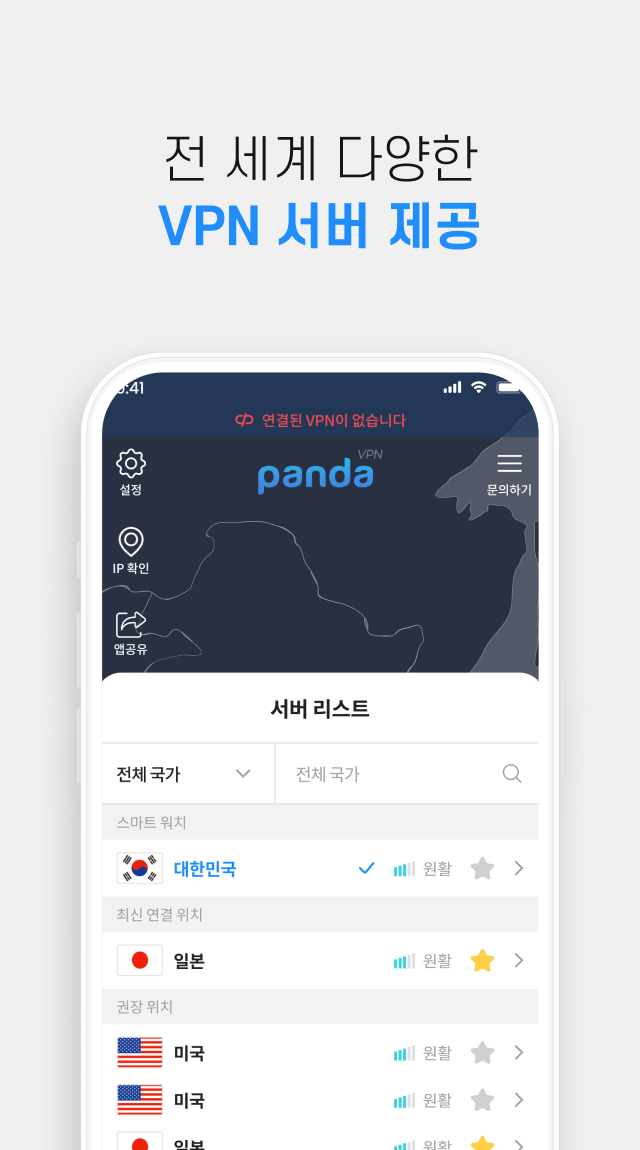
◆ You can bookmark frequently used servers.
◆ Compatible with any network by providing a variety of VPN protocols.
◆ Real-time server ping testing is possible so you can find out which server is suitable.
◆ You can check announcements in real time within the app.


✅How to use
◆ After installing the app and logging in, click “Connect automatically” to connect to the VPN and you can use it right away.
◆ When using a specific server or overseas server, after logging in, select a server from the server list and connect to the VPN server.


Thank you very much for using our service.
Panda VPN is available 24/7/365 for real-time consultation until dawn, so please contact us at any time.
Open up

Screenshots and Videos of 판다vpn-PandaVPN 한국일본미국홍콩대만태국유럽 PC

With LDPlayer, you can download and run 판다vpn-PandaVPN 한국일본미국홍콩대만태국유럽 on PC, simultaneously managing multiple apps and multiple accounts. Become a master of time management, balancing work and entertainment effortlessly.

How to Download and Run 판다vpn-PandaVPN 한국일본미국홍콩대만태국유럽 on PC

  • 1

    Download and install LDPlayer on your computer

  • 2

    Locate the Play Store in LDPlayer's system apps, launch it, and sign in to your Google account

  • 3

    Enter "판다vpn-PandaVPN 한국일본미국홍콩대만태국유럽" into the search bar and search for it

  • 4

    Choose and install 판다vpn-PandaVPN 한국일본미국홍콩대만태국유럽 from the search results

  • 5

    Once the download and installation are complete, return to the LDPlayer home screen

  • 6

    Click on the game icon on the LDPlayer home screen to start enjoying the exciting game