Laserfiche is a Business application developed by Laserfiche Mobile Team, but with the best Android emulator-LDPlayer, you can download and play Laserfiche on your computer.
Running Laserfiche on your computer allows you to browse clearly on a large screen, and controlling the application with a mouse and keyboard is much faster than using touchscreen, all while never having to worry about device battery issues.
With multi-instance and synchronization features, you can even run multiple applications and accounts on your PC.
And file sharing makes sharing images, videos, and files incredibly easy.
Download Laserfiche and run it on your PC. Enjoy the large screen and high-definition quality on your PC!
Securely capture, store, manage and work with all your files, photos and documents with Laserfiche. Laserfiche helps your organization transform into an efficient, digital workplace—and you get your work done no matter where you are.With Laserfiche, you can easily:
• Organize and categorize information so you find it right when you need it
• Access files online, from your desktop and on your phone or tablet
• Share important documents and photos with colleagues
• Approve and review important documents, forms and tasks right from your phone or tablet
The Laserfiche App features:
• Photo, document, audio and video upload
• Instantly search and access a variety of file types, including PDF, Word, Excel, JPG and more
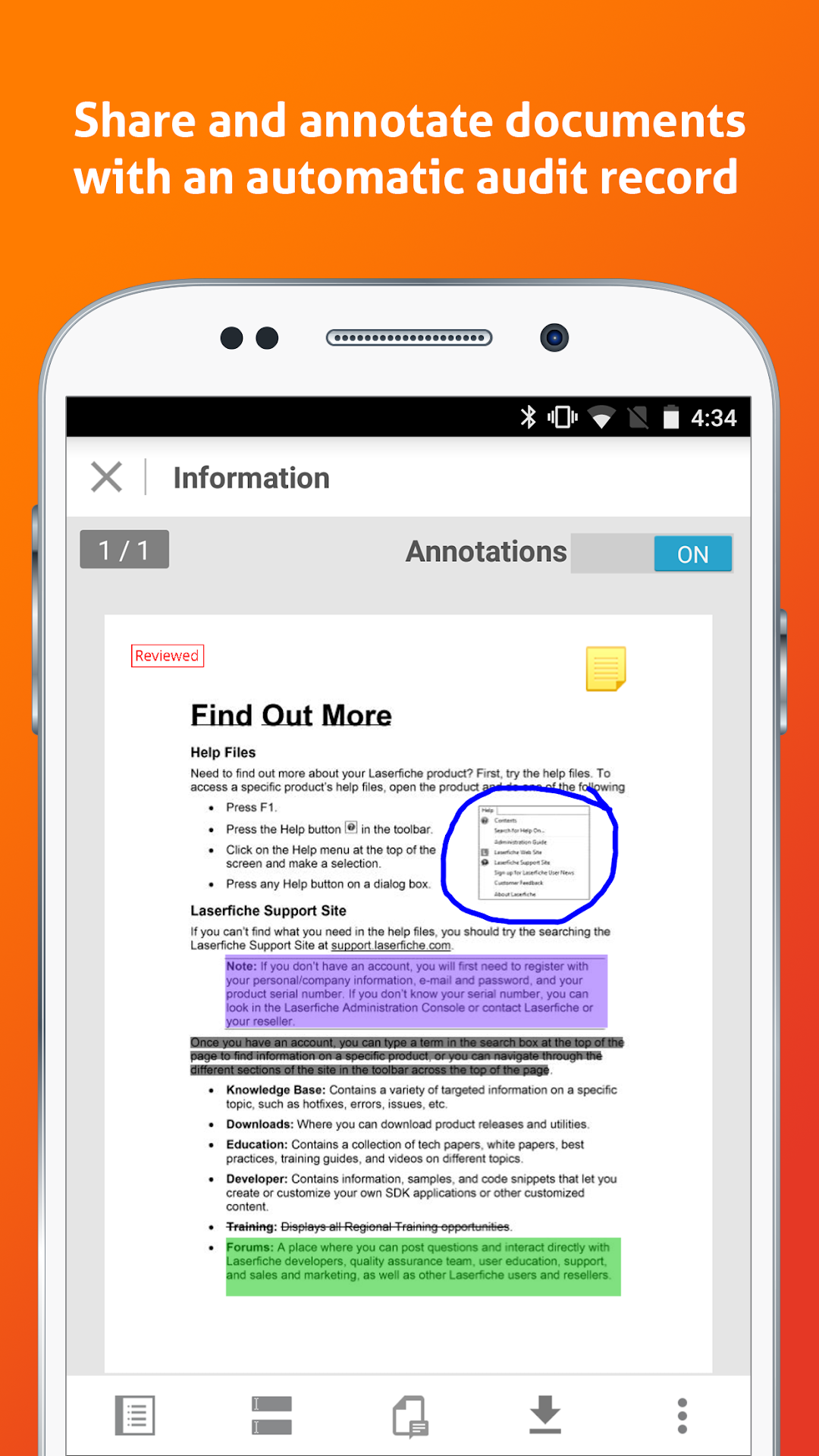
• The ability to add comments, highlight important points and add signatures to documents
• File sharing and collaboration, including emailing secured documents or folder links
• Approval, review and status reports for forms and business processes
• Access to documents and forms saved locally on the device
• Field-level encryption, redaction and security controls
Note: To use the Laserfiche app, you must be a current Laserfiche self-hosted or Laserfiche Cloud user. The app works with the Laserfiche repository and Laserfiche Forms as a part of the self-hosted system, and with the Laserfiche repository and business processes as part of Laserfiche Cloud. For self-hosted users, the Laserfiche Mobile Server, which enables the Laserfiche Server and Forms to accept connections from the app, is available for download from the Laserfiche Support Site.