Led Banner - Led Scoller is a Tools application developed by suptouch game, but with the best Android emulator-LDPlayer, you can download and play Led Banner - Led Scoller on your computer.
Running Led Banner - Led Scoller on your computer allows you to browse clearly on a large screen, and controlling the application with a mouse and keyboard is much faster than using touchscreen, all while never having to worry about device battery issues.
With multi-instance and synchronization features, you can even run multiple applications and accounts on your PC.
And file sharing makes sharing images, videos, and files incredibly easy.
Download Led Banner - Led Scoller and run it on your PC. Enjoy the large screen and high-definition quality on your PC!
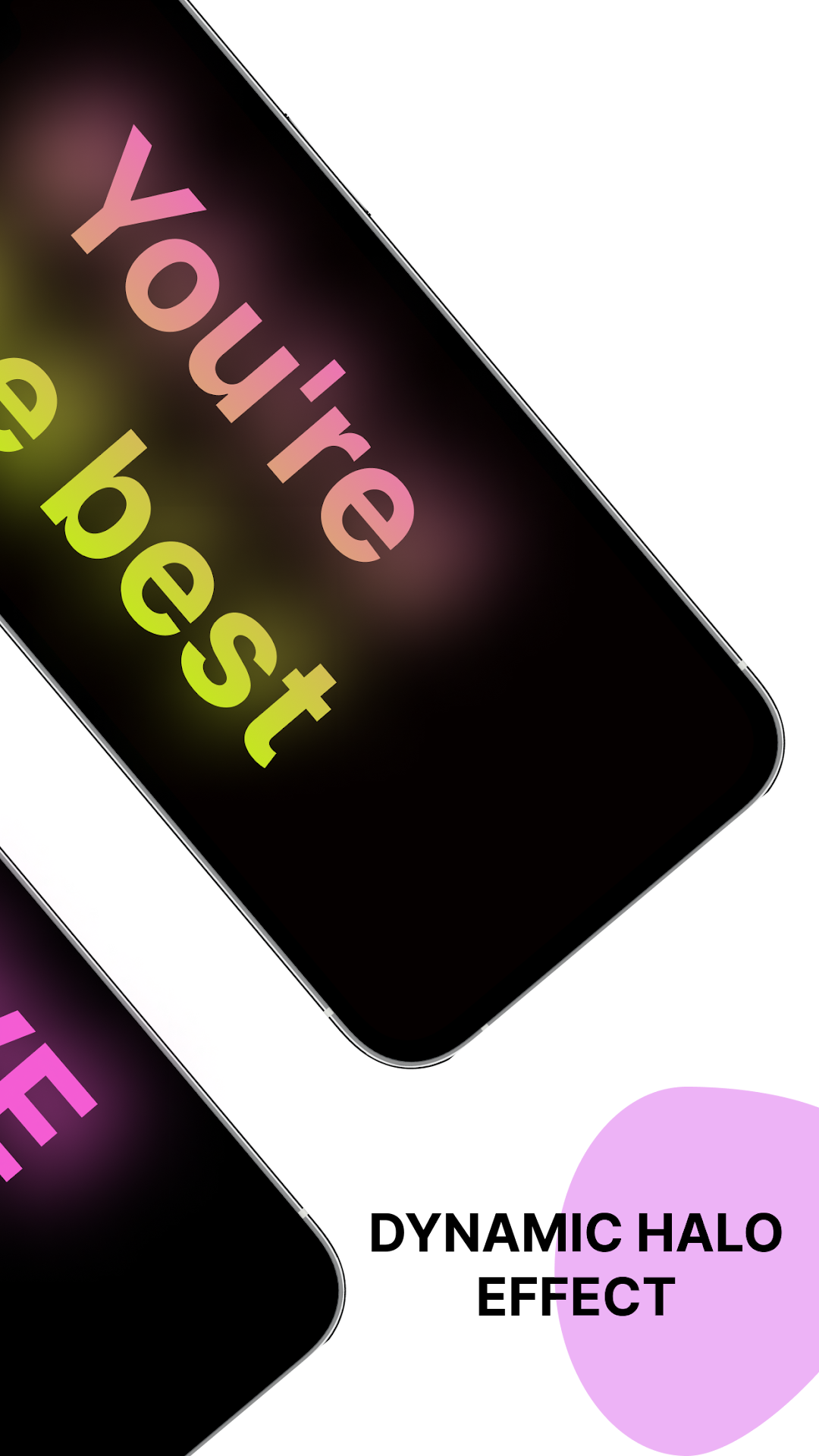
LED Scroller is an easy-to-use app to create LED scrolling banners with just one click! With its simple UI, you can create 100% customizable LED displays, electronic or marquee signs for parties, concerts and all occasions you need.Key Features:
🌍 Support Global Languages
😃 Add Emojis
🔍 Adjustable Font Size
🎨 Various Text & Background Colors
⚡ Adjustable Scrolling & Blink Speed
↔️ Change Scrolling Direction
Why you need LED Scroller:
🎤 Party & Concert: Cheer for your idols with a custom LED banner.
✈️ Airport: Pick up friends or family with a personalized, easy-to-spot sign.
🏈 Live Game: Show support for your favorite team with scrolling text.
🎂 Birthday Party: Send unforgettable blessings with a unique digital LED signboard.
🚗 Driving: Warn others on the freeway with an eye-catching electric sign.
💍 Marriage Proposal: Express love and sweep them off their feet with a romantic marquee sign.
🔊 Any other occasion where speech is inconvenient or too noisy.
Don't miss out on the fun! Download LED Scroller and be amazed at its versatility. Designing your banners with colorful LED effects is so simple and will make you easy to spot!