Lejebolig Appen is a House&Home application developed by Boligdeal.dk, but with the best Android emulator-LDPlayer, you can download and play Lejebolig Appen on your computer.
Running Lejebolig Appen on your computer allows you to browse clearly on a large screen, and controlling the application with a mouse and keyboard is much faster than using touchscreen, all while never having to worry about device battery issues.
With multi-instance and synchronization features, you can even run multiple applications and accounts on your PC.
And file sharing makes sharing images, videos, and files incredibly easy.
Download Lejebolig Appen and run it on your PC. Enjoy the large screen and high-definition quality on your PC!
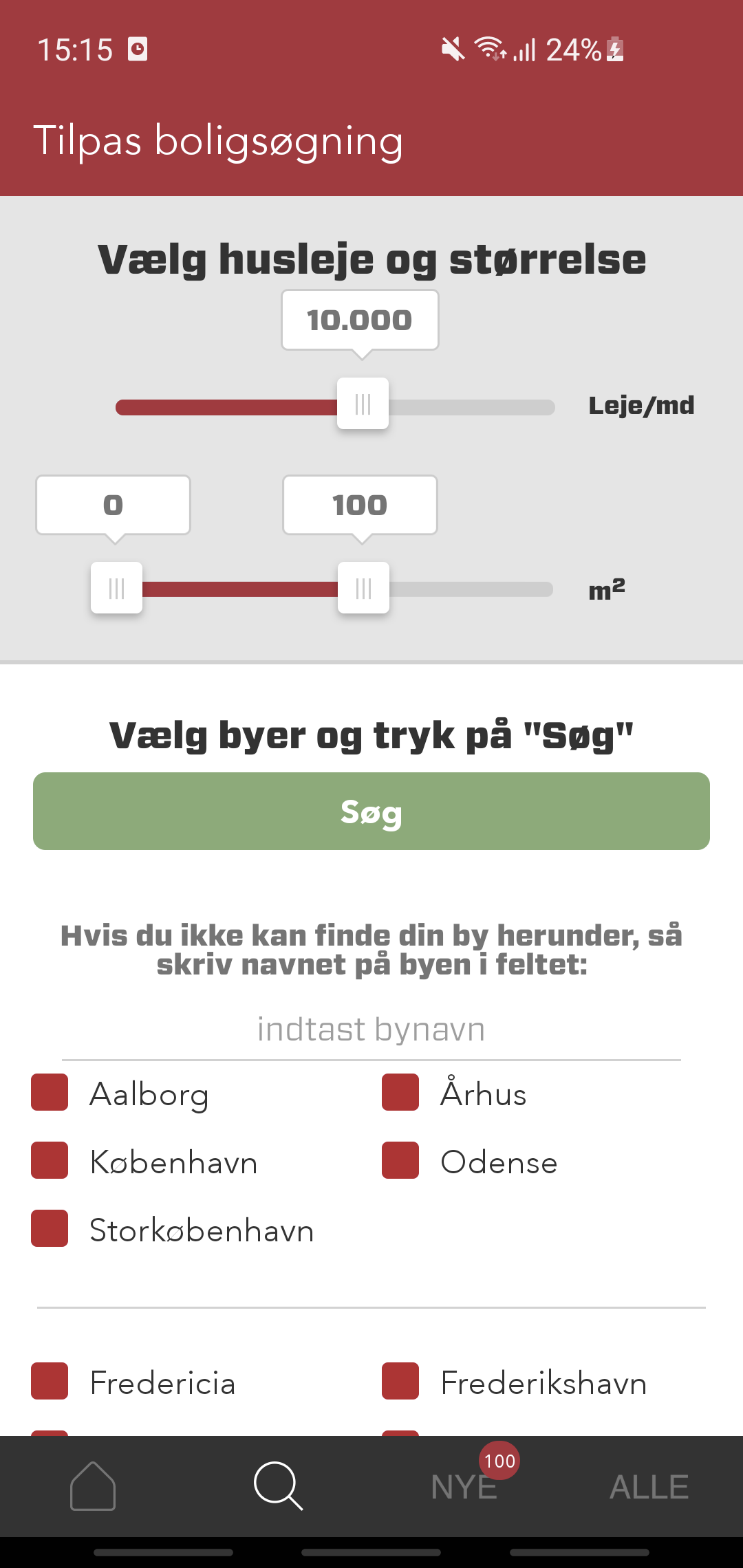
With the app, you get an updated list of available rental homes in the geographical area where you are searching. You can set the app to receive notifications of new rental homes that match your search criteria. The app is created by Boligdeal.dk, which is a search engine that finds links to available homes everywhere on the web. As a home seeker, you are linked to homes on other websites, where there is most often, but not necessarily, direct contact information for the housing provider. The search engine tries to provide the complete overview of available homes and therefore contains homes from potentially all websites with available homes. All homes in the app link on to Boligdeal.dk. The app allows you to receive notifications about new homes. You can always edit your notifications on the "Edit notifications" page in the app. The app is free to use, but many services on Boligdeal.dk require payment.