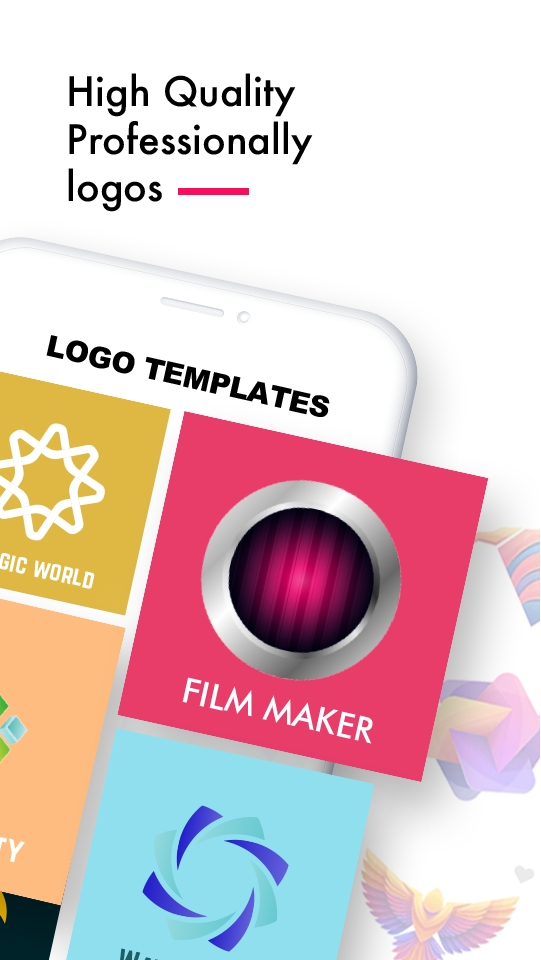
Logo Maker - Watermark Design is a Art&Design application developed by Fotopix, but with the best Android emulator-LDPlayer, you can download and play Logo Maker - Watermark Design on your computer.
Running Logo Maker - Watermark Design on your computer allows you to browse clearly on a large screen, and controlling the application with a mouse and keyboard is much faster than using touchscreen, all while never having to worry about device battery issues.
With multi-instance and synchronization features, you can even run multiple applications and accounts on your PC.
And file sharing makes sharing images, videos, and files incredibly easy.
Download Logo Maker - Watermark Design and run it on your PC. Enjoy the large screen and high-definition quality on your PC!
Logo Maker is a fully loaded Logo Designer app to create professional, unique and Impressive logos.Logo Maker has been designed in a way that makes it suitable for both the people with no prior designing experience and professional designers.
Logo Maker is also useful to create promotional posters, advertisement, offer announcements, cover photos, brochure, news letter & other branding material for your shop, restaurant, office or social sites.
Logos are the face of your business. Not only do they make your business look sharp, but they also attract the right customers by letting people instantaneously understand who you are and what you stand for. In other words, they’re really important to building your business and brand reputation. Easy to save and share.
LOGO MAKER TOOLS :
✔️ CREATE LOGO FROM SCRATCH :
- Multiple industries to choose from
- 5000+ Designer templates
- Professional, unique and impressive logos with different style
✔️ CREATE LOGO FROM SCRATCH :
- Free hand logo drawing
✔️ PROFESSIONAL BACKGROUND STYLE & ROUNDED CORNER
- Multiple Shape for background style
- Manage rounded corners
- So many beautiful backgrounds specially designed for gaming logos.
✔️ 5500+ GRAPHICS (ICONS, STICKERS, SYMBOLS & FONTS)
- Awesome Icons, stickers symbols with categories
- Multiple professional fonts
- Symbols with stroke, outline with opacity
✔️ PROFESSIONAL DESIGN TOOLS
- Huge collection of graphic elements
- Tons of categorized arts
- Professional logo assets
✔️ PROFESSIONAL TEXT EDITING TOOLS :
- Logo editor: Easy and fast text editing tools like text, fonts, curve, rotation, color, stroke and letter style.
- It suggests the best colors for each logo.
✔️ MULTIPLE RESOLUTION LOGO WITH SIZE
- HD, HD+, Standard and other social media logo sizes
- Custom : Custom size available
- Save your logos as transparent PNG or JPEG images
✔️ OVER ALL SOME KEY FEATURES:
- Logo design templates
- Search for your logo from designer collection
- Just select a Logo design template and customize
- Backgrounds & stickers or add your own
- Stylish symbols
- Fonts or add your own option
- Crop images in various shapes
- Text arts
- Multiple layers
- Edit or masking your icon & sticker
- Undo/Redo
- Save with different sizes
- Re-editing available
The best part of this app is that you do not need any design experience. Enter your logo details and pick a best logo and get creative!
Generate more than just a LOGO with Logo Maker.
--- Try Now!! ----