

Logo Master: Make Logo Design is a Art&Design application developed by Samba Studio, but with the best Android emulator-LDPlayer, you can download and play Logo Master: Make Logo Design on your computer.
Running Logo Master: Make Logo Design on your computer allows you to browse clearly on a large screen, and controlling the application with a mouse and keyboard is much faster than using touchscreen, all while never having to worry about device battery issues.
With multi-instance and synchronization features, you can even run multiple applications and accounts on your PC.
And file sharing makes sharing images, videos, and files incredibly easy.
Download Logo Master: Make Logo Design and run it on your PC. Enjoy the large screen and high-definition quality on your PC!
Are you in need of a logo or brand identity solution?If you are looking to design a logo or establish your brand identity, Logo Maker is the perfect solution. This fully loaded Logo Esport Designer app allows you to create professional and unique logos right from your phone. The app is fast and easy to use, with an extensive collection of arts, colors, backgrounds, and textures to choose from.
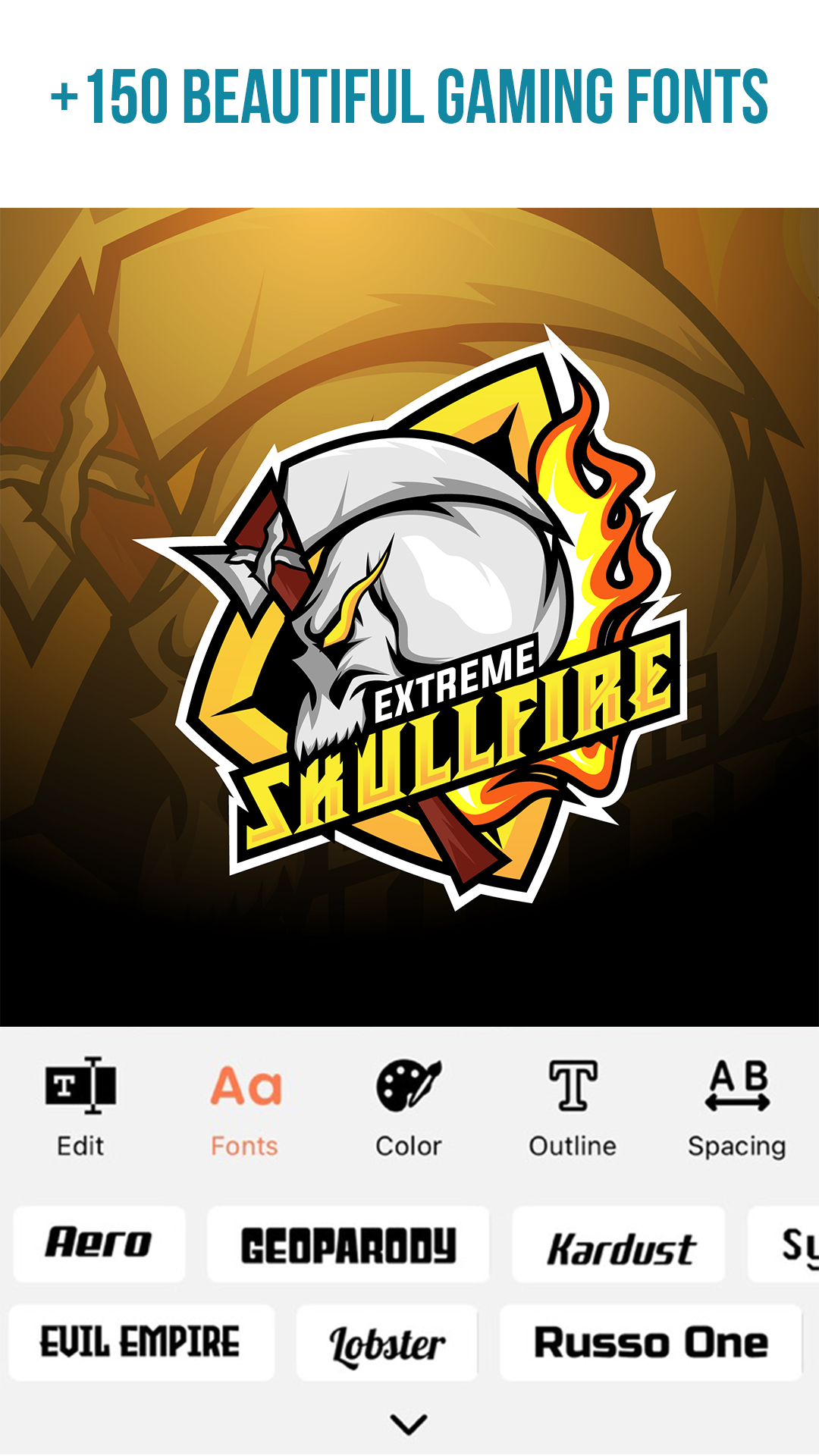
Logo Maker also provides professional photo editing and text editing tools, such as Flip, Rotate, 3D Rotate, Resize, Curve, Font, Color, Hue and more, giving you the ability to create truly beautiful and original logos.
In addition to creating logos, Logo Maker can also be used to design promotional posters, advertisements, offer announcements, cover photos, brochures, newsletters, and other branding materials for your business. Whether it be for your shop, restaurant, office or social media, Logo Maker has everything you need to establish a strong brand identity.
Your logo is the face of your business and plays a crucial role in attracting the right customers and establishing your brand reputation. When you are ready to create a logo for your business, Logo Maker will help you create an original and impressive logo that perfectly represents your brand.
Features:
- Customization options for logos, including the ability to add text, backgrounds, and stickers or use own.
- A collection of font choices or the option to add own fonts.
- Image cropping tools to create logos in various shapes.
- Text arts for added creativity.
- Multiple layer capabilities for more complex designs.
- Undo and Redo functions for editing convenience.
- Option to save logos on an SD card.
- Ability to share logos on social media.
- A variety of professional photo and text editing tools such as font selection, image flipping and rotating, color adjustment, and more.
Download Logo Master: Make Logo Design and start creating your unique logo today!
Note:
If you encounter any problems while using the app, the team is always available to help. Simply leave a brief review describing your issue, or reach out to the support team directly via email at Tranhieu08091984@gmail.com. We will be happy to assist you and ensure that you have a positive experience with the app.