Lotr Ultimate Trivia Quest is a Entertainment application developed by AI Factor, but with the best Android emulator-LDPlayer, you can download and play Lotr Ultimate Trivia Quest on your computer.
Running Lotr Ultimate Trivia Quest on your computer allows you to browse clearly on a large screen, and controlling the application with a mouse and keyboard is much faster than using touchscreen, all while never having to worry about device battery issues.
With multi-instance and synchronization features, you can even run multiple applications and accounts on your PC.
And file sharing makes sharing images, videos, and files incredibly easy.
Download Lotr Ultimate Trivia Quest and run it on your PC. Enjoy the large screen and high-definition quality on your PC!
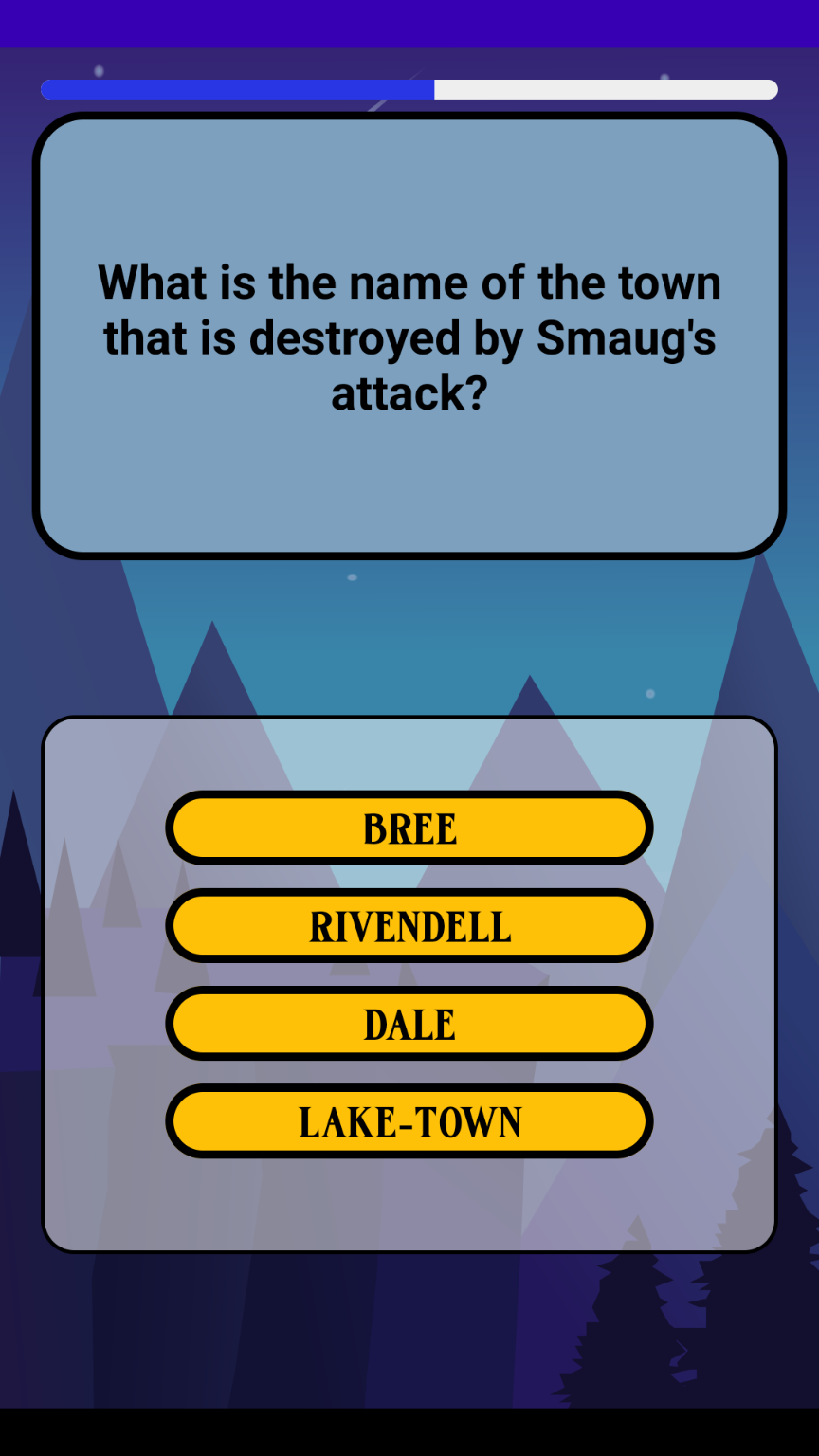
Embark on an epic journey through the vast realms of Middle-earth with LotR Ultimate Trivia Quest, the ultimate trivia app for fans of J.R.R. Tolkien's legendary world! Explore a rich and diverse collection of categories, questions, and difficulty levels, all crafted to challenge your knowledge and immerse you in the lore of this timeless saga.Categories:
Dive deep into the enchanting world of Middle-earth with a wide array of categories, designed to test your knowledge and expand your understanding of J.R.R. Tolkien's universe:
- The Hobbit: Explore the adventures of the hobbit and the dwarves in their quest to reclaim the Lonely Mountain.
- Races and Creatures: Discover fascinating details about the various races and creatures inhabiting Middle-earth.
- Characters: Unravel the stories of your favorite heroes and villains
- Locations: Traverse iconic landscapes, such as Rivendell, Mordor, and the Shire.
- The Fellowship of the Ring: Delve into the first installment of the epic LotR trilogy.
- The Two Towers: Continue your journey with the second installment, as the Fellowship faces new challenges.
- The Return of the King: Conclude the saga with the thrilling final installment and the ultimate battle for Middle-earth.
- The Silmarillion: Uncover the ancient history of Middle-earth and its powerful deities.
- Weapons and Artifacts: Investigate the magical objects and powerful weaponry that shape the destiny of Middle-earth.
- Quotes and Dialogues: Test your memory of the most iconic lines and conversations in the series.
- Behind the Scenes: Gain insights into the making of the beloved films and adaptations.
- Adaptations and Differences: Compare and contrast the books and movies, discovering fascinating differences and connections.
- J.R.R. Tolkien: Learn about the life and works of the mastermind behind Middle-earth.
Features:
LotR Ultimate Trivia Quest offers a captivating experience with a range of features designed to engage and challenge players of all skill levels:
Hundreds of thought-provoking questions: From casual fans to Tolkien experts, there's something for everyone.
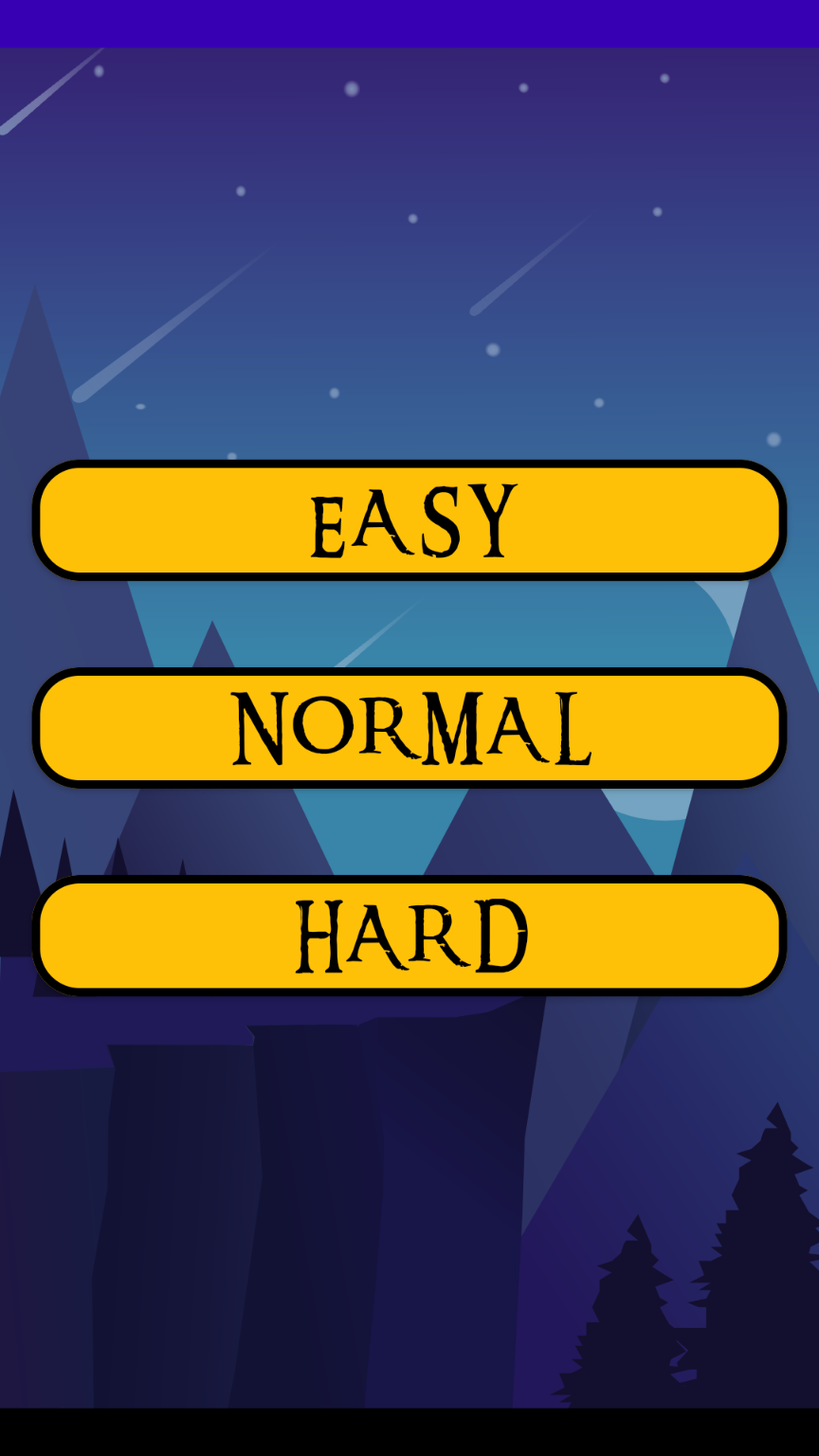
Three difficulty levels: Choose from Easy, Medium, or Hard, tailoring the challenge to your expertise.
Regular updates: Stay engaged with new questions and categories, ensuring a fresh experience every time you play.