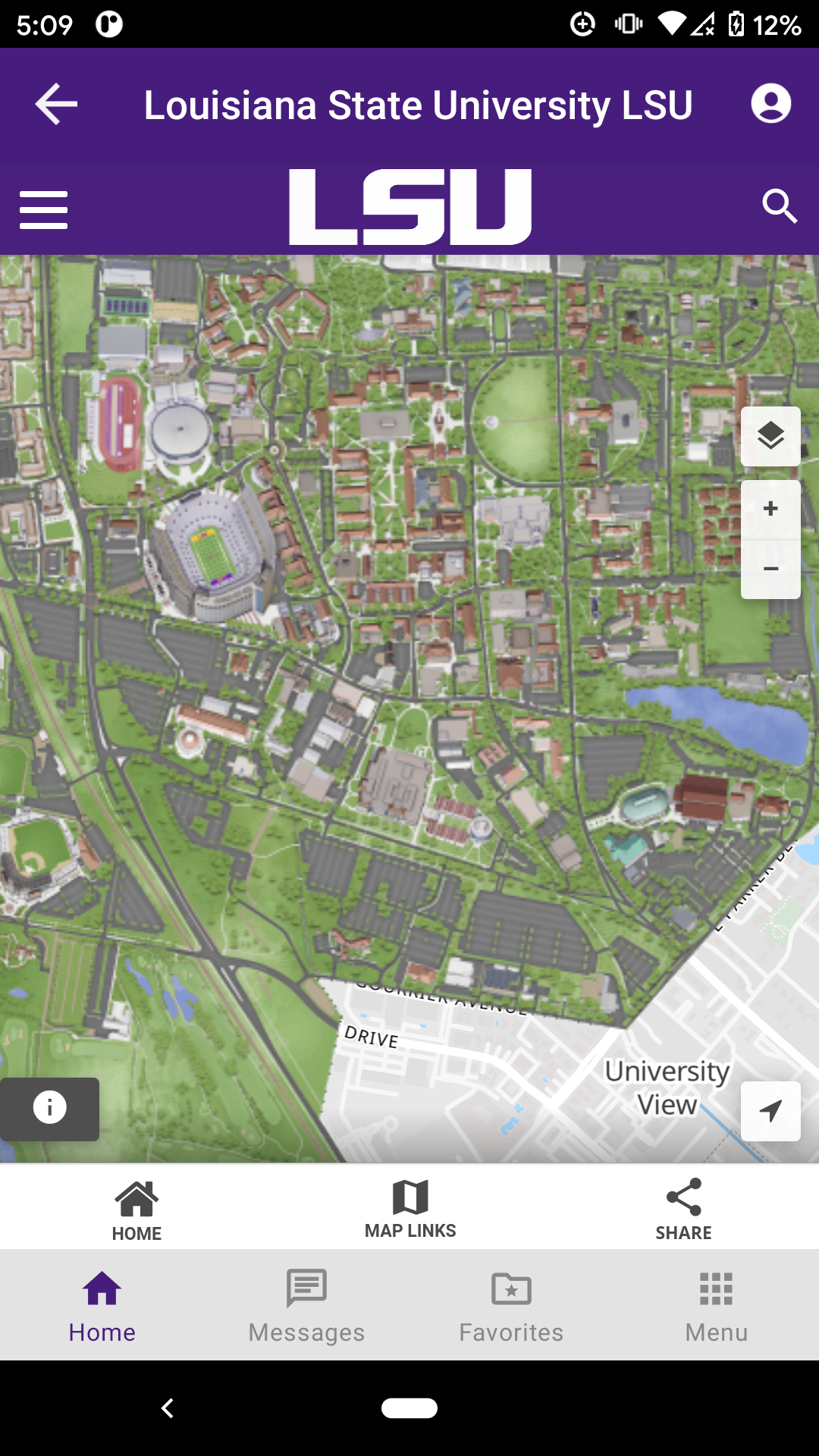
LSU Mobile is a Education application developed by Louisiana State University, but with the best Android emulator-LDPlayer, you can download and play LSU Mobile on your computer.
Running LSU Mobile on your computer allows you to browse clearly on a large screen, and controlling the application with a mouse and keyboard is much faster than using touchscreen, all while never having to worry about device battery issues.
With multi-instance and synchronization features, you can even run multiple applications and accounts on your PC.
And file sharing makes sharing images, videos, and files incredibly easy.
Download LSU Mobile and run it on your PC. Enjoy the large screen and high-definition quality on your PC!
LSU Mobile allows you to access campus information directly from your mobile device. Features include, but are not limited to:- Emergency Messaging – Subscribe to campus emergency notifications to get real-time alerts
- Maps – Locate buildings by name and view them on the map; navigate to your destination using your approximate location
- Transit - Access live transit information so you’ll never miss a shuttle again
- News & Events – Stay up-to-date on the latest news and learn about upcoming campus events (includes all athletics news!!!)
- Support Resources - Get the help you need - We are a phone call or email away!
- Academic Resources - Access myLSU, library resources, or academic advising with just a few clicks!