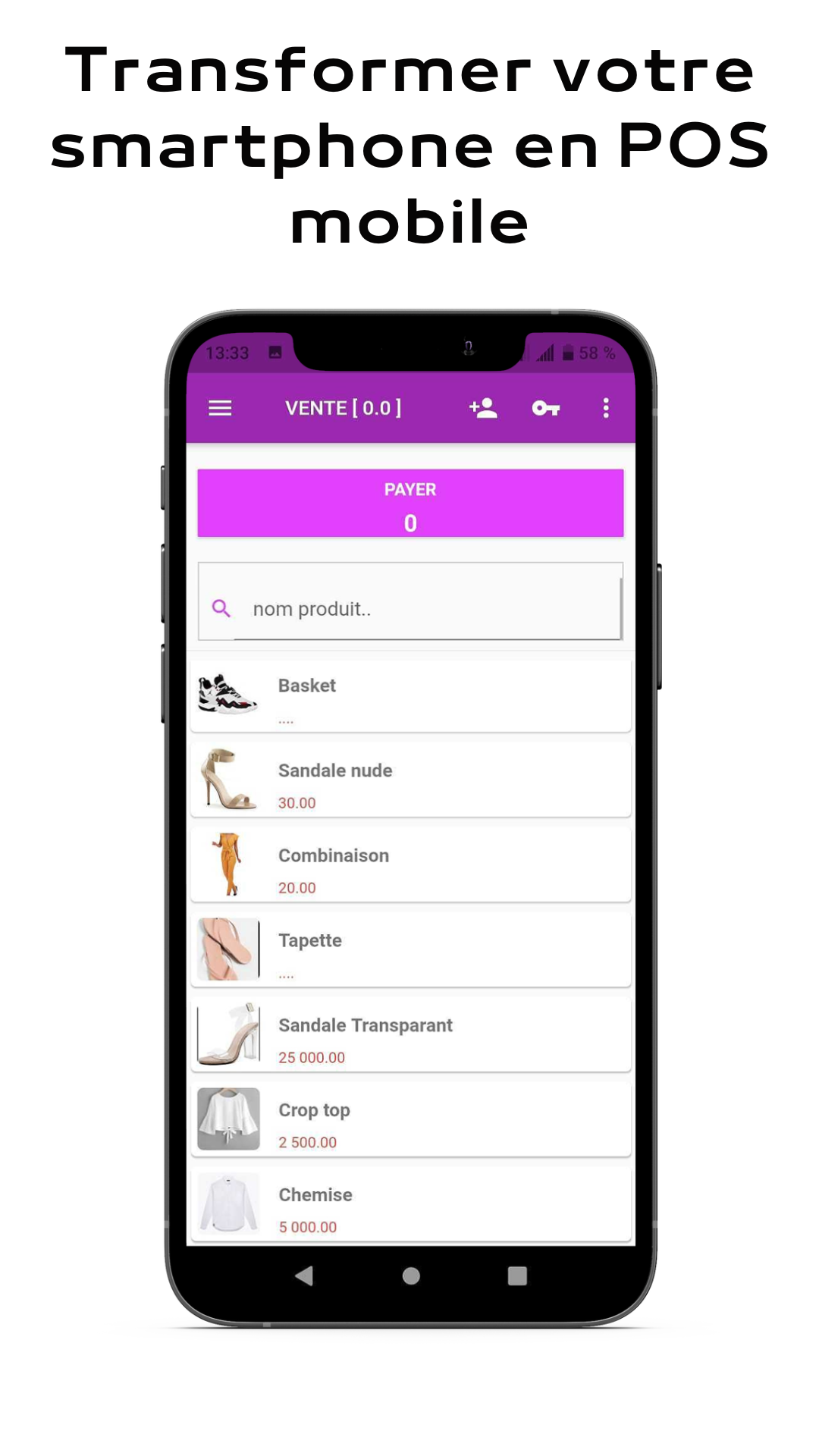
LYNX POS Caisse enregistreuse is a Business application developed by CAY-CONSULTING, but with the best Android emulator-LDPlayer, you can download and play LYNX POS Caisse enregistreuse on your computer.
Running LYNX POS Caisse enregistreuse on your computer allows you to browse clearly on a large screen, and controlling the application with a mouse and keyboard is much faster than using touchscreen, all while never having to worry about device battery issues.
With multi-instance and synchronization features, you can even run multiple applications and accounts on your PC.
And file sharing makes sharing images, videos, and files incredibly easy.
Download LYNX POS Caisse enregistreuse and run it on your PC. Enjoy the large screen and high-definition quality on your PC!
Lynx Point Of Sale, your point of sale via your Smartphone or tablet for your business, restaurants, bakery, pastry shop, bars, pizzeria, hardware store, tea room, grocery store, beauty salon and moreUse LYNX POS to easily manage all your sales activities; take orders, collect your customers, edit invoices, add and modify items. These actions can be done offline from a fixed location or in motion with Android media
Mobile point of sale system
- Take orders from a smartphone or tablet
- Record orders
- collect sales
- Apply discounts and issue refunds
- Issue printed or electronic receipts
- Track cash flow
- Add, modify or delete items as needed
- Add customers
- Consult the details of your sales
- Define the access rights of each employee
- Scan barcodes with the built-in camera
- Connect a receipt printer, barcode scanner and cash drawer
- Manage multiple stores and POS devices from one account
Other features
- Discover our LYNX DASHBOARD application which gives you real-time access to sales statistics made by the POS. It allows you to have essential indicators on your activity anywhere and available on your smartphone or tablet.
- Manage your stocks, suppliers, supplies and productions with
LYNX BACK OFFICE
Further information
Lynx POS offers multiple possibilities thanks to its compatibility with various equipment such as:
- The printer for invoices, additions and purchase orders with a connection via Bluetooth, wifi or cable.
- The cash drawer to secure cash management.
The solutions are compatible with the standardized invoicing module of the Beninese state
Do not hesitate to visit https://lynx-solution.com/ for any other information.