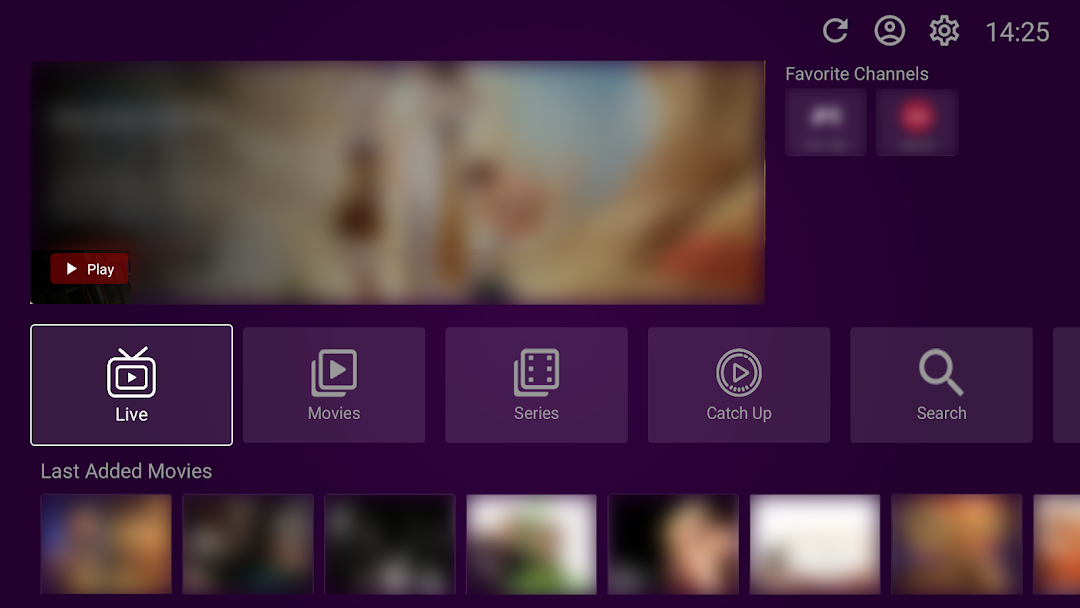
VU Player Pro is a Video Players&Editors application developed by vuproapp, but with the best Android emulator-LDPlayer, you can download and play VU Player Pro on your computer.
Running VU Player Pro on your computer allows you to browse clearly on a large screen, and controlling the application with a mouse and keyboard is much faster than using touchscreen, all while never having to worry about device battery issues.
With multi-instance and synchronization features, you can even run multiple applications and accounts on your PC.
And file sharing makes sharing images, videos, and files incredibly easy.
Download VU Player Pro and run it on your PC. Enjoy the large screen and high-definition quality on your PC!
Vu Player Pro is a cutting-edge media player that brings together an array of advanced features, exceptional performance, unparalleled ergonomics, and sleek design, all specifically tailored for Android TVs. Whether you're an avid entertainment enthusiast or a casual viewer, Vu Player Pro is the ultimate choice for a truly immersive and engaging entertainment experience right from the comfort of your home.📲 VU Player Pro FEATURES:
- easy process to stream m3u URLs or playlists
- simple UI
- VU Player Pro supports all screen resolutions of Android TVs, Android sticks, and Android boxes.
- for movies and series see release date, content, actors, trailer, ratings
- add channels and movies/series to favorites
- supports MX, VLC player, and Fast Streaming
- select languages in movies and series
- select subtitles in movies and series
- parental control
ℹ️ HOW TO USE OUR PLAYER:
- get an m3u url or playlist from your provider (we are just an Media player).
- upload your playlist in our website.
- activate your account via webstite.