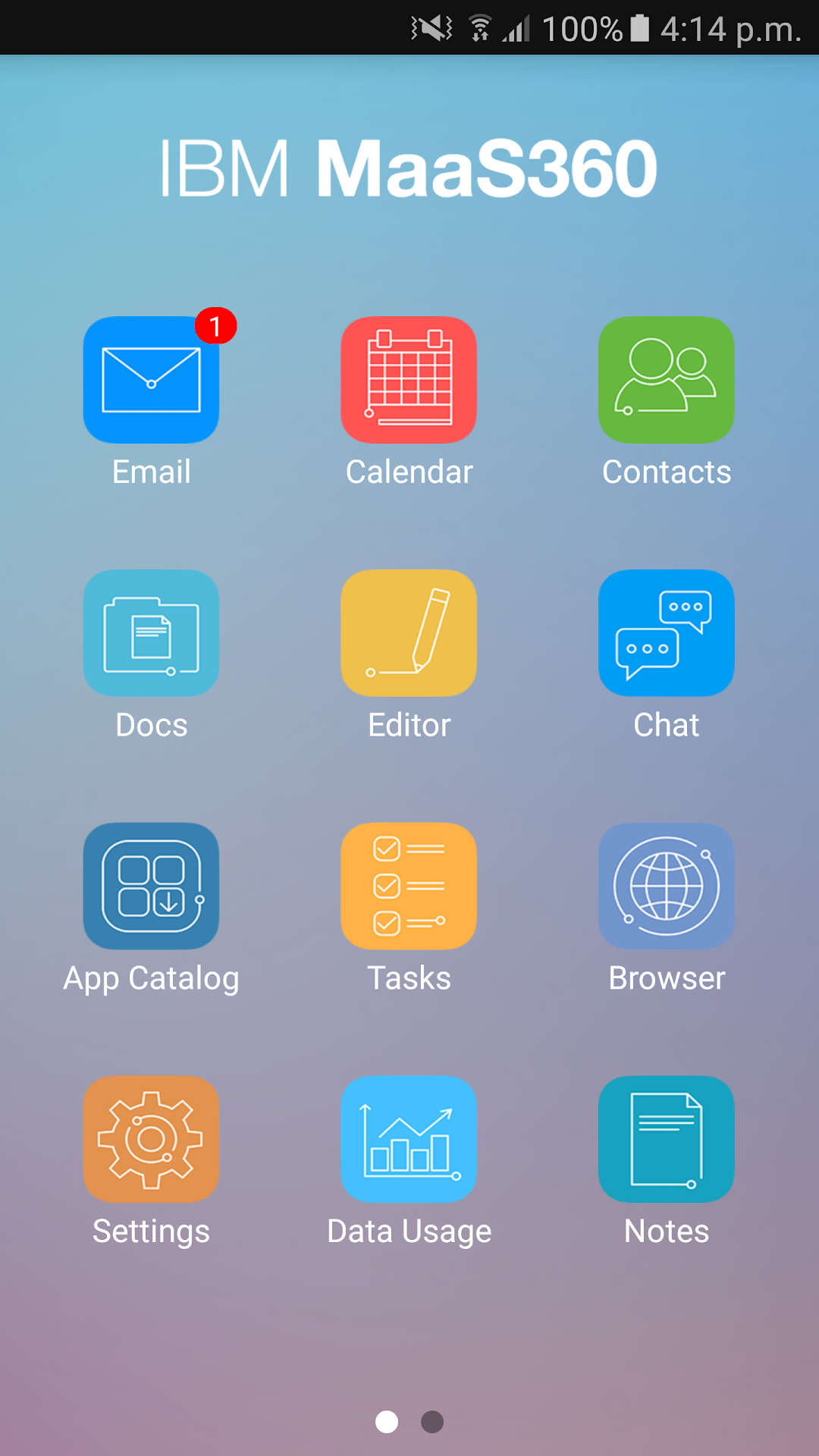
MaaS360 MDM for LG is a Business application developed by IBM MaaS360, but with the best Android emulator-LDPlayer, you can download and play MaaS360 MDM for LG on your computer.
Running MaaS360 MDM for LG on your computer allows you to browse clearly on a large screen, and controlling the application with a mouse and keyboard is much faster than using touchscreen, all while never having to worry about device battery issues.
With multi-instance and synchronization features, you can even run multiple applications and accounts on your PC.
And file sharing makes sharing images, videos, and files incredibly easy.
Download MaaS360 MDM for LG and run it on your PC. Enjoy the large screen and high-definition quality on your PC!
MaaS360 Mobile Device Management for LG devices is the first cloud-based MDM solution that provides complete support for the LG MDM API.Key features include:
> Visibility—view hardware and software inventory, network details, and security status
> Control using actions and policies—enforce passcode policies, and restrict device features and applications
> Security—Lock, locate and wipe devices, and reset passcodes
> Built-in resilience—if a user opts out, MaaS360 alerts the Administrator so that IT can take appropriate action
> Dashboards—graphical reports highlight key real-time compliance metrics as well as asset and network details
> My Watch List Alerts— point out potential problems and other key details
> Support for corporate and personal devices—users enroll themselves, and approved policies are distributed automatically
Additional features for Samsung devices include:
> Full Device & SD Card Encryption support
> Additional device restrictions including bluetooth and browser
> App Blacklisting and Mandatory Apps
> Management of native email accounts
> Management of VPN profiles
> Silent install and uninstall of Enterprise Apps
For more details, visit http://maas360.com/.
Note: To activate Fiberlink's MaaS360 Mobile Device Management for Android Devices, you must have an enterprise account with MaaS360. If you do not, ask your IT department to contact us at http://www.maas360.com/about/contact-us/