Mayo Clinic is a Medical application developed by Mayo Clinic, but with the best Android emulator-LDPlayer, you can download and play Mayo Clinic on your computer.
Running Mayo Clinic on your computer allows you to browse clearly on a large screen, and controlling the application with a mouse and keyboard is much faster than using touchscreen, all while never having to worry about device battery issues.
With multi-instance and synchronization features, you can even run multiple applications and accounts on your PC.
And file sharing makes sharing images, videos, and files incredibly easy.
Download Mayo Clinic and run it on your PC. Enjoy the large screen and high-definition quality on your PC!
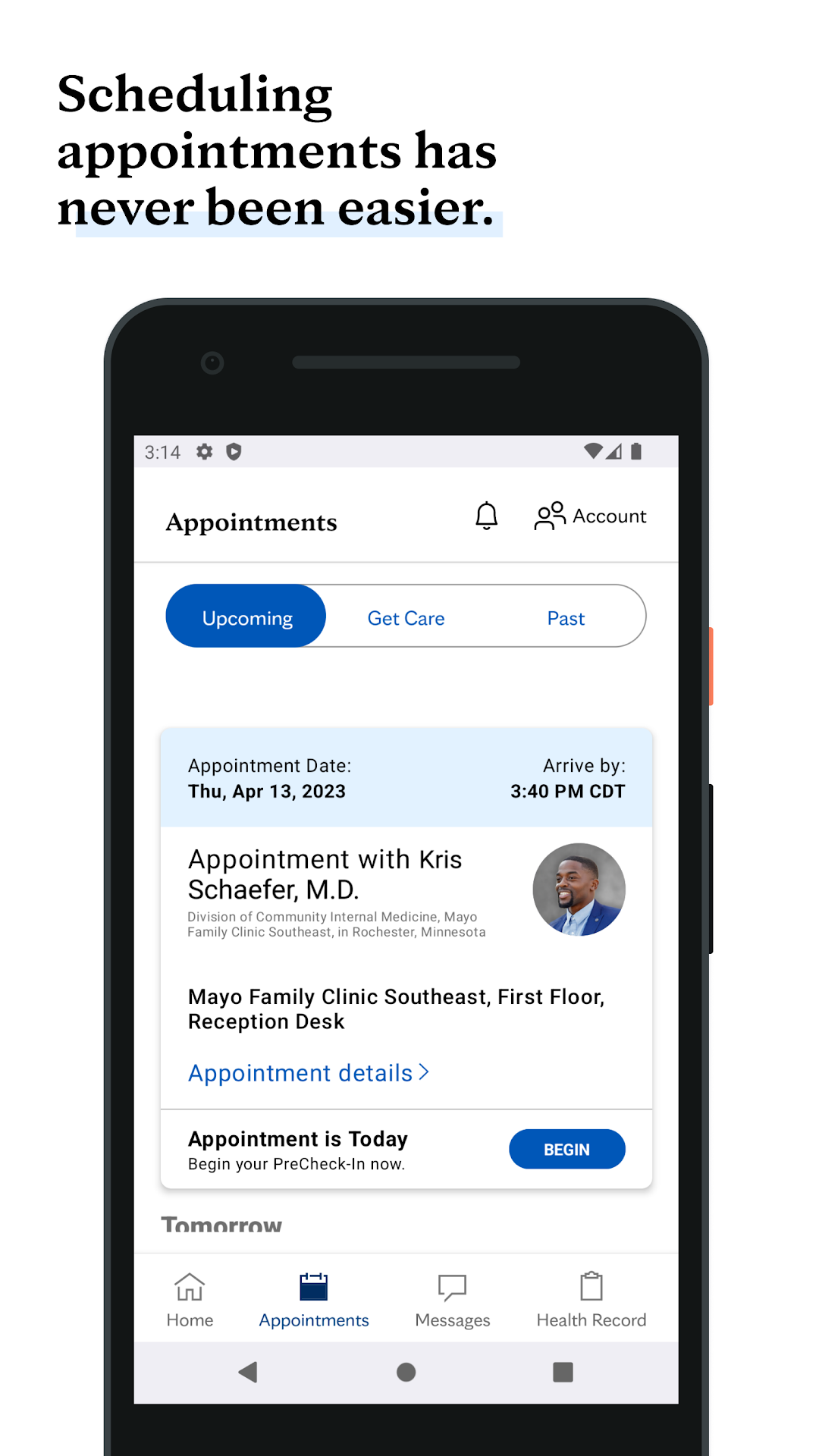
The Mayo Clinic app connects you to the No. 1 hospital in the nation, as ranked by U.S. News & World Report*.The Mayo Clinic app gives you practical, helpful tools to manage your health on the go. Your care journey is now more seamless, secure, and accessible. Track your health information, schedule appointments, and complete check-in questionnaires at your convenience. You'll get easy access to your appointment itinerary, important reminders, campus maps, and medical records.
Receive your daily dose of health news and advice from top doctors, dietitians, fitness experts, and more. You can also search for reliable, research-backed answers to your questions about diseases, symptoms, and health procedures. Plus, you can request an appointment with world-class experts in top-ranked specialties.
Favorite features:
• Make appointments at your convenience.
• Check your appointment itinerary.
• View test results.
• View radiology images and exams.
• Access and pay your bills.
• Communicate with your care team in a secure messaging system.
• Get Express Care Online within an hour for common ailments that don't require an in-person visit (available in select regions).
• Send your health data from Mayo Clinic to the Apple Health app.
• Daily health insights, fitness videos, recipes, and wellness tips.
* Mayo Clinic, Rochester, Minnesota