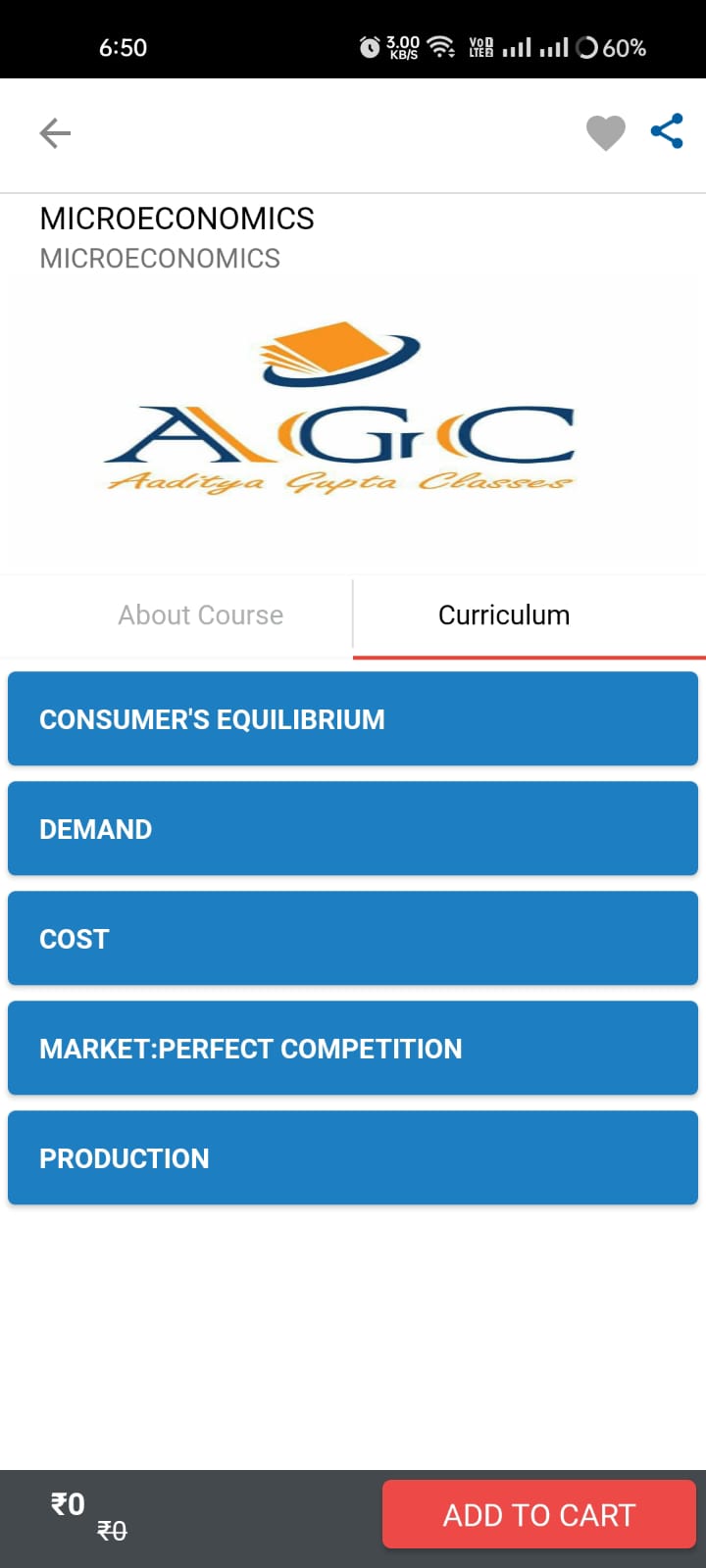
MCQ Masters is a Education application developed by Aaditya Gupta Classes, but with the best Android emulator-LDPlayer, you can download and play MCQ Masters on your computer.
Running MCQ Masters on your computer allows you to browse clearly on a large screen, and controlling the application with a mouse and keyboard is much faster than using touchscreen, all while never having to worry about device battery issues.
With multi-instance and synchronization features, you can even run multiple applications and accounts on your PC.
And file sharing makes sharing images, videos, and files incredibly easy.
Download MCQ Masters and run it on your PC. Enjoy the large screen and high-definition quality on your PC!
MCQ Masters is the best app in India for students who like to study logically and score good marks in courses like B.COM, CA, CS, CMA, MBA , CLASS 11, CLASS 12 AND other professional exams like BANKS, UPSC, ETC. The purpose is to provide maximum support to students for building a strong career.Mr. Aaditya Gupta is the founder of the idea who provides services across india in the name of his classes Aaditya Gupta Classes. He has live centres in Kolkata in places Bhawanipore Girish Park Tollygunj Bangur Rishra