MDCalc Medical Calculator is a Medical application developed by MD Aware, LLC, but with the best Android emulator-LDPlayer, you can download and play MDCalc Medical Calculator on your computer.
Running MDCalc Medical Calculator on your computer allows you to browse clearly on a large screen, and controlling the application with a mouse and keyboard is much faster than using touchscreen, all while never having to worry about device battery issues.
With multi-instance and synchronization features, you can even run multiple applications and accounts on your PC.
And file sharing makes sharing images, videos, and files incredibly easy.
Download MDCalc Medical Calculator and run it on your PC. Enjoy the large screen and high-definition quality on your PC!
MDCalc is the leading clinical decision support app providing 900+ evidence-based calculators, risk scores, and clinical tools to support patient care at the bedside. MDCalc has been trusted by millions of clinicians since 2005.Why Clinicians Choose MDCalc:
• Created by Physicians, for Physicians - All tools developed and validated by board-certified physicians
• 900+ Clinical Tools - Risk scores, algorithms, dosing calculators, and more with consistent updates and new tools added regularly
• Works Offline - Full functionality without internet connection
• Evidence-Based - Every tool includes research validation and expert commentary
• CME Tracking - Earn CME just by reading through the clinical content surrounding many of our tools
• Free Registration - Complete access in under 30 seconds
Key Features:
Smart Search & Organization
• Quick search across all tools
• Customizable favorites and specialty lists
• Recently used tools for quick access
• Auto-sync between web and mobile
• Explore page for personalized suggestions
Clinical Expertise
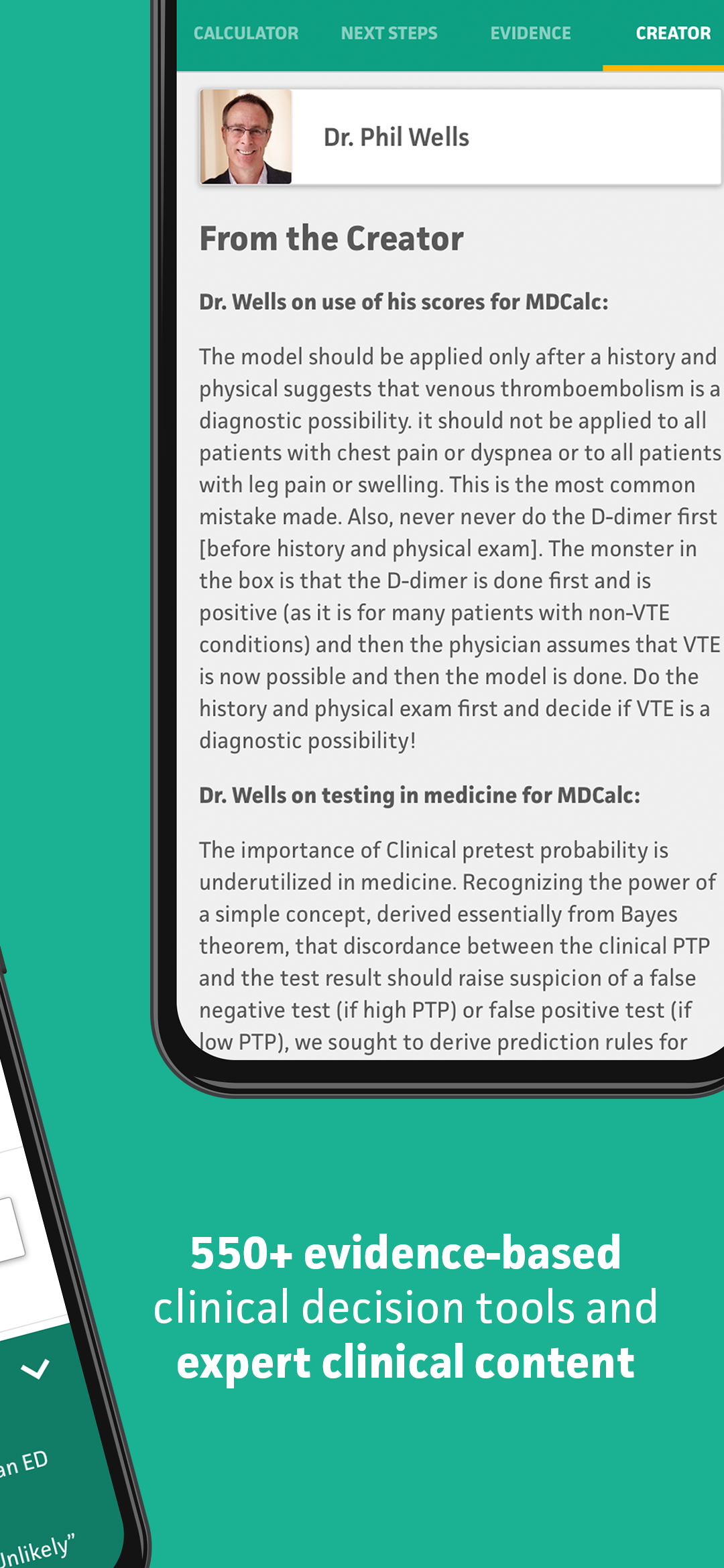
• Expert insights from creators
• Pearls & pitfalls from specialists
• Evidence summaries with PubMed links
• Error warnings and normal value ranges
Workflow Support
• Toggle between US and SI units instantly
• Works in limited connectivity settings
• Easy to use at the point-of-care
Popular Tools Include:
• Creatinine Clearance - Cockcroft-Gault Equation
• HA2DS2-VASc Score - Atrial Fibrillation Stroke Risk
• HEART Score- Major Cardiac Events
• Wells' Criteria - Pulmonary Embolism & DVT
• MELD Score - End-Stage Liver Disease
• HAS-BLED Score - Major Bleeding Risk
• SIRS/Sepsis Criteria - Septic Shock Assessment
• Mean Arterial Pressure - Hemodynamic Monitoring
MDCalc ensures only the highest-quality, clinically relevant tools make it into the app. Each calculator undergoes rigorous evidence appraisal and validation by our network of academic and practicing physician experts.